
1. Уводзіны
The TP-Link UB600 is a compact Bluetooth 6.0 USB adapter designed for PCs. It enhances connection security and stability compared to previous Bluetooth generations, providing reliable wireless connectivity for various Bluetooth-enabled devices. Its ultra-small nano design allows it to remain discreetly plugged into a USB port, making it ideal for mobile use or permanent connection.
This adapter supports Windows 11, 10, 8.1, and 7. For Windows 11, 10, and 8.1, it offers Plug & Play functionality. For Windows 7, driver installation is required.
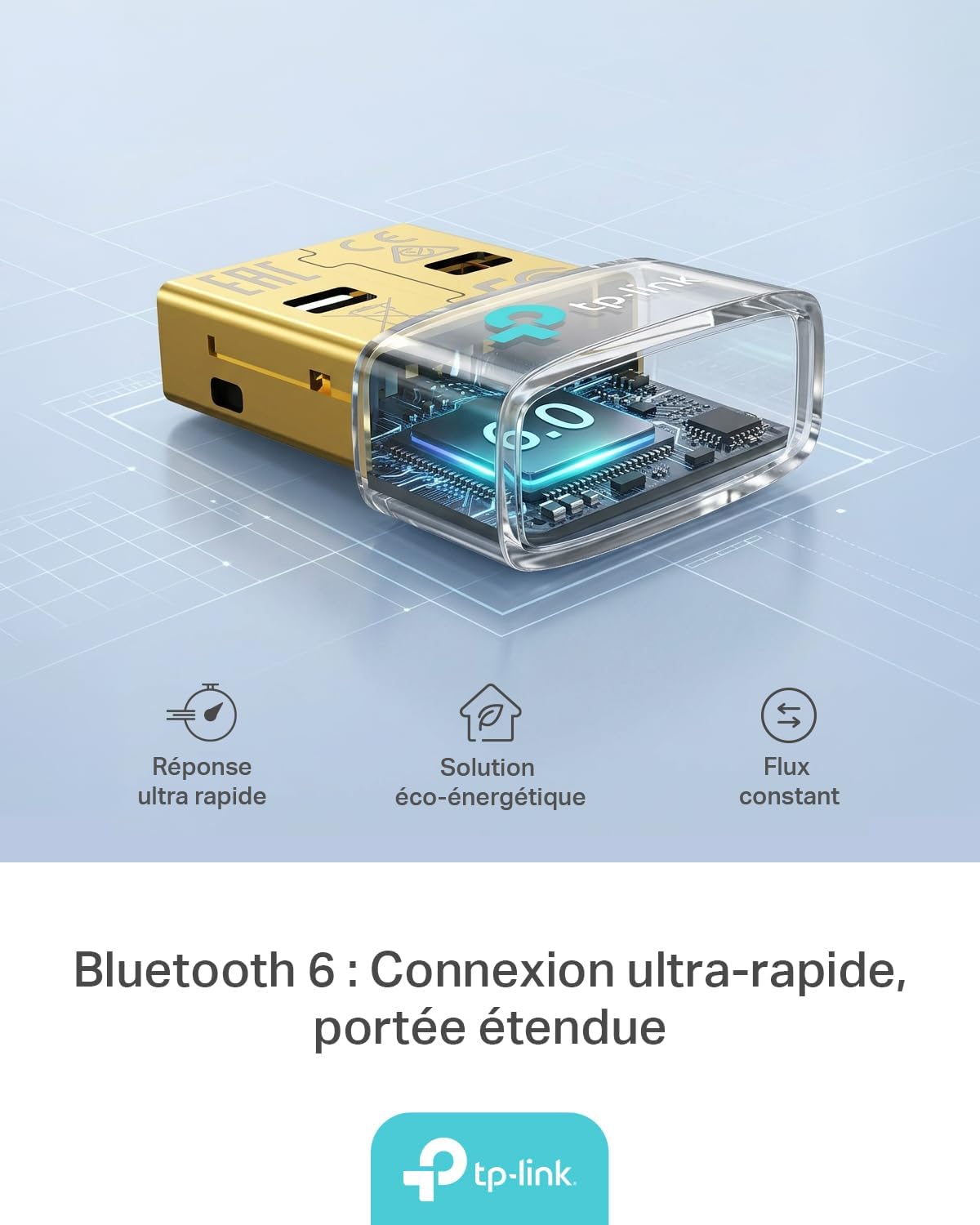
Figure 1: TP-Link UB600 Bluetooth 6.0 USB Adapter showcasing its key features: ultra-fast response, energy-saving solution, and constant data flow.
2. Інструкцыі па ўсталёўцы
2.1 Сістэмныя патрабаванні
- Operating System: Windows 11, Windows 10, Windows 8.1, Windows 7.
- Даступны USB-порт.
2.2 Ўстаноўка
- Устаўце адаптар: Plug the TP-Link UB600 Bluetooth USB adapter into an available USB port on your computer.

Figure 2: The UB600 adapter discreetly plugged into a laptop's USB port, demonstrating its compact design.
- Ўстаноўка драйвера:
- For Windows 11, 10, 8.1: The adapter is Plug & Play. Your operating system should automatically detect and install the necessary drivers. No manual installation is typically required.
- Для Windows 7: Driver installation is required. Please visit the official TP-Link webсайт (www.tp-link.com) to download the latest drivers for the UB600 model. Follow the on-screen instructions to complete the installation.

Figure 3: Visual representation of the UB600's compatibility with different Windows versions and various Bluetooth peripherals like smartphones, headphones, controllers, and keyboards.
- Праверка: After installation, check your computer's Device Manager to ensure the Bluetooth adapter is recognized and functioning correctly.
3. Інструкцыя па эксплуатацыі
3.1 Спалучэнне прылад Bluetooth
Once the UB600 adapter is installed, you can pair it with your Bluetooth-enabled devices:
- Уключыць Bluetooth: Ensure Bluetooth is enabled on your computer. You can usually find this in the Windows Settings (Settings > Devices > Bluetooth & other devices).
- Перавядзіце прыладу ў рэжым спалучэння: Place your Bluetooth device (e.g., headphones, mouse, keyboard) into pairing mode. Refer to your device's manual for specific instructions.
- Дадаць прыладу: On your computer, click "Add Bluetooth or other device" and select "Bluetooth".
- Выберыце прыладу: Ваш камп'ютар пачне пошук прылад Bluetooth паблізу. Выберыце сваю прыладу са спісу і выконвайце падказкі на экране, каб завяршыць працэс спалучэння.
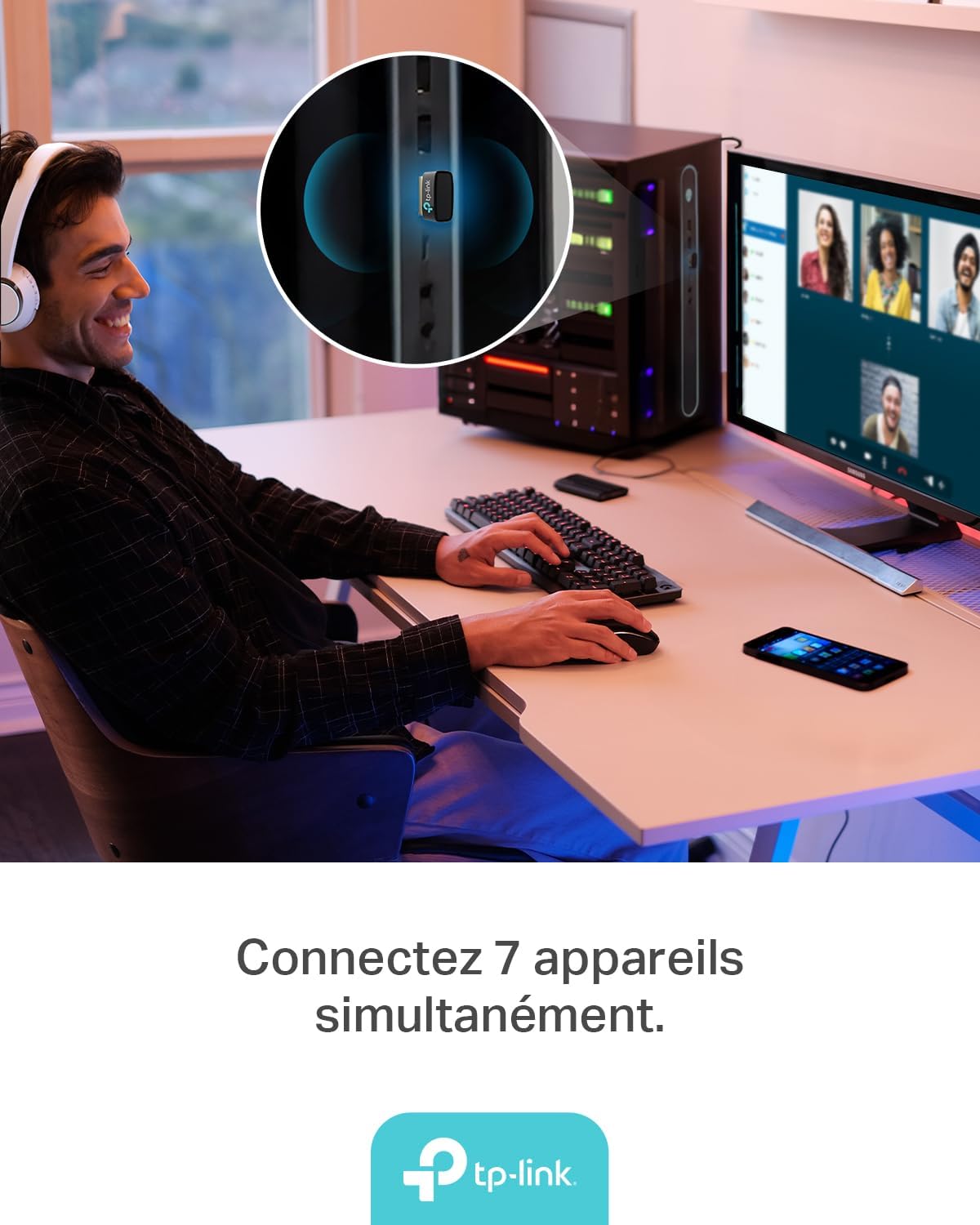
Figure 4: The UB600 adapter allows simultaneous connection of up to 7 Bluetooth devices, enhancing productivity and convenience.
3.2 Bluetooth 6.0 Advantages
The UB600 utilizes Bluetooth 6.0 technology, offering several improvements:
- Палепшаная бяспека: Provides improved security features for your wireless connections.
- Increased Stability: Offers a more stable and reliable connection compared to older Bluetooth versions.
- Faster Speeds (EDR): Supports Enhanced Data Rate (EDR) for quicker data transfer.
- Reduced Power Consumption (BLE): Utilizes Bluetooth Low Energy (BLE) for energy-efficient operation, especially beneficial for battery-powered devices.

Figure 5: The UB600 adapter contributes to daily efficiency with faster speeds (EDR) and reduced power consumption (BLE).
4. Тэхнічнае абслугоўванне
The TP-Link UB600 is designed for durability and requires minimal maintenance. To ensure optimal performance and longevity:
- Захоўваць у чысціні: Periodically clean the adapter's exterior with a soft, dry cloth. Avoid using liquid cleaners or solvents.
- Абараніце ад пашкоджанняў: While compact, avoid subjecting the adapter to physical shocks, extreme temperatures, or moisture.
- Цвёрдае злучэнне: Ensure the adapter is securely plugged into the USB port to prevent intermittent connections.
5. Выпраўленне непаладак
If you encounter issues with your TP-Link UB600 adapter, consider the following steps:
- Адаптар не выяўлены:
- Паспрабуйце падключыць адаптар да іншага порта USB.
- Перазагрузіце кампутар.
- For Windows 7, ensure drivers are correctly installed from the TP-Link webсайт.
- Немагчыма спалучыць прылады:
- Ensure Bluetooth is enabled on your computer and the device you are trying to pair.
- Make sure your device is in pairing mode.
- Check if the device is already paired with another computer or adapter.
- Move the device closer to the computer to rule out range issues.
- Перарывістае злучэнне:
- Ensure there are no major obstructions between the adapter and the Bluetooth device.
- Avoid placing the adapter near sources of strong electromagnetic interference (e.g., Wi-Fi routers, microwaves).
- Абнавіце аперацыйную сістэму кампутара і драйверы Bluetooth да апошніх версій.
Каб атрымаць дадатковую дапамогу, звярніцеся ў афіцыйную службу падтрымкі TP-Link. webсайт.
6. Тэхнічныя характарыстыкі
| Асаблівасць | Дэталь |
|---|---|
| Нумар мадэлі | UB600 |
| Інтэрфейс | USB |
| Версія Bluetooth | Bluetooth 6.0 |
| Хуткасць перадачы даных | 2 Мбіт/с |
| Сумяшчальныя аперацыйныя сістэмы | Windows 11, Windows 10, Windows 8.1, Windows 7 |
| Сумяшчальныя прылады | Computer, Laptop (for connecting mouse, keyboard, headset, smartphone, controller, etc.) |
| Памеры (Д х Ш х У) | 0.68 х 1.89 х 1.48 см |
| Вага | 10 грам |
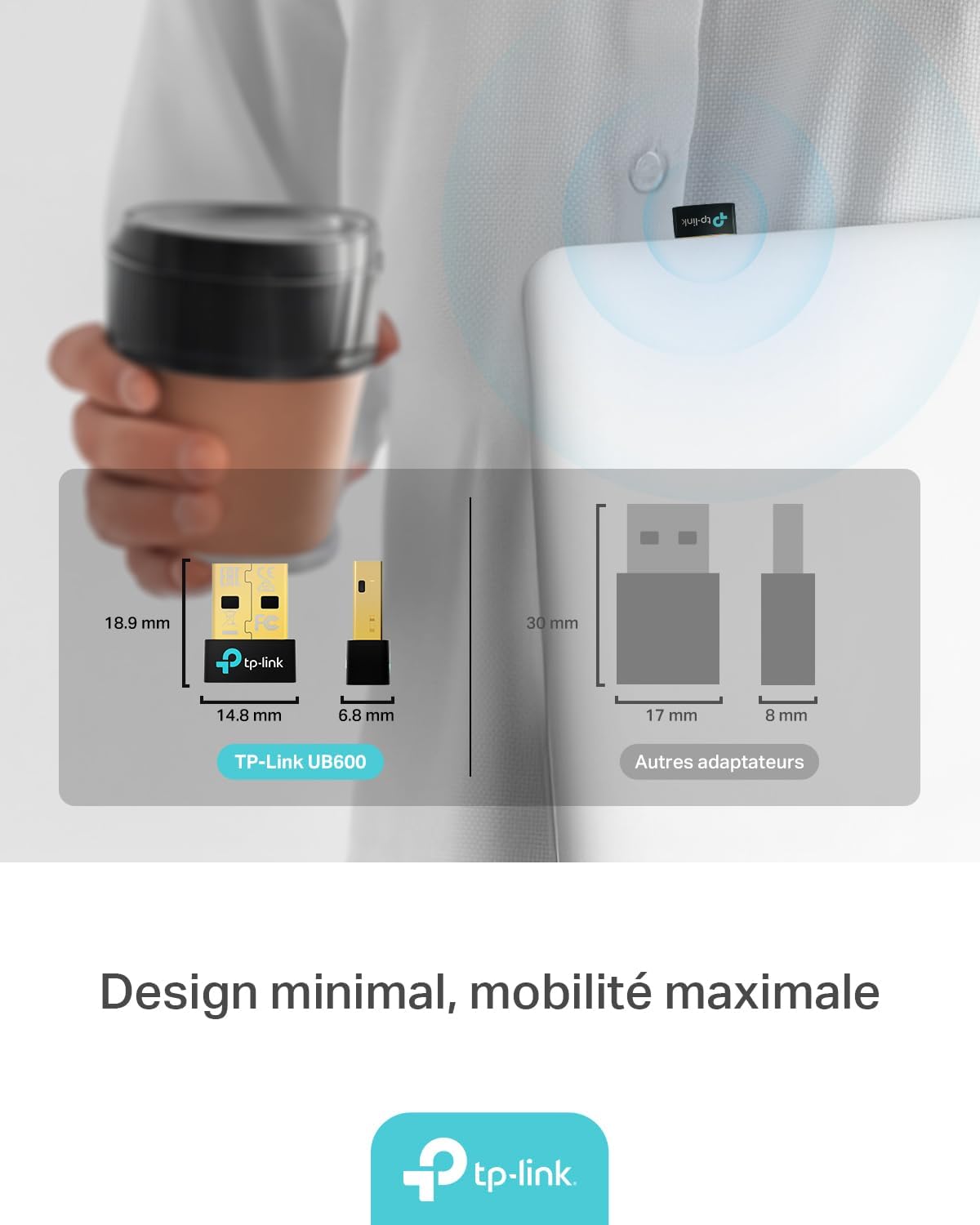
Figure 6: The UB600's minimal design ensures maximum mobility and discreet integration with your device.
7. Інфармацыя аб гарантыі
Каб атрымаць падрабязную інфармацыю аб гарантыі, звярніцеся да гарантыйнага талона, які пастаўляецца з вашым прадуктам, або наведайце афіцыйны сайт TP-Link. webсайт. Умовы гарантыі могуць адрознівацца ў залежнасці ад рэгіёна.
8. Тэхнічная падтрымка
If you require technical assistance or have questions regarding your TP-Link UB600 Bluetooth USB Adapter, please visit the TP-Link support webсайт:
You can find FAQs, driver downloads, and contact information for customer service on their webсайт.


