
Уводзіны
This comprehensive guide is designed to help you understand and utilize all the features, settings, and functionalities of your Moto G Power 2026 smartphone. Whether you are a new user or looking to explore advanced capabilities, this manual provides clear, step-by-step instructions to enhance your device experience.
The Moto G Power 2026 is a versatile smartphone designed for everyday use. This manual covers essential topics from initial setup to advanced features, ensuring you can make the most of your device.
1. Пачатковая налада
Follow these steps to power on and configure your Moto G Power 2026 for the first time.
- Уключэнне: Press and hold the power button located on the side of the device until the Motorola logo appears.
- Выбар мовы: Выберыце патрэбную мову са спісу.
- Падключыцеся да Wi-Fi: Select your Wi-Fi network and enter the password to connect to the internet. This is crucial for initial setup and updates.
- Настройка акаўнта Google: Sign in with your existing Google account or create a new one. This is necessary for accessing the Google Play Store, Gmail, and other Google services.
- Перадача дадзеных (неабавязкова): If you are upgrading from another device, follow the on-screen prompts to transfer your data.
- Настройка бяспекі: Наладзьце блакіроўку экрана (PIN-код, узор, пароль або адбітак пальца), каб абараніць сваю прыладу.
- Персаналізаваныя налады: Adjust settings such as date and time, display preferences, and notification sounds.
Once these steps are completed, your Moto G Power 2026 is ready for use.
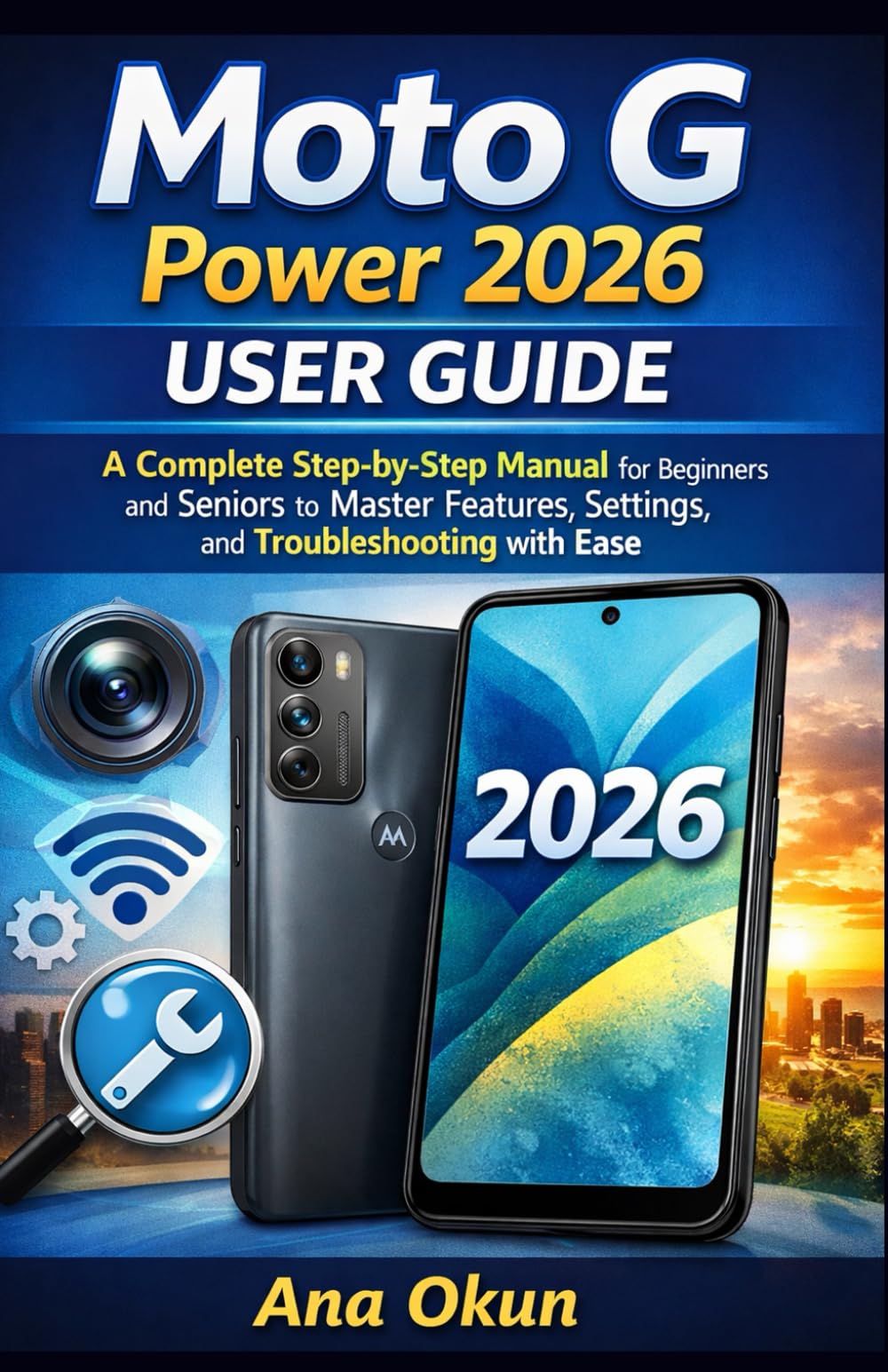
Image 1.1: Front cover of the Moto G Power 2026 User Guide. This image shows the book's title and overall design.
2. Кіраванне прыладай
2.1 Navigating the Home Screen
The home screen is your central hub for accessing applications and information. Swipe left or right to view additional home screens. Swipe down from the top of the screen to access quick settings and notifications.
- Скрыня праграм: Swipe up from the bottom of the home screen to open the app drawer, which contains all installed applications.
- Фішкі: Long-press on an empty area of the home screen to add widgets for quick access to information like weather, calendar, or music controls.
- Тэчкі: Drag one app icon over another to create a folder, helping you organize your applications.
2.2 Званкі і паведамленні
Staying connected is a primary function of your Moto G Power 2026.
- Здзяйсненне званкоў: Націсніце Тэлефон icon, enter the number, and tap the call button. You can also select a contact from your address book.
- Кіраванне кантактамі: Выкарыстоўвайце Кантакты app to add, edit, or delete contacts. You can sync contacts from your Google account.
- Адпраўка паведамленняў: Адкрыйце Паведамленні app, tap the new message icon, enter the recipient's number or select from contacts, and type your message.
2.3 Internet Connectivity and Apps
Your device supports both Wi-Fi and mobile data for internet access.
- Wi-Fi: Перайсці да Налады > Сетка і інтэрнэт > Wi-Fi падключыцца да даступных сетак.
- Мабільныя дадзеныя: Ensure your SIM card is inserted and mobile data is enabled in Налады > Сетка і Інтэрнэт > Мабільная сетка.
- Памочнік Google: Activate Google Assistant by saying "Hey Google" or long-pressing the power button (if configured). Use voice commands for tasks, information, and device control.
- Кіраванне праграмамі: Download new apps from the Google Play Store. Manage installed apps in Налады > Прыкладанні і апавяшчэнні to adjust permissions, clear cache, or uninstall.
3. Асаблівасці камеры
The Moto G Power 2026 camera allows you to capture high-quality photos and videos. Open the Камера app to begin.
- Фотаздымкі: Націсніце кнопку спуску засаўкі, каб зрабіць здымак.
- Запіс відэа: Пераключыцеся ў рэжым відэа і націсніце кнопку запісу, каб пачаць/спыніць запіс.
- Рэжымы камеры: Explore various modes such as Portrait, Night Vision, Panorama, and Pro Mode for different photographic effects.
- Налады: Access camera settings to adjust resolution, aspect ratio, timer, and other preferences.
4. Ліквідацыю распаўсюджаных праблем
This section addresses common problems you might encounter with your Moto G Power 2026.
- Прылада не адказвае: If your device freezes, press and hold the power button for about 10-15 seconds to force a restart.
- Хуткая разрадка батарэі: Праверце выкарыстанне батарэі ў Налады > Акумулятар to identify power-hungry apps. Reduce screen brightness, disable unnecessary features like GPS or Bluetooth when not in use, and close background apps.
- Connectivity Problems (Wi-Fi/Mobile Data):
- Уключыце і выключыце Wi-Fi або мабільныя дадзеныя.
- Перазагрузіце маршрутызатар, калі ўзніклі праблемы з Wi-Fi.
- Ensure your mobile data plan is active and you have signal coverage.
- Збой праграмы: Ачысціце кэш і дадзеныя праграмы ў Налады > Праграмы і апавяшчэнні > [Назва праграмы] > Сховішча і кэшКалі праблема не знікне, выдаліце і пераўсталюйце праграму.
- Low Storage: Выдаліць непатрэбнае files, photos, and videos. Uninstall unused apps. Move large files to cloud storage or an external SD card (if supported). Check storage usage in Налады > Сховішча.
5. Тэхнічнае абслугоўванне і догляд
Proper maintenance ensures the longevity and optimal performance of your Moto G Power 2026.
- Абнаўленні праграмнага забеспячэння: Regularly check for and install system updates in Налады> Сістэма> Абнаўленні сістэмы. Updates often include performance improvements and security patches.
- Уборка: Use a soft, lint-free cloth to clean the screen and body of the device. Avoid harsh chemicals or abrasive materials.
- Зарад батарэі: Avoid extreme temperatures. Do not leave the device charging for extended periods after it reaches 100%.
- Рэзервовае капіраванне даных: Regularly back up your important data to a cloud service (like Google Drive) or a computer to prevent data loss.
- Фізічная абарона: Падумайце пра выкарыстанне ахоўнага чахла і ахоўнай плёнкі для экрана, каб абараніць яго ад падзенняў і драпін.
6. Тэхнічныя характарыстыкі
Key technical specifications for the Moto G Power 2026:
| Асаблівасць | Дэталь |
|---|---|
| ASIN | B0GP71KXZ1 |
| Выдавец | Незалежна апублікавана |
| Дата публікацыі | 18 лютага 2026 г |
| мова | англійская |
| Даўжыня друку | 144 старонак |
| ISBN-13 | 979-8248918850 |
| Вага прадмета | 8.6 унцыі |
| Reading age | 12 - 18 гадоў |
| Памеры | 5.5 х 0.33 х 8.5 цалі |
Image 6.1: Back cover of the Moto G Power 2026 User Guide. This image displays the ISBN barcode and other publication information.
7. Гарантыя і падтрымка
Каб атрымаць інфармацыю аб гарантыі і падтрымцы кліентаў, звярніцеся да афіцыйнага сайта Motorola. website or the documentation included with your device at the time of purchase. This manual provides general operational guidance and does not replace official warranty statements or specific support channels.
- Афіцыйны Webсайт: Visit the Motorola official webсайт з найноўшымі рэсурсамі падтрымкі, адказамі на часта задаваныя пытанні і кантактнай інфармацыяй.
- Абслугоўванне кліентаў: Contact Motorola customer service for technical assistance or warranty claims.
- Інтэрнэт-рэсурсы: Many common issues can be resolved by consulting online forums or support communities.