
1. Уводзіны
Welcome to the user manual for your new TCL 65A400 Pro 65-inch 4K UHD MiniLED Smart TV. This guide provides essential information for setting up, operating, maintaining, and troubleshooting your television. Please read these instructions carefully to ensure proper use and to maximize your viewвопыту.
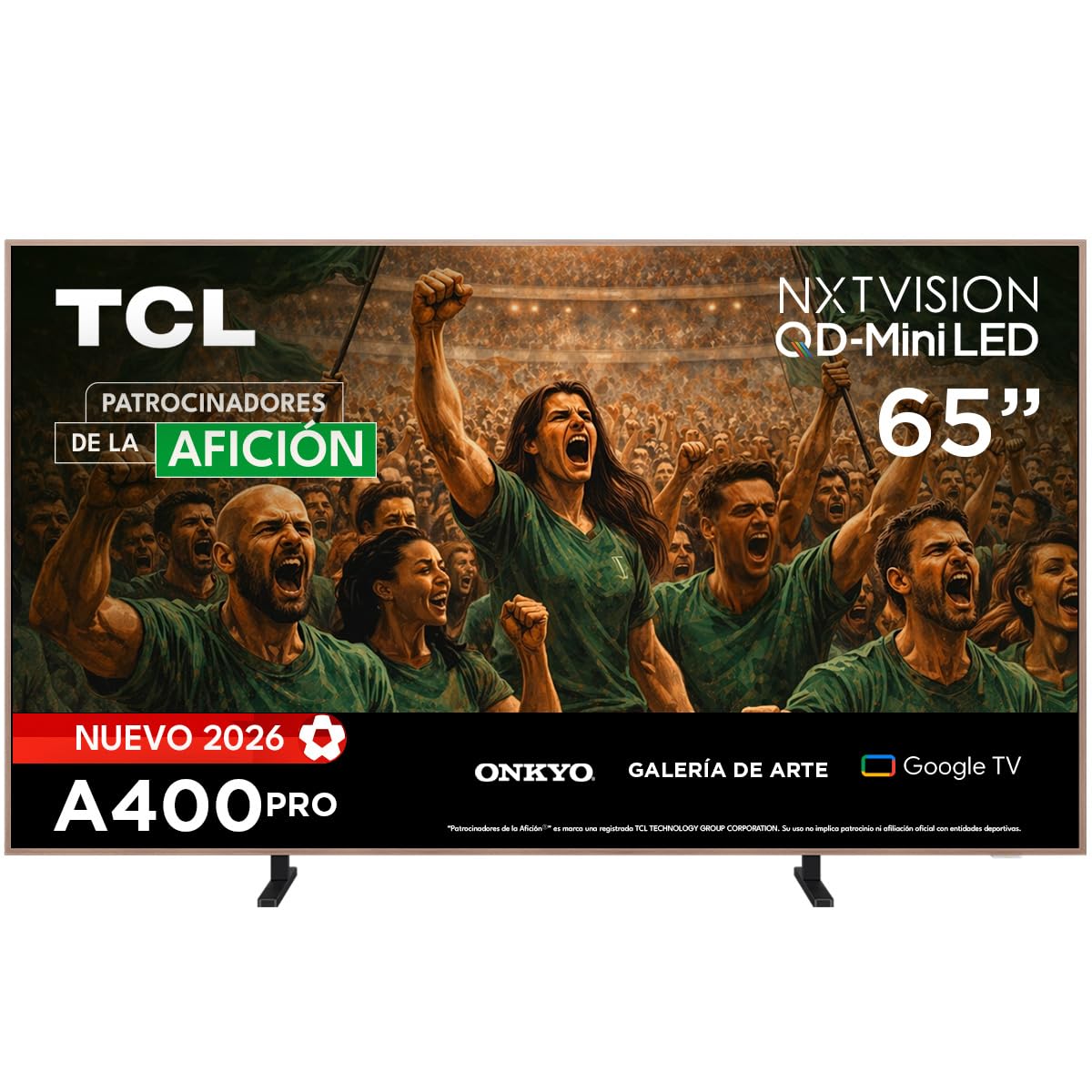
Выява: спераду view of the TCL 65A400 Pro 65-inch Smart TV.
2. Што ў скрынцы
Перад пачаткам працы праверце змесціва пакета, каб пераканацца ў наяўнасці ўсіх элементаў:
- TCL Smart TV with Google TV
- Настольная падстаўка
- Сілавы кабель
- Кароткае кіраўніцтва
- Пульт дыстанцыйнага кіравання і батарэі

Image: Diagram showing the TV dimensions and a list of included accessories.
3. Настройка
3.1 Фізічная ўстаноўка
Your TCL 65A400 Pro TV offers flexible installation options:
- Настольная падстаўка: Attach the included table stand according to the Quick Start Guide for placement on a flat surface.
- Насценны мацаванне: The TV supports flush wall mounting. Ensure you use a compatible VESA wall mount (sold separately) and follow its installation instructions carefully.
- Easel Bases: Optional easel-style bases are available for a unique display (sold separately).

Image: The ultra-thin design of the TV, suitable for flush wall mounting.
3.2 Падключэнне прылад
Падключыце знешнія прылады да тэлевізара, выкарыстоўваючы даступныя парты:
- HDMI: Use one of the four HDMI ports for high-definition devices like Blu-ray players, game consoles, or cable boxes.
- USB: Для падключэння USB-назапашвальнікаў для прайгравання медыяфайлаў даступныя два порты USB.
- Магутнасць: Падключыце кабель харчавання да тэлевізара, а затым да разеткі.
3.3 Пачатковае ўключэнне і налада сеткі
After connecting all devices and power, press the power button on the remote control. Follow the on-screen instructions to complete the initial setup, including connecting to your Wi-Fi network and logging into your Google account for Google TV features.
4. Кіраванне тэлевізарам
4.1 Інтэрфейс Google TV
Your TV runs on Google TV, providing a personalized experience with access to streaming services, apps, and content recommendations. Use the remote control to navigate the interface, search for content, and manage your smart home devices.

Image: The Google TV home screen displaying various streaming applications and content.
4.2 Рэжым мастацтва
Transform your TV into a digital art display with Art Mode. Access a collection of famous paintings and photographs in stunning 4K UHD. This mode allows your screen to blend seamlessly into your home decor when not actively watching content.

Image: The TV in Art Mode, showcasing a painting in a gallery environment.
4.3 Функцыі дысплея
- QD-міні-святлодыёд: Experience deep blacks and intense brightness with Quantum Dot and Mini LED technology, offering superior cinematic realism.
- Раздзяленне 4K UHD: Enjoy incredibly detailed and sharp images.
- 144 Hz VRR: Variable Refresh Rate at 144 Hz provides smooth motion, especially beneficial for gaming.
- Matte Panel: The HVA Matte finish reduces glare from natural or artificial light, maintaining color fidelity and protecting your eyes.

Image: Illustration of QD-Mini LED technology enhancing picture precision, brightness, and contrast.
Аўдыёсістэма 4.4
The integrated Onkyo audio system with Dolby Atmos delivers powerful and clear sound, creating an immersive audio experience for all your entertainment.
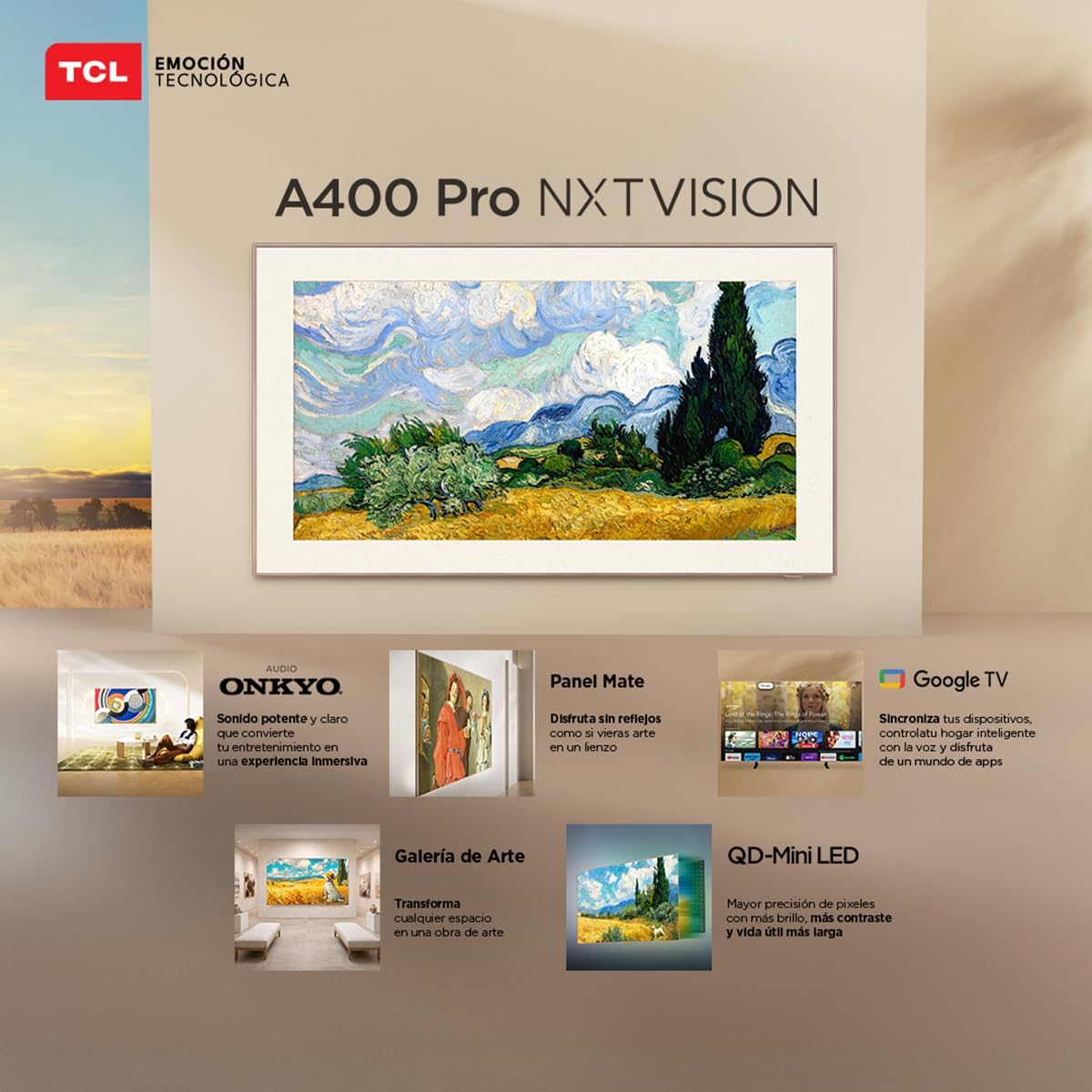
Image: A person enjoying immersive audio from the TV, highlighting the Onkyo sound system.
4.5 Падключэнне
Тэлевізар падтрымлівае розныя варыянты падключэння:
- Wi-Fi: Падключыцеся да хатняй сеткі для доступу ў Інтэрнэт і струменевай перадачы.
- Bluetooth 5.4: Pair wireless headphones, soundbars, or other Bluetooth-enabled devices.
- Chromecast: Built-in Chromecast allows you to cast content from your mobile devices to the TV.
- Сумяшчальнасць Alexa: Control your TV using voice commands through compatible Alexa devices.
5. Тэхнічнае абслугоўванне
Каб забяспечыць даўгавечнасць і аптымальную працу вашага тэлевізара TCL, выконвайце наступныя рэкамендацыі па тэхнічным абслугоўванні:
- Ачыстка экрана: Акуратна працярыце экран мяккай, сухой тканінай без ворса. Для выдалення ўстойлівых плям злёгкуampПрацярыце тканіну вадой або спецыяльным сродкам для чысткі экранаў. Пазбягайце агрэсіўных хімічных рэчываў або абразіўных матэрыялаў.
- Ачыстка рамы: Выкарыстоўвайце мяккую сухую тканіну для чысткі рамы тэлевізара.
- Вентыляцыя: Каб пазбегнуць перагрэву, пераканайцеся, што вентыляцыйныя адтуліны на задняй панэлі тэлевізара не заблакаваныя.
- Шнур харчавання: Рэгулярна правярайце шнур харчавання на наяўнасць пашкоджанняў. У выпадку пашкоджання звярніцеся ў службу падтрымкі кліентаў для замены.
6. Выпраўленне непаладак
Калі ў вас узніклі праблемы з тэлевізарам, звярніцеся да наступных распаўсюджаных праблем і іх рашэнняў:
| праблема | Магчымае рашэнне |
|---|---|
| Няма сілы | Ensure the power cable is securely connected to both the TV and a working power outlet. Check if the power outlet is functional. |
| Няма выявы, але гук ёсць | Check the input source. Ensure the connected device is powered on and its video output is correctly configured. Try a different HDMI cable. |
| Няма гуку, але выява ёсць | Check the TV's volume and mute settings. Ensure external audio devices (soundbar, receiver) are properly connected and powered on. Check audio output settings on the TV. |
| Пульт дыстанцыйнага кіравання не працуе | Replace the batteries in the remote control. Ensure there are no obstructions between the remote and the TV's IR sensor. Re-pair the remote if it's a Bluetooth remote. |
| Праблемы з падключэннем да Wi-Fi | Restart your router and modem. Go to the TV's network settings and try reconnecting to your Wi-Fi network. Ensure the Wi-Fi password is correct. |
Калі праблема не знікне пасля спробы гэтых рашэнняў, звярніцеся ў службу падтрымкі кліентаў TCL.
7. Тэхнічныя характарыстыкі
Key technical specifications for the TCL 65A400 Pro 65-inch Smart TV:
| Асаблівасць | Дэталь |
|---|---|
| Памер экрана | 65 цалі |
| Тэхналогія адлюстравання | 4K, Mini LED |
| дазвол | 4K UHD |
| Частата абнаўлення | 144 Hz (VRR) |
| Падтрымка фармату HDR | Dolby Vision, HDR10+ |
| Аперацыйная сістэма | Google TV |
| Рэжым выхаду гуку | Акружаць |
| Integrated Surround Sound Format | Dolby Atmos |
| Парты HDMI | 4 |
| Парты USB | 2 |
| Версія Bluetooth | 5.4 |
| Тэхналогія падлучэння | Bluetooth, HDMI, USB, Wi-Fi |
| Асаблівасці | Chromecast, Art Mode |
| Памеры прадукту (ДxШxВ) | 4 х 145.2 х 83.3 см |
| Вага (без падстаўкі) | 17.6 кілаграма |
| Колер | Чорны |
| Screen Finish | Матавы |
| Мадэльны год | 2026 |
| UPC | 840464047636 |
8. Інфармацыя аб гарантыі
Your TCL 65A400 Pro Smart TV comes with a 2-гадовая абмежаваная гарантыя from the date of purchase. This warranty covers manufacturing defects under normal use. Please retain your proof of purchase for warranty claims. For full terms and conditions, refer to the warranty card included with your product or visit the official TCL webсайт.
9. Падтрымка кліентаў
For technical assistance, troubleshooting, or warranty inquiries, please contact TCL customer support:
- тэлефон: 800 112 4656
- WhatsApp: 55 7005 5159
- электронная пошта: servicio.mx@tcl.com
- Гадзіны працы: Monday to Saturday, 8:00 a.m. to 8:00 p.m. (local time)

Image: TCL Technical Support contact details including phone, WhatsApp, and email.