Уводзіны
This instruction manual provides detailed information on the features, setup, operation, and maintenance of your Nikon D70s Digital SLR camera. Please read this manual thoroughly before using the camera to ensure correct operation and to maximize its performance and lifespan. Keep this manual in a safe place for future reference.
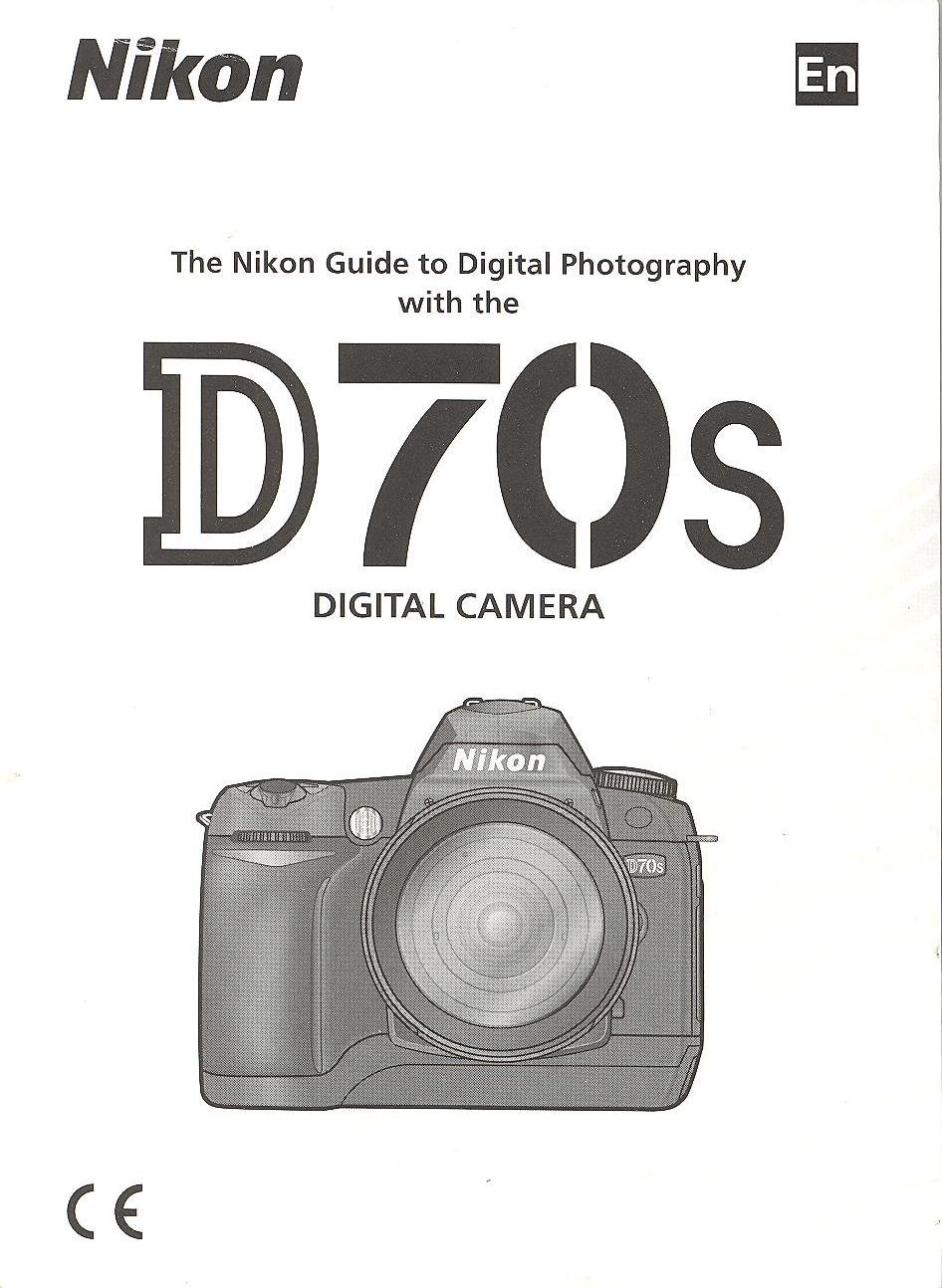
Image: Cover of the Nikon D70s Instruction Manual. This image displays the front cover of the official instruction manual for the Nikon D70s camera, featuring the Nikon logo and model name.
1. Настройка і падрыхтоўка
1.1 Распакаванне і праверка змесціва
Before proceeding, ensure all components are present in the package. The standard package for the Nikon D70s typically includes:
- Nikon D70s Digital SLR Camera Body
- AF-S DX Zoom-Nikkor 18-70mm f/3.5-4.5G IF-ED Lens (kit dependent)
- Rechargeable Li-ion Battery EN-EL3a
- Quick Charger MH-18a
- Кабель USB UC-E4
- Video Cable EG-D100
- Camera Strap AN-D70s
- Body Cap BF-1A
- Eyepiece Cap DK-5
- Rubber Eyecup DK-21
- LCD Monitor Cover BM-5
- CD-ROM з праграмным забеспячэннем
- Інструкцыя па эксплуатацыі (гэты дакумент)
- Гарантыйны талон
1.2 Зарадка акумулятара
The supplied EN-EL3a battery must be charged before first use. Follow these steps:
- Insert the EN-EL3a battery into the MH-18a Quick Charger. Ensure the battery is correctly oriented.
- Plug the charger into a power outlet. The CHARGE lamp will blink to indicate charging is in progress.
- Зарадка завершана, калі індыкатар CHARGE lamp stops blinking and glows steadily. This typically takes about 2 hours.
- Выміце акумулятар з зараднай прылады.
Заўвага: Use only genuine Nikon EN-EL3a batteries and MH-18a chargers to prevent damage and ensure safety.
1.3 Устаўка акумулятара і карты памяці
After charging, insert the battery and a CompactFlash (CF) memory card into the camera.
- Адкрыйце вечка батарэйнага адсека на ніжняй частцы камеры.
- Insert the charged EN-EL3a battery with the orange lock facing up, pushing it in until it clicks into place. Close the battery chamber cover.
- Адкрыйце вечка слота для карты памяці на бакавой панэлі камеры.
- Insert a CompactFlash card into the slot with the correct orientation (usually label facing the front of the camera) until it clicks.
- Зачыніце крышку слота для карты памяці.
Важна: Ensure the camera is turned off before inserting or removing the battery or memory card.
1.4 Прымацаванне аб'ектыва
To attach a Nikon F-mount lens:
- Зніміце вечка з корпуса камеры і заднюю вечка аб'ектыва з аб'ектыва.
- Align the mounting mark (white dot) on the lens with the mounting mark on the camera body.
- Mount the lens on the camera body and rotate it counter-clockwise until it clicks into place.
To remove a lens, press the lens release button on the camera body and rotate the lens clockwise until it detaches.
2. Асноўная аперацыя
2.1 Уключэнне/выключэнне камеры
The power switch is located around the shutter release button. Rotate it to the "ON" position to power on the camera and to "OFF" to power it off.
2.2 Асноўныя рэжымы здымкі
Дыск рэжымаў на верхняй частцы камеры дазваляе выбіраць розныя рэжымы здымкі:
- P (Праграмны аўтаматычны рэжым): Камера ўсталёўвае як вытрымку, так і дыяфрагму для аптымальнай экспазіцыі.
- S (аўтаматычны рэжым з прыярытэтам вытрымкі): Карыстальнік усталёўвае вытрымку, камера — дыяфрагму. Ідэальна падыходзіць для кантролю размыцця пры руху.
- A (Аўтаматычны рэжым з прыярытэтам дыяфрагмы): Карыстальнік усталёўвае дыяфрагму, камера — вытрымку. Ідэальна падыходзіць для кантролю глыбіні рэзкасці.
- М (ручны): Карыстальнік усталёўвае як вытрымку, так і дыяфрагму.
- АЎТА: Цалкам аўтаматычны рэжым для зручнасці здымкі.
- Scene Modes (Portrait, Landscape, Close Up, Sports, Night Portrait): Optimized settings for specific shooting situations.
2.3 Факусоўка
The D70s offers both autofocus and manual focus options.
- Аўтафакус (AF): Set the focus mode selector on the camera body to "AF". Press the shutter release button halfway to activate autofocus. The camera will focus on the subject in the selected focus area.
- Ручная факусоўка (M): Set the focus mode selector on the camera body to "M" and the lens focus mode switch to "M". Rotate the focus ring on the lens until the subject appears sharp in the viewшукальнік.
2.4 Здымка фатаграфій
- Уключыце камеру.
- Выберыце патрэбны рэжым здымкі з дапамогай дыска рэжымаў.
- Праглядзіце viewвідашукальнік і скапіруйце здымак.
- Press the shutter release button halfway to focus.
- Press the shutter release button fully to take the picture.
3. Тэхнічнае абслугоўванне і догляд
3.1 Чыстка камеры
- Корпус камеры: Выкарыстоўвайце мяккую сухую тканіну для працірання корпуса камеры. Для ўстойлівага бруду злёгку працярыцеampen the cloth with distilled water or a specialized camera cleaner.
- Аб'ектыў: Для выдалення пылу выкарыстоўвайце шчотку для аб'ектываў або паветранадзімалку. Для выдалення плям выкарыстоўвайце раствор для чысткі аб'ектываў і тканіну з мікрафібры, акуратна праціраючы кругавымі рухамі ад цэнтра да краёў.
- Датчык выявы: Cleaning the image sensor should be done with extreme caution. It is recommended to have this service performed by a qualified Nikon service center.
- ВК-манітор: Выкарыстоўвайце мяккую, сухую тканіну. Не націскайце моцна на экран.
3.2 Захоўванне
When not in use, store the camera in a cool, dry, well-ventilated area, away from direct sunlight, high temperatures, and humidity. Remove the battery if the camera will not be used for an extended period to prevent leakage.
4. Выпраўленне непаладак
This section addresses common issues you might encounter with your Nikon D70s camera.
| праблема | Магчымая прычына | Рашэнне |
|---|---|---|
| Камера не ўключаецца. | Батарэя разраджаная або няправільна ўстаўленая. | Цалкам зарадзіце акумулятар. Устаўце акумулятар правільна. |
| Немагчыма фатаграфаваць. | Memory card is full, not inserted, or locked. Lens not attached correctly. | Insert a formatted memory card with free space. Unlock the memory card. Reattach the lens securely. |
| Здымкі размытыя. | Няправільная факусоўка, дрыжанне камеры або брудны аб'ектыў. | Забяспечце правільную факусоўку. Выкарыстоўвайце больш хуткую вытрымку або штатыў. Ачысціце аб'ектыў. |
| Успышка не спрацоўвае. | Flash mode is off, or subject is too far. | Check flash settings. Ensure subject is within flash range. |
5. Тэхнічныя характарыстыкі
Key technical specifications for the Nikon D70s Digital SLR Camera:
- Датчык: 6.1 effective megapixels DX-format CCD
- Памер выявы: 3,008 x 2,000 (Large), 2,240 x 1,488 (Medium), 1,504 x 1,000 (Small)
- Аб'ектыў: Байонет Nikon F (з муфтай аўтафокуса і кантактамі аўтафокуса)
- Сумяшчальныя аб'ектывы: Nikon AF Nikkor lenses (excluding IX Nikkor lenses)
- Хуткасць засаўкі: 30 to 1/4,000 sec. in steps of 1/3 EV, Bulb
- Адчувальнасць ISO: ISO 200 to 1600 in steps of 1/3 EV
- Носьбіт: CompactFlash (CF) тыпу I/II, мікрапрывад
- Манітор: 2.0-inch, 130,000-dot low-temperature polysilicon TFT LCD
- акумулятар: One Rechargeable Li-ion Battery EN-EL3a
- Памеры (Ш х У х Г): Прыбл. 140 x 111 x 78 мм (5.5 x 4.4 x 3.1 цалі)
- Вага: Approx. 600 g (1 lb. 5.2 oz.) without battery, memory card, or body cap
6. Гарантыя і падтрымка
6.1 Інфармацыя аб гарантыі
Warranty terms and conditions for the Nikon D70s camera are typically provided in a separate warranty card included with your product. Please refer to that document for details regarding coverage, duration, and claims procedures. You may also find detailed warranty information on the official Nikon webсайт для вашага рэгіёну.
6.2 Падтрымка кліентаў
For technical assistance, service, or further inquiries regarding your Nikon D70s camera, please contact Nikon customer support. Contact information, including phone numbers and online support resources, can usually be found on the official Nikon webна сайце або ў гарантыйнай дакументацыі.
You can visit the official Nikon support website for your region for the most up-to-date information and resources.