1. Уводзіны
The TP-Link TL-R470T+ Load Balance Broadband Router is designed for small businesses requiring robust and flexible network connectivity. This device offers advanced features to ensure consistent network uptime and reliable Ethernet connectivity, optimizing internet access through multiple WAN connections.
2. Асаблівасці прадукту
- Мульты-WAN-парты: Features three changeable WAN/LAN ports, allowing configuration for up to four WAN ports to meet diverse internet access requirements.
- Smart Load Balancing: Automatically distributes network traffic across multiple WAN connections based on load and bandwidth, ensuring optimal performance and reliability.
- Палепшаная бяспека: Includes Denial of Service (DoS) attack detection and blocking (TCP/UDP/ICMP flooding, Ping of Death), along with IP/MAC/URL/Web filtering functions to protect against intruders and viruses.
- Efficient Access Management: Supports PPPoE server functionality for user authentication and IP-based bandwidth control to manage bandwidth usage. The e-bulletin feature allows for periodic web-page notifications to user groups.
- Абарона ад маланкі: Incorporates professional lightning protection technology designed to prevent electrical surges up to 4KV, safeguarding networking infrastructure.
- DDNS Support: Facilitates easy remote management using a domain name.
- IP and MAC Binding: Prevents ARP virus attacks by binding IP addresses to MAC addresses.
3. Змесціва ўпакоўкі
Пераканайцеся, што ваш пакет змяшчае наступныя элементы:
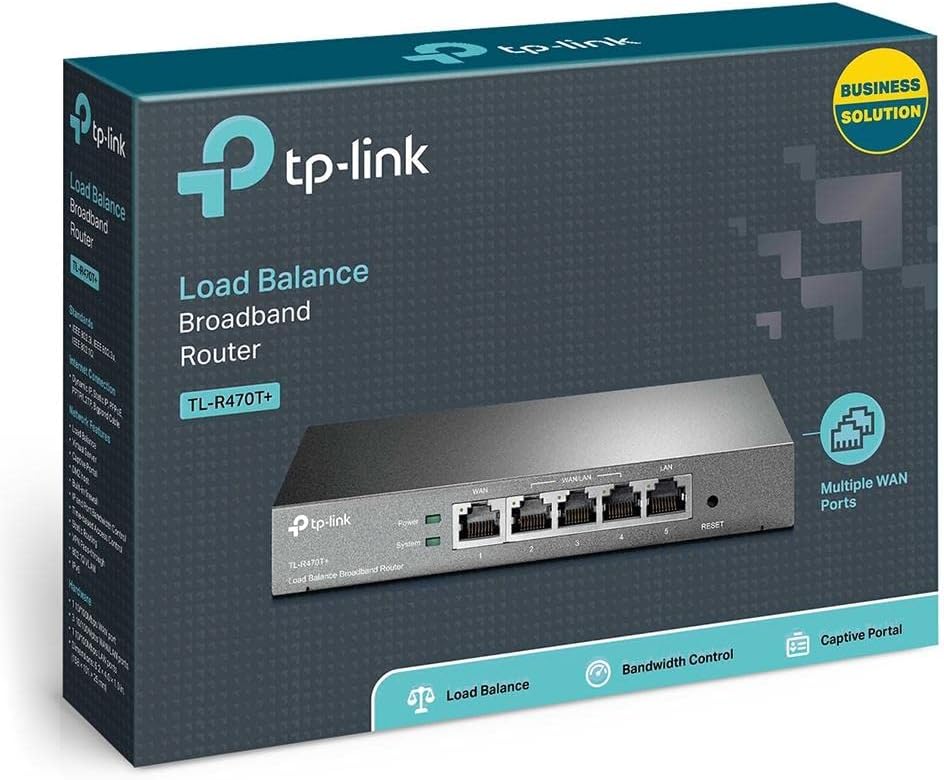
- Шырокапалосны маршрутызатар з балансам нагрузкі TP-Link TL-R470T+
- Шнур харчавання
- Кабель Ethernet RJ-45
- Кіраўніцтва па хуткай ўстаноўцы
4. Настройка
Follow these steps to set up your TL-R470T+ router:
- Фізічнае падключэнне:
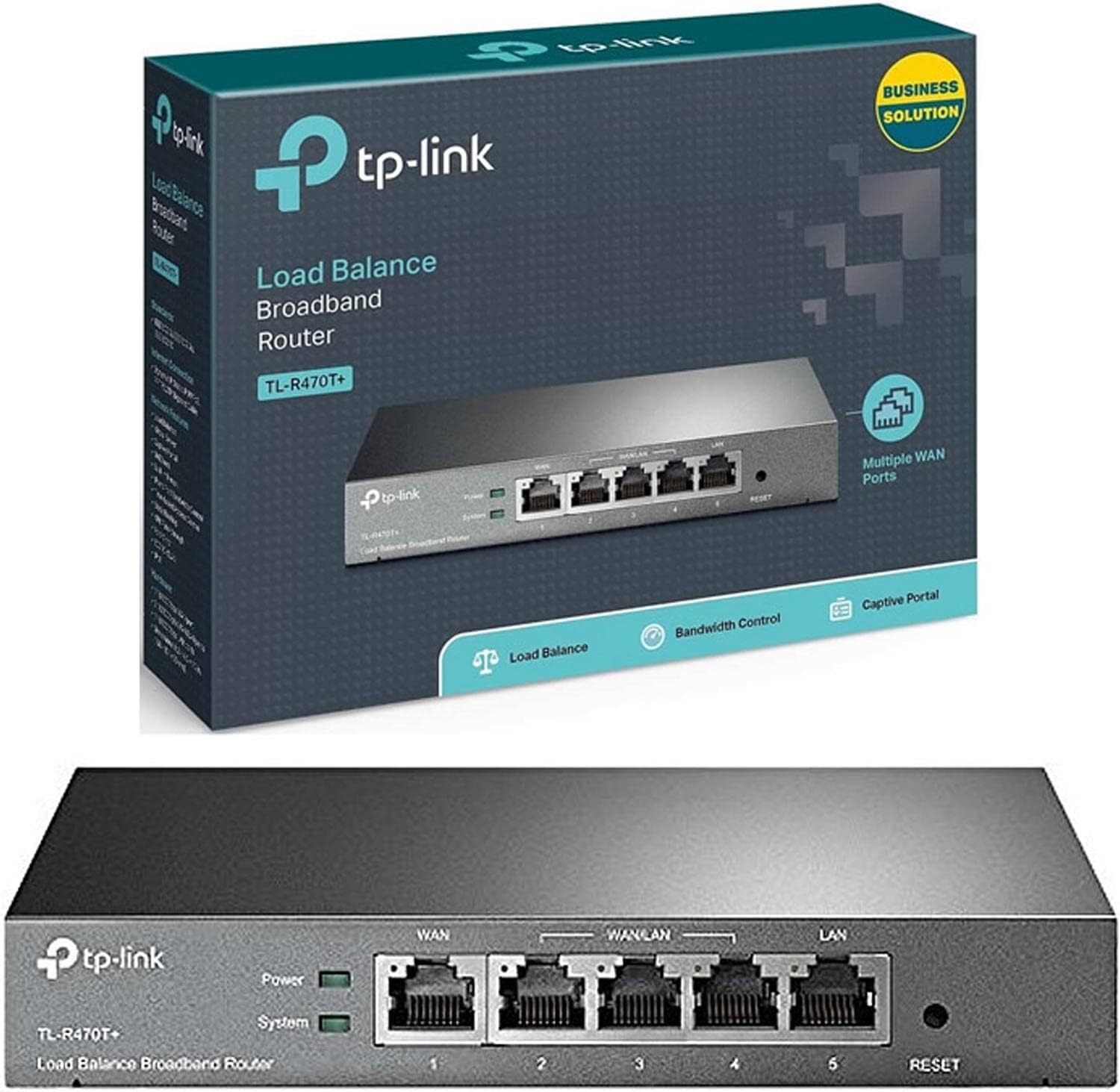
Выява: спераду view of the TL-R470T+ router, displaying the WAN port, three configurable WAN/LAN ports, and one dedicated LAN port, along with power and system LED indicators.
- Connect your modem's Ethernet cable to the router's dedicated WAN port (Port 1).
- If using additional WAN connections, connect them to the configurable WAN/LAN ports (Ports 2-4).
- Connect your local network devices (computers, switches) to the LAN port (Port 5) or other configurable ports set as LAN.
- Connect the power adapter to the router's power input and plug it into an electrical outlet.
Выява: Спіна view of the TL-R470T+ router, highlighting the power input (9V=0.6A) and a Kensington lock slot for physical security.
- Першапачатковая канфігурацыя:
- Адкрыйце a web browser on a computer connected to the router's LAN port.
- Увядзіце IP-адрас па змаўчанні (звычайна 192.168.0.1) у адрасны радок.
- Увайдзіце, выкарыстоўваючы імя карыстальніка і пароль па змаўчанні (падрабязную інфармацыю глядзіце ў кіраўніцтве па хуткай усталёўцы).
- Follow the on-screen wizard to configure your WAN connections and basic network settings.
5. Інструкцыя па эксплуатацыі
Once set up, the TL-R470T+ operates to manage your network traffic efficiently.
- Балансіроўка нагрузкі: The router intelligently distributes internet traffic across active WAN connections. You can configure load balancing policies via the web interface to prioritize certain connections or applications.
- Firewall and Filtering: Access the security settings in the web interface to configure IP/MAC/URL filtering rules and enable DoS attack protection. This helps secure your network from external threats.
- Кіраванне прапускной здольнасцю: Utilize the IP-based bandwidth control feature to allocate specific bandwidth limits to different users or devices on your network, ensuring fair usage and preventing congestion.
- Port Forwarding (Virtual Servers): For applications requiring external access to internal network resources (e.g., FTP servers, gaming servers), configure Virtual Servers (Port Forwarding) in the router's settings.
- Дынамічны DNS (DDNS): If you have a dynamic public IP address, configure DDNS to associate a fixed domain name with your router, enabling consistent remote access.
6. Тэхнічнае абслугоўванне
Рэгулярнае тэхнічнае абслугоўванне забяспечвае аптымальную прадукцыйнасць і даўгавечнасць вашага маршрутызатара.
- Абнаўленні прашыўкі: Перыядычна правярайце афіцыйны сайт TP-Link. webсайт для абнаўленняў прашыўкі. Абнаўленне прашыўкі можа палепшыць прадукцыйнасць, дадаць новыя функцыі і выправіць уразлівасці бяспекі.
- Рэзервовае капіраванне канфігурацыі: Рэгулярна стварайце рэзервовыя копіі налад маршрутызатара праз web interface. This allows for quick restoration in case of accidental changes or a factory reset.
- Фізічнае асяроддзе: Ensure the router is placed in a well-ventilated area, away from direct sunlight, heat sources, and moisture. Keep the device clean and free from dust accumulation.
- Абарона ад маланкі: While the device has built-in lightning protection, ensure proper grounding of your electrical system to maximize its effectiveness.
7. Выпраўленне непаладак
У гэтым раздзеле разглядаюцца распаўсюджаныя праблемы, з якімі вы можаце сутыкнуцца.
- Няма доступу ў Інтэрнэт:
- Verify that your modem is working correctly and providing an internet connection.
- Check the WAN port LED indicators on the router; they should be lit.
- Ensure WAN settings (IP address, DNS) are correctly configured in the router's web інтэрфейс.
- Перазагрузіце і мадэм, і маршрутызатар.
- Павольная хуткасць Інтэрнэту:
- Праверце хуткасць вашага інтэрнэт-правайдэра.
- Review load balancing settings to ensure optimal distribution across WANs.
- Check for any active bandwidth control rules that might be limiting speed for your device.
- Немагчыма атрымаць доступ Web Старонка кіравання:
- Пераканайцеся, што ваш камп'ютар падлучаны да LAN-порта маршрутызатара.
- Verify your computer's IP address is in the same subnet as the router (e.g., 192.168.0.x).
- Паспрабуйце ачысціць кэш браўзера або скарыстацца іншым браўзерам.
- If the issue persists, perform a factory reset by pressing and holding the reset button for approximately 5-10 seconds while the router is powered on. Note: This will erase all custom configurations.
8. Тэхнічныя характарыстыкі
| Нумар мадэлі тавару | TL-R470T+ |
| Марка | TP-Link |
| Тып інтэрфейсу | 1 Fixed Ethernet WAN Port, 1 Fixed Ethernet LAN Port, 3 Changeable Ethernet WAN/LAN Ports |
| Колькасць партоў | 5 |
| Хуткасць перадачы даных | 100 мегабіт у секунду |
| тtage | 240 вольт |
| Вага прадмета | 0.46 кілаграма (1.02 фунта) |
| Памеры прадукту | 8.3 х 1.1 х 5 цалі |
| Сумяшчальнасць аперацыйнай сістэмы | Microsoft Windows 8, 7, Vista, XP or MAC OS, NetWare, UNIX or Linux |
| Бесправадны тып | 802.11ac (Note: This device is a wired router, 802.11ac refers to internal component compatibility, not wireless functionality) |
| Памер флэш-памяці | 4 Мб |
9. Гарантыя і падтрымка
Каб атрымаць інфармацыю аб гарантыі, тэхнічнай падтрымцы і дадатковую дапамогу, звярніцеся да афіцыйнага сайта TP-Link. website or contact TP-Link customer service directly. The Quick Installation Guide included with your product may also contain specific warranty details for your region.


