Уводзіны
This manual provides detailed instructions for the installation, operation, and maintenance of the Aiphone TD-6H/B Selective Call Intercom. Please read this manual thoroughly before using the product to ensure correct usage and optimal performance. Keep this manual for future reference.
Важная інфармацыя па бяспецы
Выконвайце наступныя меры бяспекі, каб прадухіліць пашкоджанне вырабу і забяспечыць бяспеку карыстальніка:
- Не падвяргайце прыладу ўздзеянню дажджу або вільгаці.
- Do not open the unit. Refer all servicing to qualified personnel.
- Ensure proper wiring connections as specified in the installation section.
- Выкарыстоўвайце толькі прызначаныя крыніцы харчавання і аксэсуары.
Прадукт скончаныview
The Aiphone TD-6H/B is a selective call handset master station designed for clear and reliable internal communication. It allows users to selectively call other stations within the intercom system.

Малюнак 1: Фронт view of the Aiphone TD-6H/B handset. This image displays the main body of the intercom unit, including the handset receiver, the base with multiple numbered call buttons (1-6), and a 'CALL' button. The Aiphone logo and 'TD-6H' model designation are visible above the buttons.

Малюнак 2: Збоку view of the Aiphone TD-6H/B handset. This image provides a perspective of the intercom unit from the side, highlighting the ergonomic design of the handset and the coiled cord that connects it to the main base unit. The base unit's profile with the call buttons is also visible.
Настройка і ўстаноўка
1. Мантаж прылады
The TD-6H/B unit is designed for wall mounting. Ensure the mounting surface is stable and can support the unit's weight. Use appropriate screws and anchors for installation.
2. Падключэнне правадоў
Before making any connections, ensure the power supply to the intercom system is disconnected. Refer to the wiring diagram for correct terminal connections.
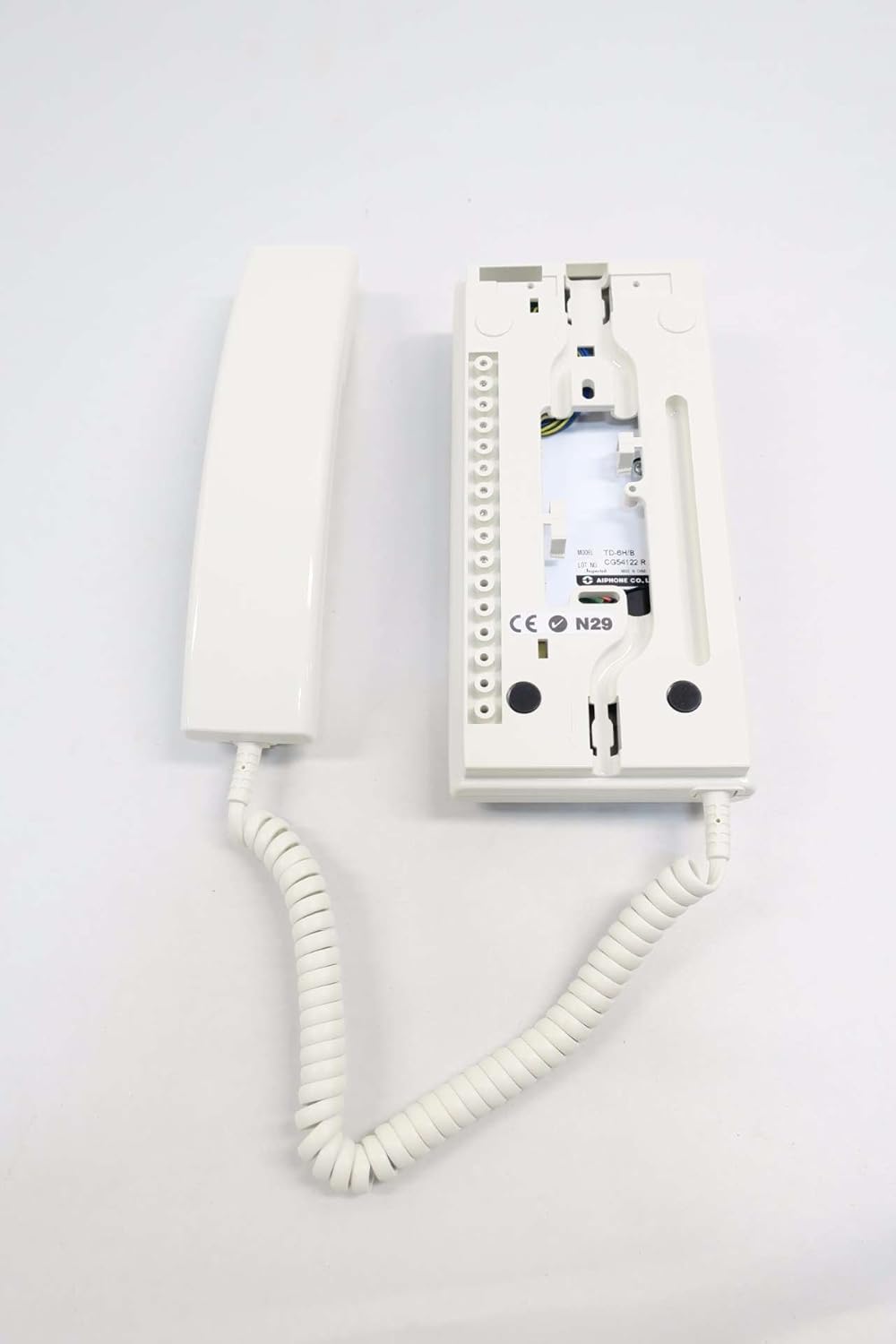
Малюнак 3: Тыл view of the Aiphone TD-6H/B Intercom base. This image shows the back panel of the intercom unit, revealing the terminal block for wiring connections. The internal circuitry and mounting points are also visible, along with a label indicating 'MODEL TD-6H/B' and 'MADE IN CHINA'.
- Connect the main power supply wires to the designated power terminals.
- Connect the communication wires from other intercom stations to their respective numbered terminals (e.g., station 1 to terminal 1, station 2 to terminal 2, etc.).
- Пераканайцеся, што ўсе злучэнні надзейныя і належным чынам ізаляваны.
3. Пачатковае ўключэнне
Once all connections are made and verified, restore power to the intercom system. The unit should power on without any indicators of malfunction.
Інструкцыя па эксплуатацыі
1. Здзяйсненне званка
- Падніміце слухаўку з падстаўкі.
- Press the numbered button corresponding to the station you wish to call.
- Націсніце ЗВАНІЦЬ button. The called station will receive an audible alert.
- Speak into the microphone on the handset.
- When the conversation is complete, return the handset to its cradle.
2. Прыём званка
- When an incoming call is received, the unit will emit an audible ring.
- Падніміце трубку, каб адказаць на званок.
- Speak into the microphone on the handset.
- When the conversation is complete, return the handset to its cradle.
3. Рэгуляванне гучнасці
The listening volume can typically be adjusted via a small dial or switch located on the side or bottom of the handset or base unit. Refer to the specific markings on your unit for exact location and operation.
Тэхнічнае абслугоўванне
1. Уборка
To clean the unit, wipe it with a soft, dry cloth. For stubborn dirt, a slightly damp cloth with mild soap can be used, followed by a dry cloth. Do not use abrasive cleaners, solvents, or strong detergents, as these can damage the finish.
2. Агульны догляд
- Пазбягайце падзення прылады або моцных удараў.
- Keep the unit away from direct sunlight, high temperatures, and excessive humidity.
- Ensure the coiled cord is not stretched excessively or tangled, which could lead to damage.
Ліквідацыю непаладак
| праблема | Магчымая прычына | Рашэнне |
|---|---|---|
| Няма харчавання на агрэгаце. | Power supply disconnected or faulty. | Check power connections and ensure the power source is active. |
| Cannot hear or be heard. | Handset not properly seated; volume too low; faulty wiring. | Ensure handset is on-hook then off-hook; adjust volume; check wiring connections. |
| Cannot call a specific station. | Incorrect button pressed; wiring issue to that station. | Verify the correct station button is pressed; inspect wiring to the target station. |
| Interference or static during calls. | Loose wiring; external electrical interference. | Check all wiring connections for tightness; relocate unit away from strong electrical devices if possible. |
Тэхнічныя характарыстыкі

Малюнак 4: Model label for the Aiphone TD-6H/B. This image provides a clear view of the product's identification label, which states 'MODEL TD-6H/B', 'LOT NO. CG54122 R', 'Inspected', and 'MADE IN CHINA'. The Aiphone Co., Ltd. logo is also visible.
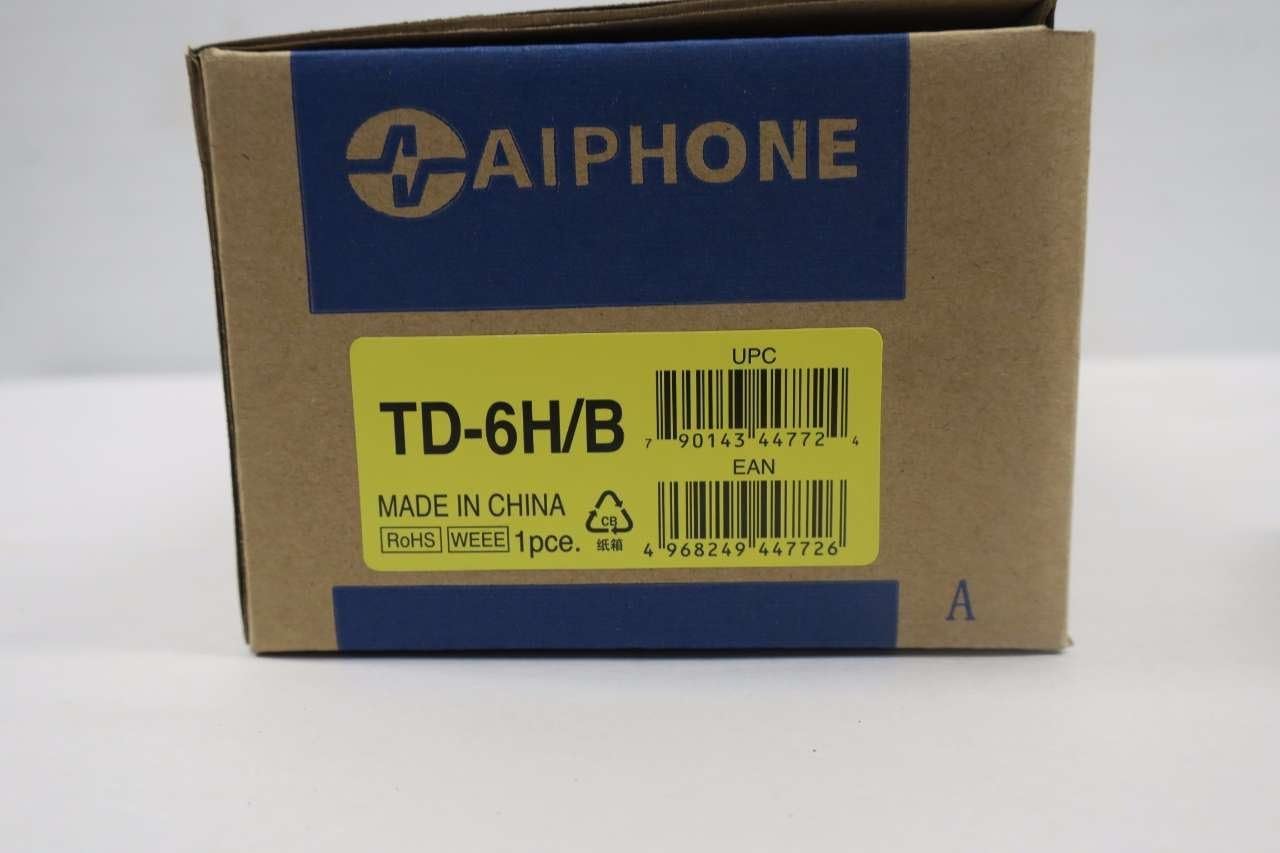
Малюнак 5: Packaging for the Aiphone TD-6H/B. This image shows the product's retail packaging, prominently displaying 'TD-6H/B', 'MADE IN CHINA', and various compliance logos (RoHS, WEEE). Both the UPC (0790143447724) and EAN (4968249447726) barcodes are clearly visible.
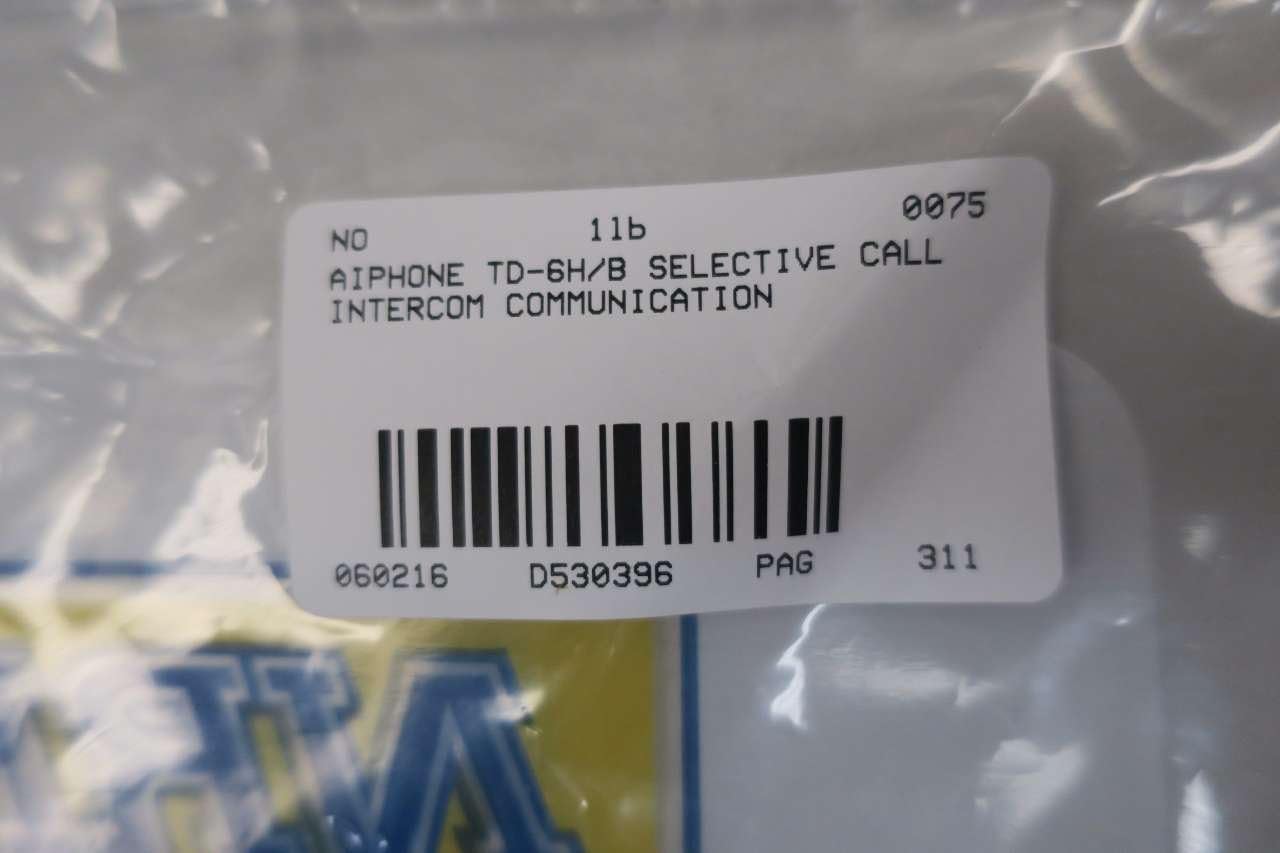
Малюнак 6: Product identification label. This label confirms the product as 'AIPHONE TD-6H/B SELECTIVE CALL INTERCOM COMMUNICATION' and includes a part number 'D530396'.
- мадэль: TD-6H/B
- вытворца: ЭЙФОН
- Памеры прадукту: 12.25 х 6.5 х 5.25 цалі
- Вага прадмета: 1.3 фунта
- ASIN: B01GS21VLU
- Нумар дэталі: D530396
- UPC: 0790143447724
- EAN: 4968249447726
- Дата першай даступнасці: 8 чэрвеня 2016 г
Інфармацыя аб гарантыі
Aiphone products are typically covered by a limited warranty against defects in materials and workmanship. The specific terms and duration of the warranty may vary. Please refer to the official Aiphone website or contact their customer support for detailed warranty information applicable to your region and purchase date.
Падтрымка кліентаў
For technical assistance, troubleshooting beyond this manual, or warranty claims, please contact Aiphone customer support. Contact information can typically be found on the official Aiphone webсайце або на ўпакоўцы прадукту.