1. Уводзіны
The TP-Link TL-SG108 is an 8-Port Gigabit Desktop Switch designed to expand your network capacity with minimal effort. This unmanaged switch offers a simple, plug-and-play solution for connecting multiple wired devices, such as computers, gaming consoles, printers, and smart TVs, to your network. Its sturdy metal casing ensures durability, and its fanless design provides quiet operation. This manual provides essential information for setting up, operating, and maintaining your TL-SG108 switch.
2. Змесціва ўпакоўкі
Пераканайцеся, што ваш пакет змяшчае наступныя элементы:
- TP-Link 8-Port Gigabit Desktop Switch (TL-SG108)
- Адаптар сілкавання
- Rubber Feet (for desktop placement)

Image: The retail packaging for the TP-Link TL-SG108 switch, showing the device and its accessories.
3. Асаблівасці прадукту
- 8 гігабітных партоў Ethernet: Provides 8 10/100/1000 Mbps auto-negotiation RJ45 ports for high-speed wired connections.
- Падключыў і гуляй: Requires no configuration or software installation for immediate use.
- Трывалы металічны корпус: Durable metal housing with a fanless design for quiet operation.
- Traffic Optimization (QoS): Supports 802.1p and DSCP QoS for smooth handling of latency-sensitive traffic like voice and video.
- Надзейная перадача дадзеных: IEEE 802.3x flow control ensures dependable data transmission.
- Энергаэфектыўнасць: Features Green Technology for up to 80% power saving by automatically adjusting power consumption based on link status and cable length.
- Аўтаматычнае ўзгадненне: Supports Auto-MDI/MDIX, eliminating the need for crossover cables.
- Універсальнае размяшчэнне: Designed for desktop use or wall-mounting.

Image: Diagram illustrating the advanced functions of the TL-SG108 switch, including QoS for fluent online experience and IGMP Snooping for traffic optimization in IPTV.

Image: The TP-Link TL-SG108 switch with icons representing its energy-saving 'Green Tech' and 'Energy Conversion' features.
4. Настройка
The TL-SG108 switch is designed for easy installation. Follow these steps to set up your device:
- Place the Switch: Choose a stable, flat surface for the switch, or mount it to a wall using appropriate hardware (not included). Ensure adequate ventilation around the device.
- Прымацуйце гумовыя ножкі: If placing on a desktop, attach the included rubber feet to the bottom of the switch to prevent scratching and provide stability.
- Падключыце харчаванне: Plug the power adapter into the switch's power port and then into a standard electrical outlet. The Power LED on the switch should illuminate.
- Падключыце прылады: Connect your network devices (e.g., router, computer, gaming console, printer, smart TV) to any of the 8 RJ45 ports on the switch using Ethernet cables. The Link/Act LEDs for connected ports will light up, indicating an active connection.
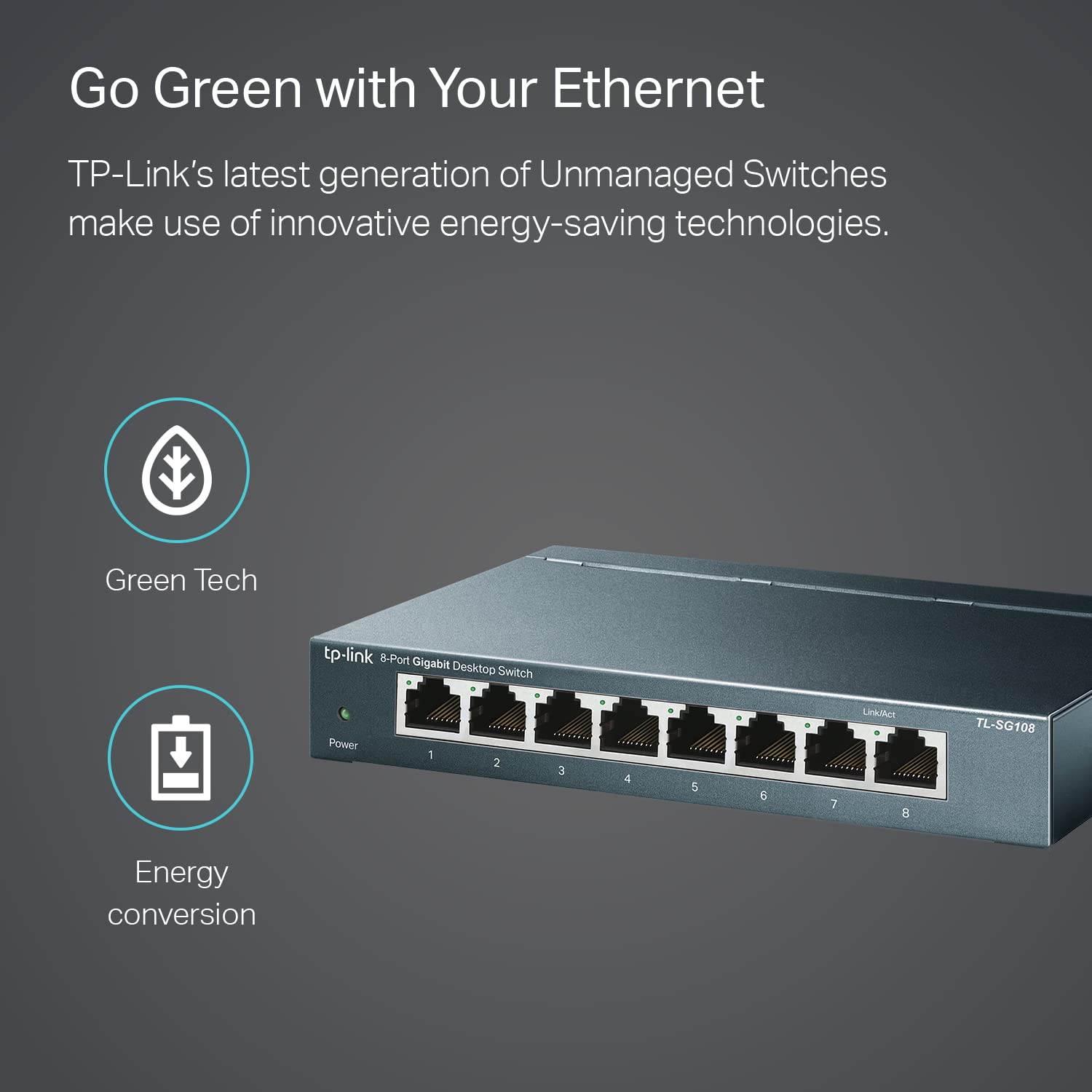
Image: The TP-Link TL-SG108 switch demonstrating its role in expanding network connectivity, showing connections to a computer, gaming console, printer, and smart TV.

Image: Visual representation of the TP-Link TL-SG108 switch's versatility in different environments: home, gaming setups, and business offices.
5. Інструкцыя па эксплуатацыі
The TL-SG108 is an unmanaged switch, meaning it operates automatically without requiring user configuration. Once powered on and connected, it will begin forwarding data between connected devices.
- Святлодыёд харчавання: A green LED indicates the switch is powered on. If this LED is off, check the power connection.
- Святлодыёды Link/Act (на кожны порт): Each RJ45 port has an associated LED. A solid green light indicates a stable link, while a blinking green light indicates data activity (transmitting or receiving data).

Выява: Пярэдні ракурс view of the TP-Link TL-SG108 8-Port Gigabit Desktop Switch, showing its power indicator and eight RJ45 ports with their respective Link/Act LEDs.
6. Тэхнічнае абслугоўванне
To ensure optimal performance and longevity of your TL-SG108 switch, follow these maintenance guidelines:
- Уборка: Для чысткі вонкавага боку перамыкача выкарыстоўвайце мяккую сухую тканіну. Не выкарыстоўвайце вадкія або аэразольныя ачышчальнікі.
- Вентыляцыя: Пераканайцеся, што выключальнік размешчаны ў добра вентыляваным месцы, каб пазбегнуць перагрэву. Не блакуйце вентыляцыйныя адтуліны.
- Умовы навакольнага асяроддзя: Operate the switch within the specified temperature range of 0°C to 40°C (32°F to 104°F) and avoid environments with high humidity.
- Цыкл харчавання: If the switch experiences issues, try power cycling it by unplugging the power adapter, waiting a few seconds, and then plugging it back in.
7. Выпраўленне непаладак
If you encounter problems with your TL-SG108 switch, refer to the following common issues and solutions:
- Няма харчавання:
- Пераканайцеся, што адаптар сілкавання надзейна падключаны да камутатара і спраўнай электрычнай разеткі.
- Праверце працаздольнасць разеткі, падключыўшы да яе іншую прыладу.
- Няма спасылкі/актыўнасці на порце:
- Check that the Ethernet cable is securely connected to both the switch port and the device.
- Паспрабуйце іншы кабель Ethernet, каб выключыць няспраўнасць кабеля.
- Пераканайцеся, што падключаная прылада ўключана, а яе сеткавы адаптар працуе правільна.
- Паспрабуйце падключыць прыладу да іншага порта камутатара.
- Павольная хуткасць сеткі:
- Пераканайцеся, што ўсе падлучаныя прылады і кабелі падтрымліваюць гігабітны Ethernet (для гігабітных хуткасцей рэкамендуюцца кабелі Cat5e або вышэйшай якасці).
- Праверце, ці няма празмернага сеткавага трафіку або праграм, якія патрабуюць вялікай прапускной здольнасці і працуюць у вашай сетцы.
- Verify that your internet service provider (ISP) is delivering the expected speeds to your router.
8. Тэхнічныя характарыстыкі
| Асаблівасць | Апісанне |
|---|---|
| мадэль | TL-SG108 |
| Колькасць партоў | 8 партоў RJ45 10/100/1000 Мбіт/с |
| Хуткасць перадачы даных | 1000 мегабіт у секунду (Мбіт/с) |
| Тып інтэрфейсу | RJ45 |
| Матэрыял корпуса | Метал |
| Памеры (Д х Ш х У) | 5.91 х 3.15 х 5.91 цалі |
| Вага прадмета | 13.8 унцыі (0.86 фунта) |
| Працоўная тэмпература | Ад 0°C да 40°C (ад 32°F да 104°F) |
| Тэмпература захоўвання | -40°C да 70°C (-40°F да 158°F) |
| тtage | 220 Volts (Input for Power Adapter) |
| Энергаспажыванне | Максімум: 3.97 Вт (220 В/50 Гц) |
9. Гарантыя і падтрымка
TP-Link provides a limited lifetime warranty for this product. For technical assistance, unlimited 24/7 technical support is available free of charge. Please refer to the TP-Link official website for detailed warranty terms and contact information for support services.