1. Уводзіны
This manual provides essential information for the setup, operation, and maintenance of your Anderic OEM ONN Roku TV Remote Control. Designed as a direct replacement, this remote offers seamless control for compatible ONN Roku TV models without requiring complex programming.

Малюнак 1.1: Пярэдняя і бакавая часткі view of the Anderic OEM ONN Roku TV Remote Control, highlighting its ergonomic design and button layout.
The Anderic RCAFIR remote is engineered to provide convenient access to all essential functions of your ONN Roku TV, including dedicated buttons for popular streaming services like Netflix, Disney, Hulu, and Vudu.

Image 1.2: The Anderic remote control pointing towards an ONN Roku TV, illustrating its capability to control the TV with a single device.
2. Настройка
2.1 Устаноўка батарэі
The remote control requires two (2) AAA batteries for operation. Batteries are not included.
- Знайдзіце крышку батарэйнага адсека на задняй частцы пульта дыстанцыйнага кіравання.
- Зрушыце вечка ўніз або націсніце на зашчапку (калі ёсць) і падніміце яе, каб адкрыць.
- Устаўце дзве батарэйкі тыпу AAA, пераканаўшыся, што станоўчая (+) і адмоўная (-) клемы правільна сумяшчаюцца з пазнакамі ўнутры адсека.
- Зачыніце вечка батарэйнага адсека, зрушыўшы яго назад да пстрычкі.

Image 2.1: Diagram illustrating the remote control's dimensions and the required AAA batteries for operation.
2.2 Initial Use (No Programming Required)
This Anderic remote control is pre-programmed for ONN Roku TVs. No manual programming or setup is required. Once batteries are installed, the remote is ready for immediate use with compatible ONN Roku TV models.

Image 2.2: A couple comfortably using the remote control, emphasizing the 'No Programming Needed' feature for immediate enjoyment.
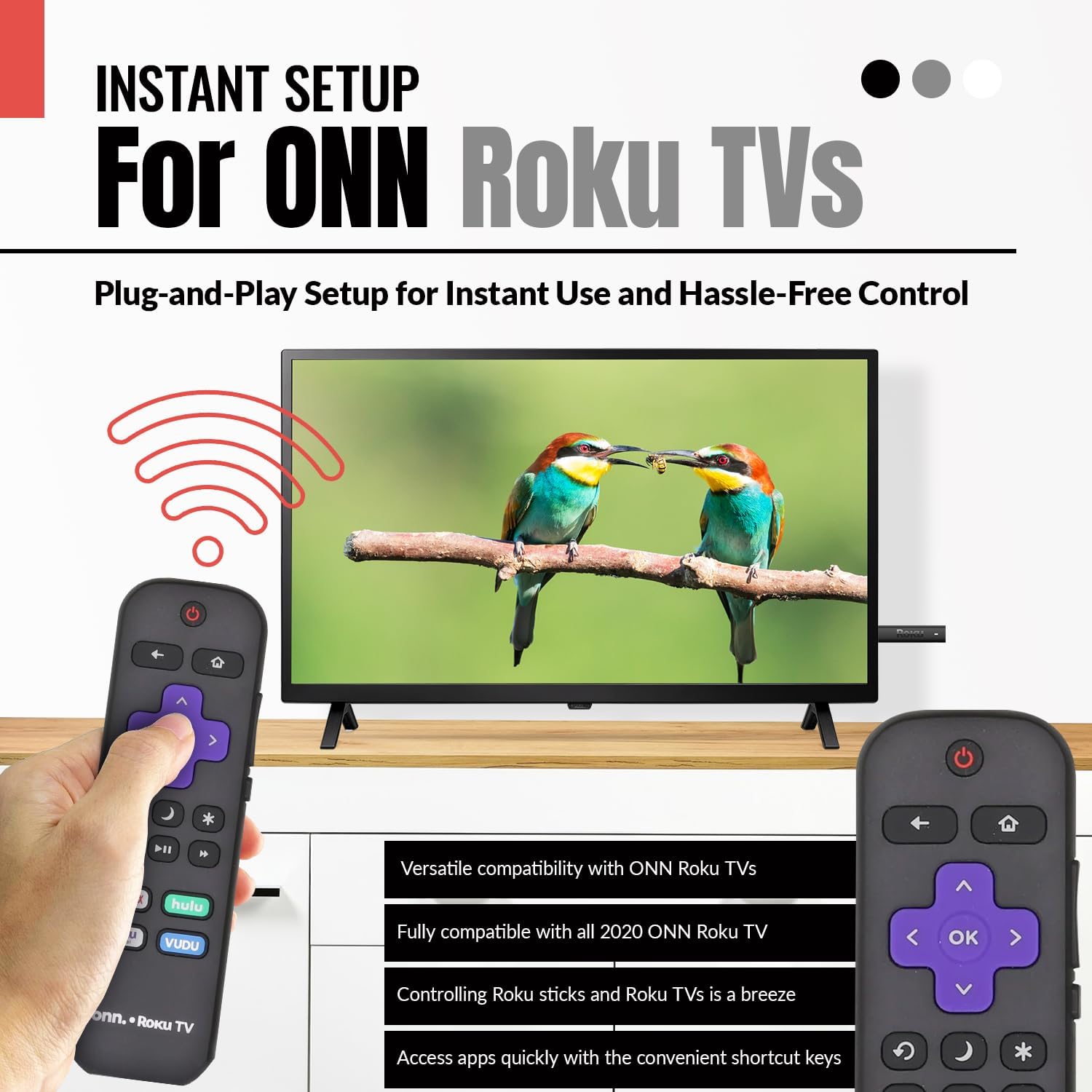
Image 2.3: A hand holding the remote control with a TV displaying content, illustrating the instant plug-and-play setup for ONN Roku TVs.
3. Інструкцыя па эксплуатацыі
3.1 Размяшчэнне і функцыі кнопак
The Anderic ONN Roku TV remote control features a user-friendly layout with dedicated buttons for various functions. Ensure a clear line of sight between the remote and your TV's infrared sensor for optimal performance.

Малюнак 3.1: Крупны план view of the remote control, emphasizing dedicated TV power, volume buttons, and pre-programmed streaming shortcut buttons for accessibility.
- Кнопка харчавання (Чырвоны круг з лініяй): Уключае або выключае тэлевізар.
- Кнопка "Назад" (Стрэлка ўлева): Вяртанне да папярэдняга экрана або меню.
- Кнопка "Дадому" (Значок дома): Пераходзіць на галоўны экран Roku.
- Directional Pad (Purple Arrows): Used to navigate through menus and content.
- Кнопка «ОК» (Purple 'OK'): Выбірае элемент або пацвярджае дзеянне.
- Кнопкі павелічэння / памяншэння гучнасці: Рэгулюе гучнасць тэлевізара.
- Кнопка адключэння: Уключае або выключае гук тэлевізара.
- Instant Replay Button (Curved Arrow): Jumps back a few seconds during video playback.
- Кнопка сну (Месяцовая ікона): Усталёўвае таймер сну для тэлевізара.
- Кнопка зоркі (Зорачка): Accesses options or settings within certain apps.
- Кнопка прайгравання/паўзы (Triangle/Two Bars): Plays or pauses media content.
- Кнопкі хуткай перамоткі наперад/назад: Skips forward or backward in media content.
- Streaming Service Shortcut Buttons (Netflix, Hulu, Vudu, Roku Channel): Забяспечвае прамы доступ да гэтых праграм для струменевай перадачы.

Image 3.2: A user operating the remote control, highlighting its comprehensive functionality beyond just streaming.
4. Сумяшчальнасць
The Anderic RCAFIR remote control is designed for broad compatibility with ONN Roku TV models. It functions as a direct replacement for several original ONN Roku remotes.
4.1 Compatible ONN Roku TV Models
This remote is fully compatible with all 2020 ONN Roku TV models and is supplied with the following specific ONN Roku TV models:
- 100005397
- 100012584
- 100012585
- 100012586
- 100012587
- 100012589
- 100012590
- 100018971
- 100021258
- 100021261
- 100024699
4.2 Replacement for Original Remotes
The RCAFIR remote serves as a direct replacement for the original ONN RCALIR Roku remote with Netflix, Disney, Hulu, and Vudu buttons, as well as other compatible models including:
- 276168
- 3226000855
- 3226000887

Image 4.1: A graphic illustrating the replacement compatibility for the ONN Roku TV RCALIR remote, highlighting preset compatibility and easy setup.

Image 4.2: A woman holding the remote control, signifying its role as a reliable replacement for entertainment mastery.
5. Выпраўленне непаладак
5.1 Пульт не адказвае
- Праверце батарэі: Ensure batteries are inserted correctly with the correct polarity (+/-). Replace old or depleted batteries with fresh AAA batteries.
- Лінія візавання: Verify there are no obstructions between the remote control and the TV's infrared sensor. The remote operates using infrared technology, requiring a direct line of sight.
- Магутнасць тэлевізара: Confirm that your ONN Roku TV is powered on and not in standby mode.
- Аддалены скід: Remove the batteries from the remote, press each button a few times to discharge any residual power, then reinsert the batteries.
5.2 Specific Button Issues
- If a specific button is not working, gently clean around the button with a soft, dry cloth to remove any dust or debris that might be interfering with its function.
- Ensure the remote is pointed directly at the TV's IR sensor when pressing the button.
6. Тэхнічныя характарыстыкі прадукту
| Асаблівасць | Дэталь |
|---|---|
| Нумар мадэлі | ONN-RCAFIR |
| Памеры прадукту | 5.75 х 1.75 х 1 цалі |
| Вага прадмета | 1.76 унцыі |
| Патрабуюцца батарэі | 2 батарэйкі AAA (не ўваходзяць у камплект) |
| Тэхналогія падлучэння | Інфрачырвоны (ВК) |
| Сумяшчальныя прылады | Television (ONN Roku TV models) |
| Асаблівасць | Эрганамічны дызайн, папярэдне запраграмаваны |
7. Важная інфармацыя
7.1 Адмова ад адказнасці
Anderic is a registered trademark of Dan's Electronics Etc., Inc. All Rights Reserved. We are not affiliated with Roku. Roku is a registered trademark of Roku Inc.
7.2 Інфармацыя пра вытворцу
Anderic, a brand of Dan's Electronics Etc., Inc., has been manufacturing replacement remote controls since 1999. The company is based in NC, USA, and focuses on providing high-quality replacement remote controls and accessories to extend the life of your equipment.


