Уводзіны
This manual provides instructions for the Matias Wired USB-C Keyboard for Mac with Numeric Keypad, Model FK316CS. It covers setup, operation, maintenance, troubleshooting, and product specifications to ensure optimal use of your keyboard.
Змест пакета
- Matias Wired USB-C Keyboard
Настройка
The Matias Wired USB-C Keyboard is designed for simple plug-and-play functionality with compatible Mac devices. No additional drivers or software installation is required.
- Locate an available USB-C port on your Mac computer (e.g., MacBook Pro, MacBook Air, iMac).
- Insert the USB-C connector of the keyboard into the USB-C port on your Mac.
- The keyboard should be recognized automatically by your operating system.
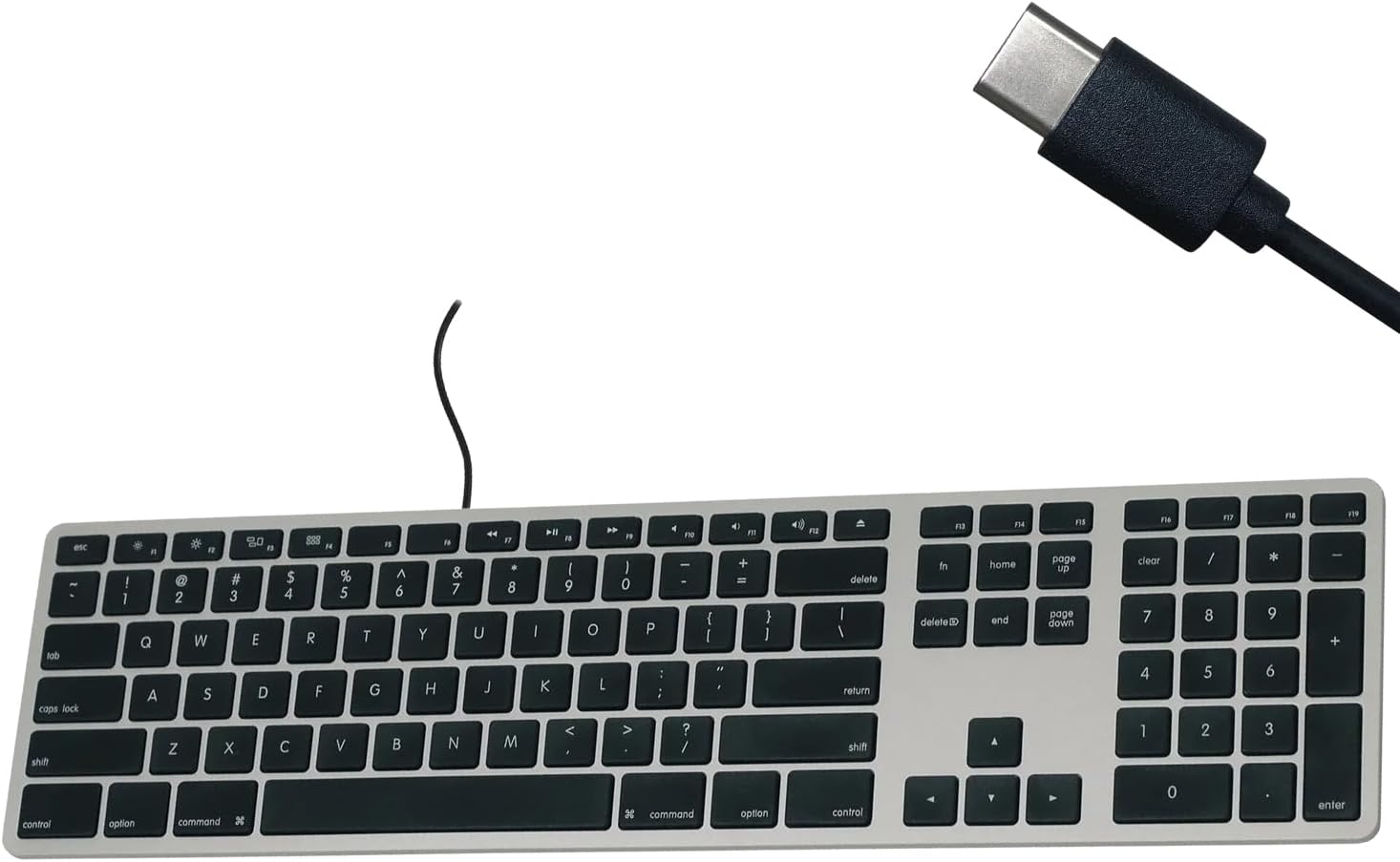
Figure 1: Matias USB-C Keyboard with its USB-C connector, ready for connection.

Figure 2: The keyboard connected to a Mac computer, demonstrating a typical setup.
Інструкцыя па эксплуатацыі
Асноўны набор тэксту
The keyboard features a standard QWERTY layout with a full numeric keypad. Simply begin typing after connecting the keyboard to your Mac.
Лікавая клавіятура
The integrated numeric keypad allows for efficient data entry and calculations. Ensure the 'Num Lock' function is active if numbers are not registering (though typically not required on Mac keyboards for the numeric pad).
Функцыянальныя клавішы Mac
The top row of keys (F1-F12) provides dedicated Mac-specific functions. These keys allow for quick access to controls such as screen brightness, volume adjustment, media playback, and Mission Control.

Малюнак 3: Буйны план view of the Mac-specific function keys (F1-F12) on the keyboard.
Тэхнічнае абслугоўванне
To maintain the performance and appearance of your Matias keyboard, follow these guidelines:
- Уборка: Выкарыстоўвайце мяккую безворсовую тканіну, злёгку dampened with water or a mild, non-abrasive cleaner to wipe the surface of the keyboard. Avoid spraying liquids directly onto the keyboard.
- Выдаленне пылу: Выкарыстоўвайце сціснутае паветра, каб выдаліць пыл і смецце паміж клавішамі.
- захоўванне: Store the keyboard in a clean, dry environment when not in use.
Ліквідацыю непаладак
If you encounter issues with your Matias Wired USB-C Keyboard, consider the following steps:
- Клавіятура не адказвае:
- Ensure the USB-C cable is securely connected to both the keyboard and your Mac.
- Try connecting the keyboard to a different USB-C port on your Mac.
- Restart your Mac computer.
- Test the keyboard on another compatible Mac computer, if available, to determine if the issue is with the keyboard or the computer.
- Клавішы працуюць няправільна:
- Праверце на наяўнасць фізічных перашкод або смецця пад пашкоджанымі клавішамі.
- Ensure your Mac's operating system is up to date.
Калі гэтыя дзеянні не вырашаць праблему, звярніцеся ў раздзел падтрымкі для атрымання дадатковай дапамогі.
Тэхнічныя характарыстыкі
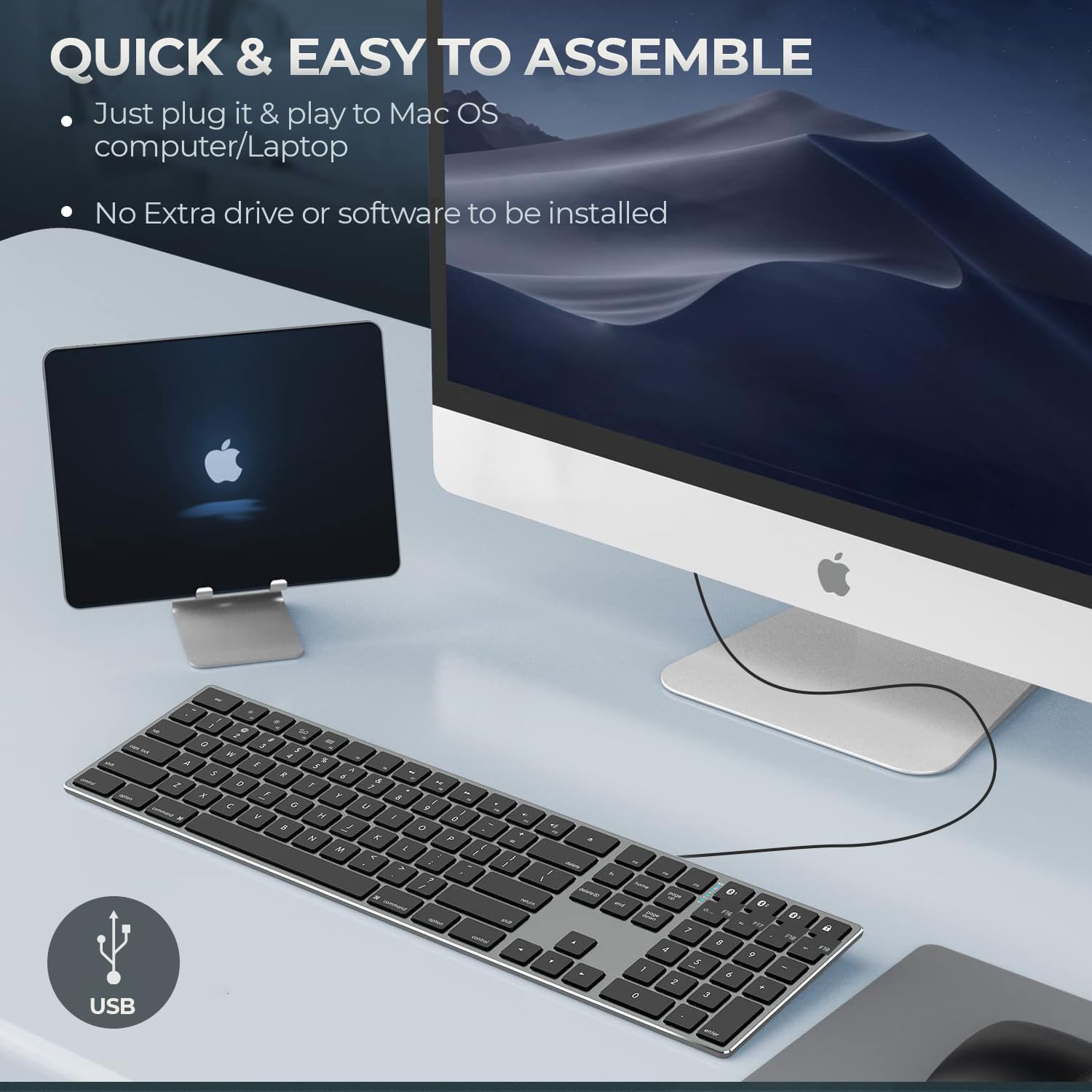
Figure 4: Key specifications of the Matias USB-C Keyboard.
| Асаблівасць | Дэталь |
|---|---|
| Нумар мадэлі | FK316CS |
| Тэхналогія падлучэння | USB-C (правадны) |
| Сумяшчальныя прылады | MacBook Pro, MacBook Air, iMac, Mac OS X v.10.6.8 and later |
| Памеры прадукту | 17.35 х 4.58 х 0.75 цалі (44.07 х 11.63 х 1.91 см) |
| Вага прадмета | 1.35 фунта (612 грамаў) |
| Даўжыня кабеля | 5 футаў (1.5 метра) |
| Матэрыял | Plastic keyframe |
| Колер | Касмічны шэры |

Figure 5: Keyboard dimensions and ergonomic tilt angle.
Інфармацыя аб гарантыі
Matias products are covered by a manufacturer's warranty. For specific details regarding the warranty period and terms, please refer to the warranty card included with your product or visit the official Matias webсайт.
Падтрымка
For further assistance, technical support, or to inquire about replacement parts, please contact Matias customer service through their official webсайт:
- Matias Official Webсайт: www.matias.ca
Please have your product model number (FK316CS) and purchase information ready when contacting support.


