Уводзіны
The Logitech Signature M550 L Wireless Mouse is designed for enhanced comfort and productivity, especially for users with larger hands. It features an adaptive SmartWheel for precise or hyper-fast scrolling, SilentTouch technology for quiet clicks, and versatile connectivity options. This manual provides detailed instructions for setup, operation, and maintenance of your device.
Змест пакета
- Logitech Signature M550 L Wireless Mouse
- 1 батарэйка тыпу АА (папярэдне ўсталяваная або ў камплекце)
- Logi Bolt USB Receiver (may be stored inside the mouse battery compartment)
- Дакументацыя карыстальніка (гэтае кіраўніцтва)
Прадукт скончаныview
Familiarize yourself with the key components of your Logitech Signature M550 L mouse.

Выява: зверху і збоку view of the Logitech Signature M550 L mouse, highlighting its features including the SmartWheel, silent clicking buttons, Bluetooth connectivity, ergonomic shape, and 24-month battery life.
- Левая/правая кнопкі мышы: Feature SilentTouch technology for reduced clicking noise.
- Разумнае кола: Adaptive scroll wheel for line-by-line precision or super-fast free-spin scrolling.
- Святлодыёдны індыкатар: Shows battery status and connection mode.
- Перамыкач уключэння/выключэння: Located on the bottom of the mouse.
- Батарэйны адсек: Houses the AA battery and Logi Bolt USB receiver.
- Эрганамічны дызайн: Contoured shape with soft thumb area and rubber side grips for comfort.
Настройка
1. Усталюйце батарэю
- Адкрыйце вечка батарэйнага адсека на ніжняй частцы мышы.
- Устаўце батарэйку тыпу АА, якая ўваходзіць у камплект, сачыце за правільнай палярнасцю (+/-).
- Close the battery compartment cover. The LED indicator on the mouse may flash briefly.
2. Падключыцеся да прылады
The Signature M550 L offers two connection methods: Logi Bolt USB Receiver or Bluetooth Low Energy.
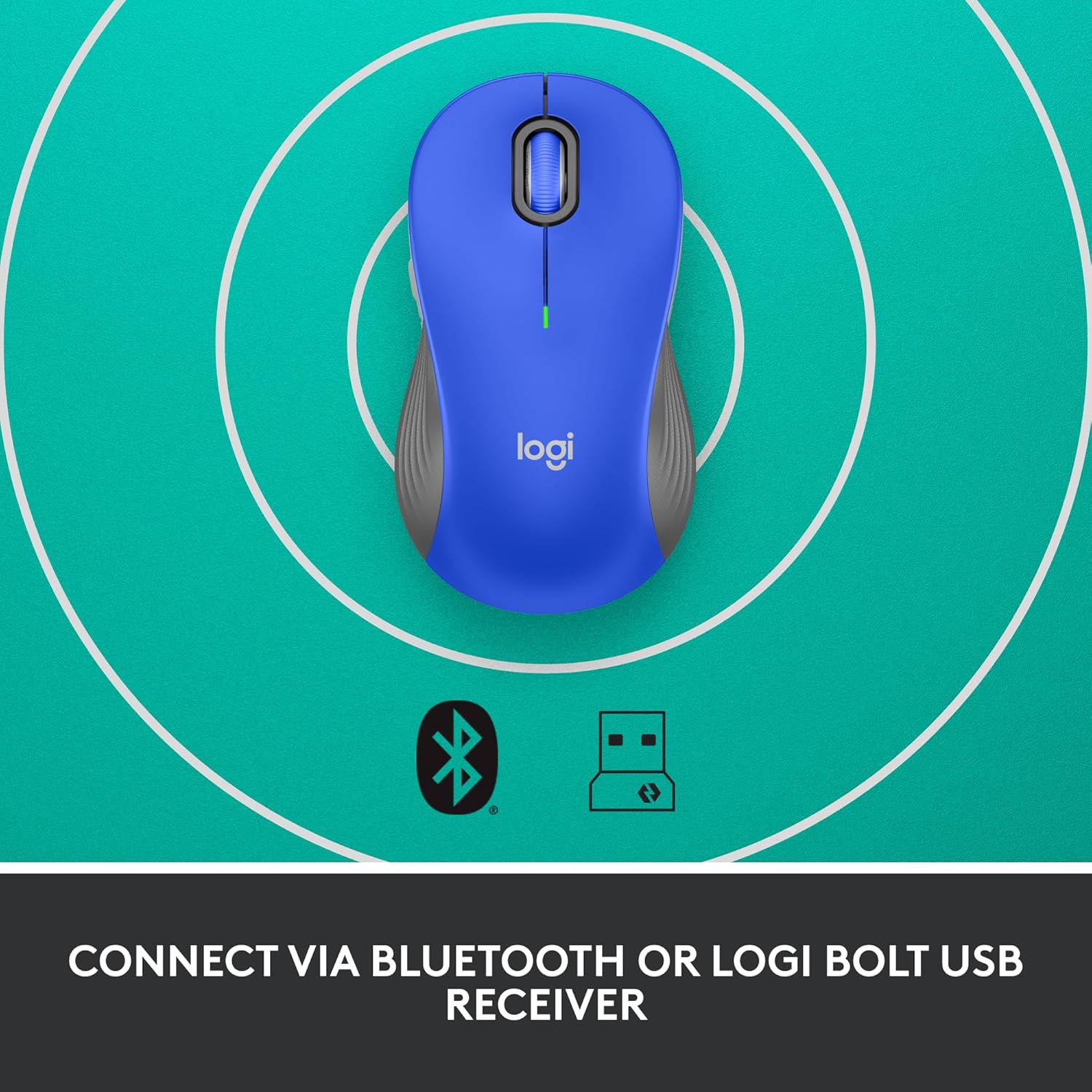
Image: The Logitech Signature M550 L mouse shown with icons representing Bluetooth and Logi Bolt USB receiver connectivity options.
Варыянт A: USB-прыёмнік Logi Bolt
- Locate the Logi Bolt USB receiver, typically stored inside the mouse's battery compartment.
- Падключыце USB-прыёмнік Logi Bolt да даступнага USB-порта на вашым кампутары.
- Turn on the mouse using the On/Off switch on the bottom. Your computer should automatically detect the mouse.
Варыянт B: Bluetooth з нізкім энергаспажываннем
- Уключыце мыш з дапамогай перамыкача ў ніжняй частцы.
- Press and hold the Easy-Switch button (usually on the bottom or side, refer to product diagram if available) for 3 seconds until the LED indicator starts blinking rapidly. This indicates pairing mode.
- На вашым камп'ютары або прыладзе адкрыйце налады Bluetooth.
- Select "Logitech M550 L" from the list of available devices and follow any on-screen prompts to complete pairing.
Мыш сумяшчальная з аперацыйнымі сістэмамі Windows, macOS, Linux, Chrome OS, iPadOS і Android.
Інструкцыя па эксплуатацыі
SmartWheel Scrolling
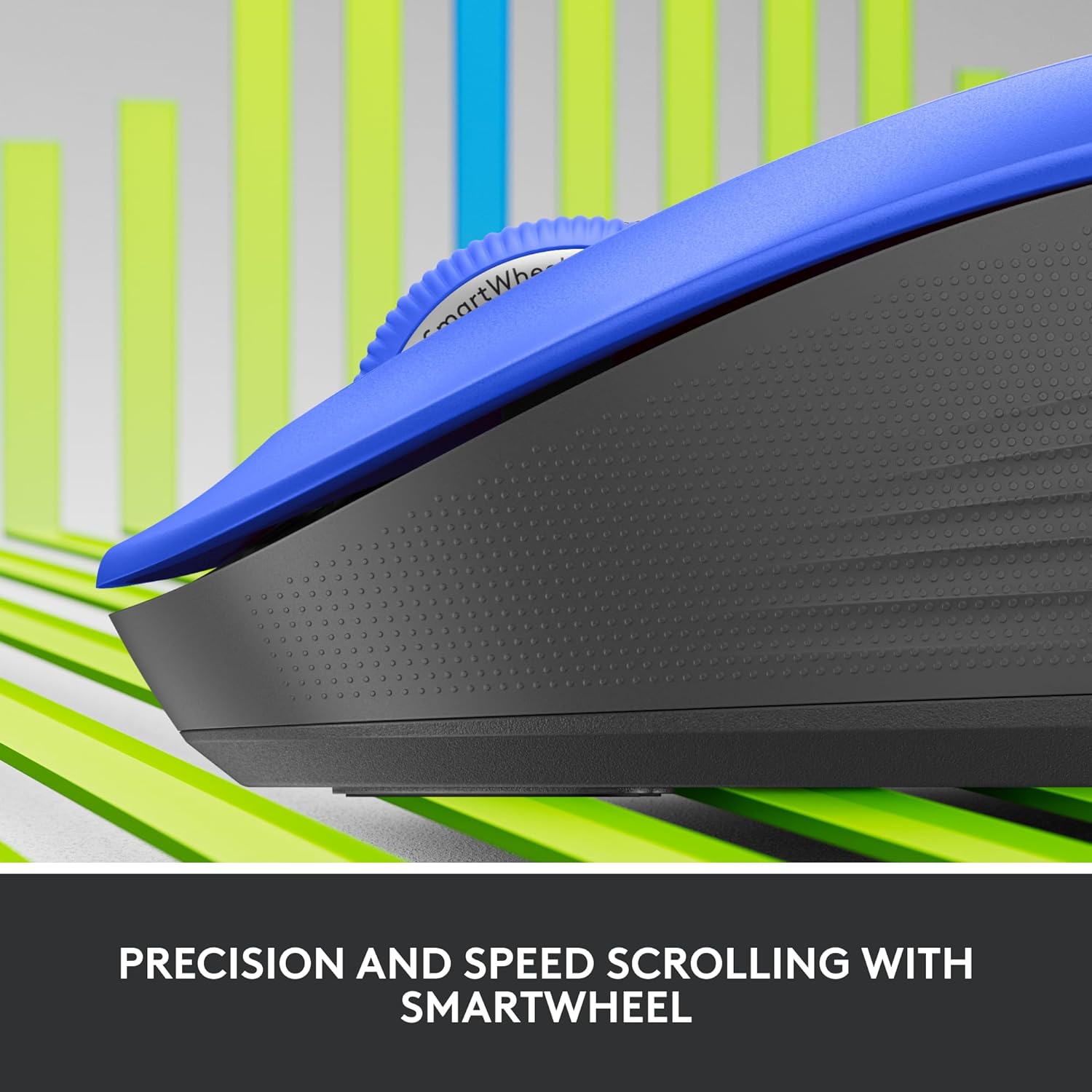
Выява: буйны план view of the Logitech SmartWheel, demonstrating its precision and speed scrolling capabilities.
SmartWheel аўтаматычна пераключаецца паміж двума рэжымамі:
- Дакладнасць па радках: Ideal for detailed work and navigating documents. Scroll slowly for precise control.
- Super-Fast Free-Spin: For quickly navigating long web pages or documents. Flick the wheel to activate.
Бясшумныя клікі

Image: A person using the Logitech Signature M550 L mouse at a desk, illustrating the benefit of 90% less clicking noise for a focused work environment.
The mouse features Logitech's SilentTouch technology, reducing click noise by over 90% compared to traditional mice. This allows for a quieter work environment without compromising click feel.
Сумяшчальнасць з некалькімі прыладамі
The Signature M550 L can be paired with multiple devices and switched between them using the Easy-Switch button. This feature is ideal for users who work across several computers or tablets.
Тэхнічнае абслугоўванне
Замена батарэі
The mouse operates on a single AA battery, offering up to 24 months of battery life depending on usage. When the battery is low, the LED indicator will turn red. To replace:
- Выключыце мышку.
- Open the battery compartment cover on the underside.
- Remove the old AA battery and insert a new one, observing correct polarity.
- Close the cover and turn the mouse back on.
Уборка
Каб ачысціць мыш, выкарыстоўвайце мяккую тканіну без ворса, злёгку прамакніце яеampened with water or a mild cleaning solution. Avoid harsh chemicals or abrasive materials. Ensure no liquid enters the mouse's openings.
Ліквідацыю непаладак
- Мышка не рэагуе:
- Пераканайцеся, што мыш уключана.
- Праверце ўзровень зарада батарэі і пры неабходнасці заменіце яе.
- If using the Logi Bolt receiver, try plugging it into a different USB port or a different computer to rule out port issues.
- If using Bluetooth, ensure Bluetooth is enabled on your device and the mouse is properly paired. Try re-pairing the mouse.
- Move the mouse closer to the receiver or Bluetooth-enabled device to ensure it's within range.
- Няправільны рух курсора:
- Ачысціце аптычны датчык у ніжняй частцы мышы.
- Пераканайцеся, што вы карыстаецеся мышшу на адпаведнай паверхні. Пазбягайце моцна бліскучых або празрыстых паверхняў.
- Connectivity issues after system update:
- Перазагрузіце кампутар.
- Check for updated drivers for your mouse or Bluetooth adapter.
Тэхнічныя характарыстыкі
| Марка | Logitech |
| Нумар мадэлі | 910-006794 |
| Тэхналогія падлучэння | Прыёмнік Bluetooth Low Energy, USB Logi Bolt |
| Выяўленне руху | Аптычны |
| Асаблівасці | Lightweight, Portable, Silent Clicks (SilentTouch), SmartWheel, Wireless |
| Тып батарэі | 1 батарэйка АА |
| Тэрмін службы батарэі | Да 24 месяцаў (можа адрознівацца ў залежнасці ад выкарыстання) |
| Сумяшчальнасць аперацыйнай сістэмы | Windows, macOS, Linux, Chrome OS, iPadOS, Android |
| Вага прадмета | 3.92 унцыі |
| Колер | Blue (for this variant) |
Інфармацыя аб гарантыі
Logitech products are manufactured to high quality standards and are covered by a limited hardware warranty. For specific warranty terms and conditions applicable to your region and product, please refer to the official Logitech webсайт або гарантыйны талон, які ўваходзіць у камплект пакупкі.
Падтрымка
For further assistance, technical support, or to download the latest software and drivers for your Logitech Signature M550 L Wireless Mouse, please visit the official Logitech support webсайт:
You can also find FAQs and community forums on the support site.