1. Уводзіны
Thank you for choosing the Airdog X3D Black Air Purifier. This manual provides essential information for the safe and efficient operation, maintenance, and troubleshooting of your device. Please read this manual thoroughly before use and retain it for future reference.

Малюнак 1: Спераду view of the Airdog X3D Black Air Purifier.
2. Інфармацыя па бяспецы
To reduce the risk of electric shock, fire, or injury, always follow basic safety precautions when operating electrical appliances. This device is for indoor use only.
- Не апускайце прыладу ў ваду ці іншыя вадкасці.
- Трымайце шнур сілкавання далей ад нагрэтых паверхняў.
- Не выкарыстоўвайце прыладу з пашкоджаным шнуром або вілкай.
- Ensure the air inlets and outlets are not blocked.
- Адключыце прыладу ад сеткі перад чысткай або любым тэхнічным абслугоўваннем.
- Захоўваць у месцах, недаступных дзецям і хатнім жывёлам.
3. Змесціва ўпакоўкі
Праверце наяўнасць усіх прадметаў у камплекце:
- Airdog X3D Black Air Purifier Unit
- Адаптар сілкавання
- Пульт дыстанцыйнага кіравання
- Кіраўніцтва карыстальніка (гэты дакумент)
4. Прадукт скончыўсяview
The Airdog X3D features a compact design with advanced air purification technology, including a TPA filter system, light sensor, human sensor, and a 3-way wide-angle exhaust system for efficient air circulation.
4.1. Main Unit Components
- Панэль кіравання/дысплей: Shows air quality index (AQI) and operational status.
- Уваход паветра: Located on the sides and back of the unit.
- Выхад паветра: Top of the unit, designed for 3-way wide-angle exhaust.
- TPA Filter System: Internal, washable filter components.
- Датчыкі: Integrated light and human presence sensors.
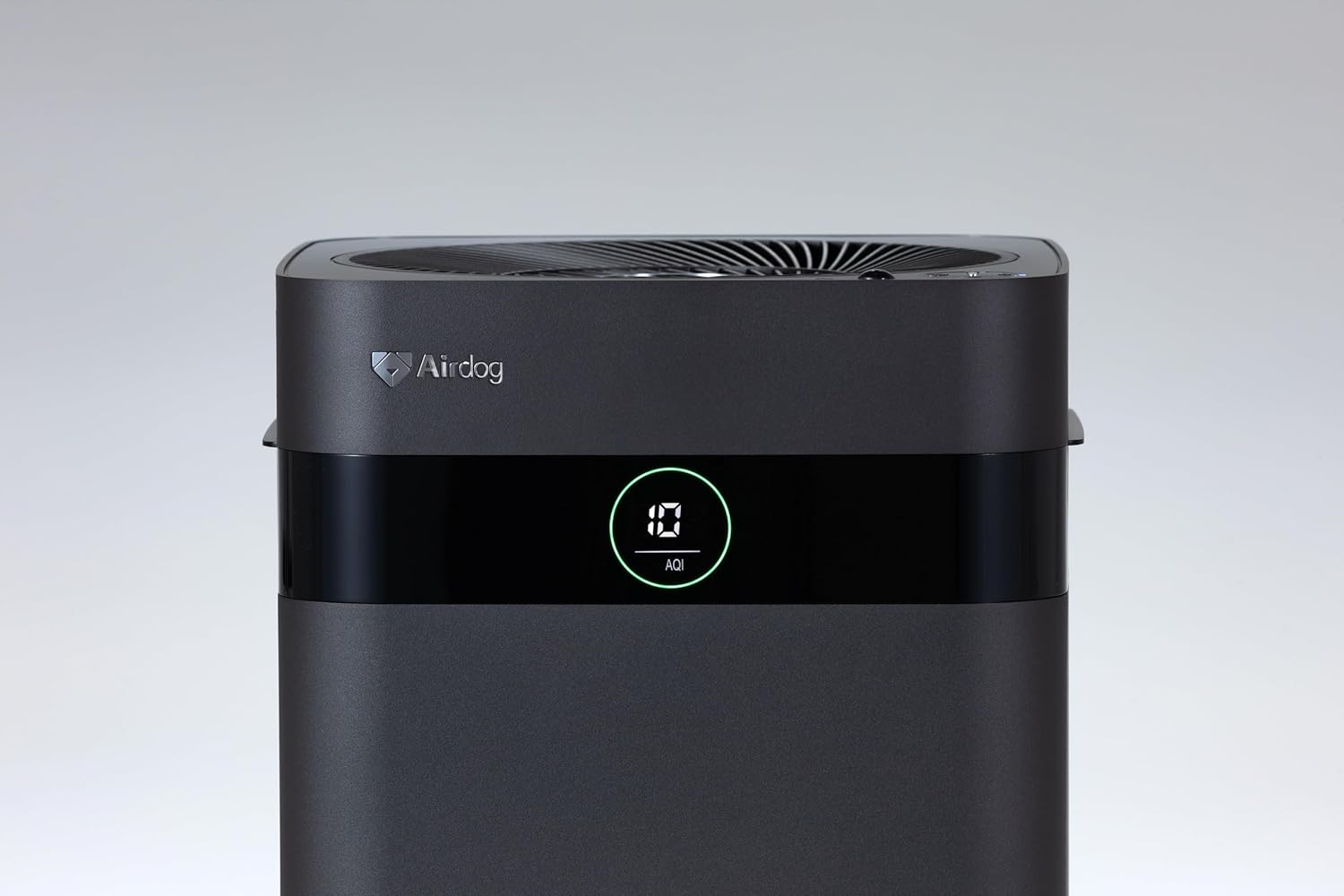
Figure 2: Close-up of the control panel and AQI display.

Малюнак 3: Верх view illustrating the air outlet design.

Figure 4: The bottom light indicator provides visual feedback on air quality.
5. Настройка
5.1. Распакаванне
- Асцярожна дастаньце ачышчальнік паветра з упакоўкі.
- Remove all protective films and packaging materials from the unit.
- Пераканайцеся, што ўсе кампаненты, пералічаныя ў раздзеле 3, прысутнічаюць.
5.2. размяшчэнне
Place the air purifier on a flat, stable surface. For optimal performance, ensure there is adequate space around the unit for air circulation. Avoid placing it directly against walls or furniture that might obstruct the air inlets or the 3-way wide-angle exhaust.

Малюнак 5: Выпample placement in a kitchen area.

Малюнак 6: Выпample placement in a living room.
5.3. Падключэнне сілкавання
Connect the power adapter to the power input port on the back of the unit, then plug the adapter into a suitable electrical outlet.
6. Інструкцыя па эксплуатацыі
6.1. Уключэнне/выключэнне харчавання
Press the power button on the control panel or the remote control to turn the unit on or off. The display will illuminate when the unit is active.
6.2. Выбар рэжыму
The Airdog X3D offers various operating modes:
- Аўтаматычны рэжым: The unit automatically adjusts fan speed based on detected air quality (AQI).
- Ручной рэжым: Дазваляе ўручную выбраць патрэбную хуткасць вентылятара.
- Рэжым сну: Operates at the lowest fan speed with reduced display brightness for quiet operation.
Use the mode button on the control panel or remote control to cycle through the available modes.
6.3. Функцыі датчыкаў
- Датчык святла: Automatically adjusts display brightness based on ambient light conditions.
- Датчык чалавека: Detects human presence to optimize operation, potentially saving energy when the room is unoccupied.
6.4. Пульт дыстанцыйнага кіравання
The included remote control allows for convenient operation from a distance. Point the remote control directly at the unit's sensor. Note that the effective range of the remote control may be limited (approximately 1 meter).
7. Тэхнічнае абслугоўванне
Regular maintenance ensures the longevity and optimal performance of your Airdog X3D air purifier.
7.1. TPA Filter Cleaning
The TPA filter system is washable and reusable. Refer to the detailed instructions in the full user manual for specific cleaning procedures. Generally, the collector plates should be cleaned regularly to maintain purification efficiency.
- Turn off and unplug the unit before opening the filter compartment.
- Remove the collector plates and wash them with water and mild detergent.
- Ensure all filter components are completely dry before reinserting them into the unit.
7.2. Знешняя ўборка
Працярыце вонкавую частку прылады мяккай, damp тканіна. Не выкарыстоўвайце абразіўныя ачышчальнікі або растваральнікі.
8. Выпраўленне непаладак
If you encounter issues with your Airdog X3D, please refer to the following common problems and solutions:
| праблема | Магчымая прычына | Рашэнне |
|---|---|---|
| Прылада не ўключаецца. | Няма харчавання, дрэннае злучэнне. | Праверце падключэнне шнура харчавання і разетку. |
| Слабая эфектыўнасць ачысткі паветра. | Dirty TPA filter, obstructed air inlets/outlets. | Clean TPA filter components. Ensure clear airflow paths. |
| Пульт дыстанцыйнага кіравання не рэагуе. | Low battery, out of range, obstruction. | Replace remote battery. Ensure direct line of sight within 1 meter. |
| Незвычайны шум. | Foreign object, improper filter installation. | Check for obstructions. Reinstall filter components correctly. |
Калі праблема не знікне пасля спробы гэтых рашэнняў, звярніцеся ў службу падтрымкі кліентаў.
9. Тэхнічныя характарыстыкі
| Асаблівасць | Дэталь |
|---|---|
| Марка | Airdog |
| Нумар мадэлі | AIR-X3-AMB310 |
| Колер | Матавы чорны |
| Памеры прадукту | 26 см (Г) х 27 см (Ш) х 56 см (В) |
| Вага ўпакоўкі | 7.5 кг |
| Выкарыстанне батарэі | Так (для дыстанцыйнага кіравання) |
| Акумулятар у камплекце | няма |
| Год вытворчасці | 2024 |
| Асаблівасці | Light & Human Sensor, 3-way Wide-Angle Exhaust System, TPA Filter |
10. Гарантыя і падтрымка
The Airdog X3D Black Air Purifier comes with a manufacturer's warranty. Please refer to the warranty card included with your product for specific terms and conditions. For technical support, service, or warranty claims, please contact Airdog customer service through their official webсайт або кантактную інфармацыю, указаную ў дакументацыі да прадукту.


