1. Уводзіны
This manual provides detailed instructions for the installation, operation, and maintenance of your TP-Link TC82 KIT Solar-Powered Outdoor Security Camera. This device is designed to provide reliable outdoor surveillance with the convenience of solar power, offering 2K 3MP video resolution, color night vision, and smart person detection.
2. Змесціва ўпакоўкі
Verify that all components are present in your package. The TP-Link TC82 KIT typically includes:
- TP-Link TC82 Security Camera
- Панэль сонечных батарэй
- Мантажны кранштэйн і шрубы
- USB-кабель для зарадкі
- Кароткае кіраўніцтва
Note: Specific contents may vary. Refer to the packaging for exact details.
3. Настройка і ўстаноўка
The TC82 KIT offers flexible, wire-free installation thanks to its solar power capabilities. Ensure the camera is fully charged before initial setup.
3.1 Зарадка камеры
Before mounting, connect the camera to a power source using the provided USB cable to ensure it has sufficient charge for initial setup. A full charge is recommended for optimal performance.
3.2 Усталёўка праграмы і налада ўліковага запісу
- Download the Tapo app from your device's app store (iOS or Android).
- Create a TP-Link ID or log in with an existing one.
- Follow the in-app instructions to add your TC82 camera.
3.3 Мантаж камеры і сонечнай панэлі
Choose a location that provides optimal sunlight exposure for the solar panel and a clear view for the camera. The camera and solar panel can be installed as a compact unit or separately using the 4-meter cable for flexible placement.
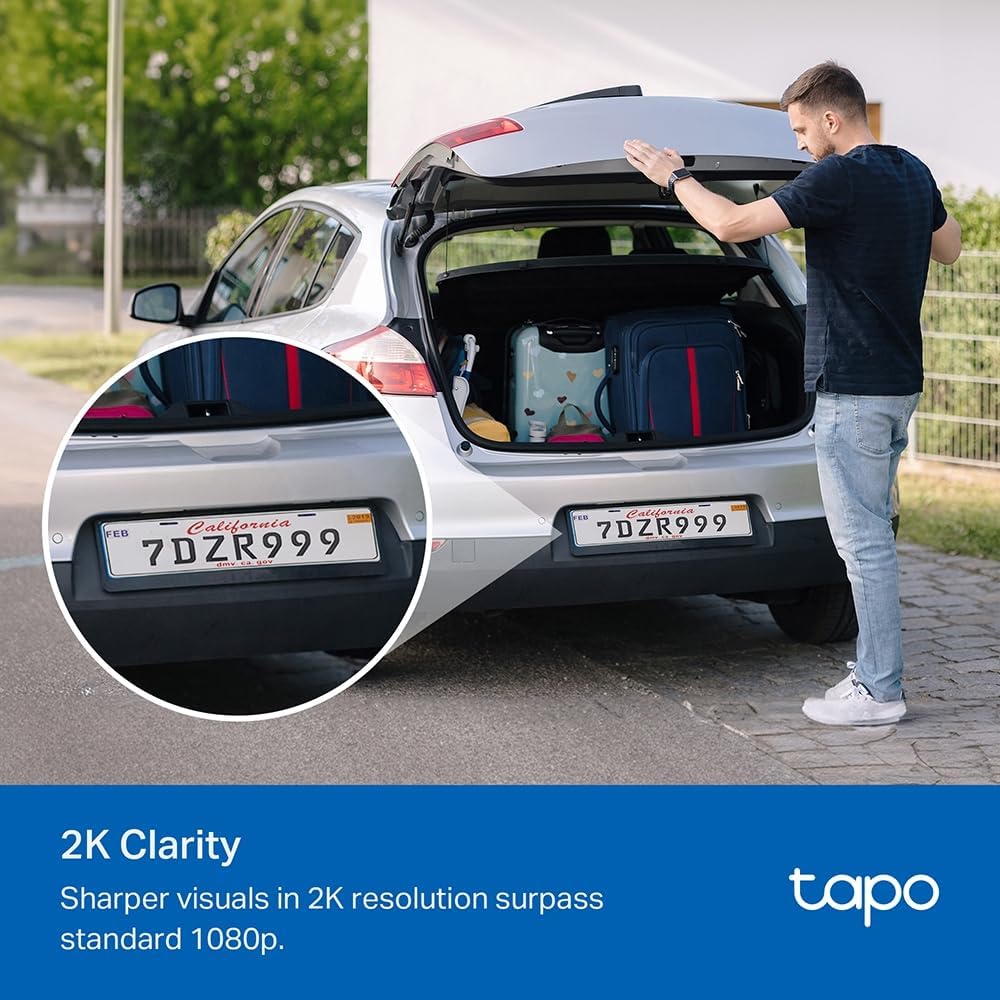
Image: The TP-Link TC82 KIT camera and solar panel are shown mounted on a wall, illustrating the flexible installation options where they can be attached together or separately with a cable for optimal sun exposure.
- Размяшчэнне панэлі сонечных батарэй: Ensure the solar panel receives at least 45 minutes of direct sunlight daily for continuous monitoring.
- Размяшчэнне камеры: Position the camera to cover the desired surveillance area. The camera is IP65 weather-resistant, suitable for outdoor use.
- Use the provided mounting template and screws to securely attach the bracket to a wall or suitable surface.
- Attach the camera and solar panel to the bracket.
- Connect the solar panel cable to the camera.
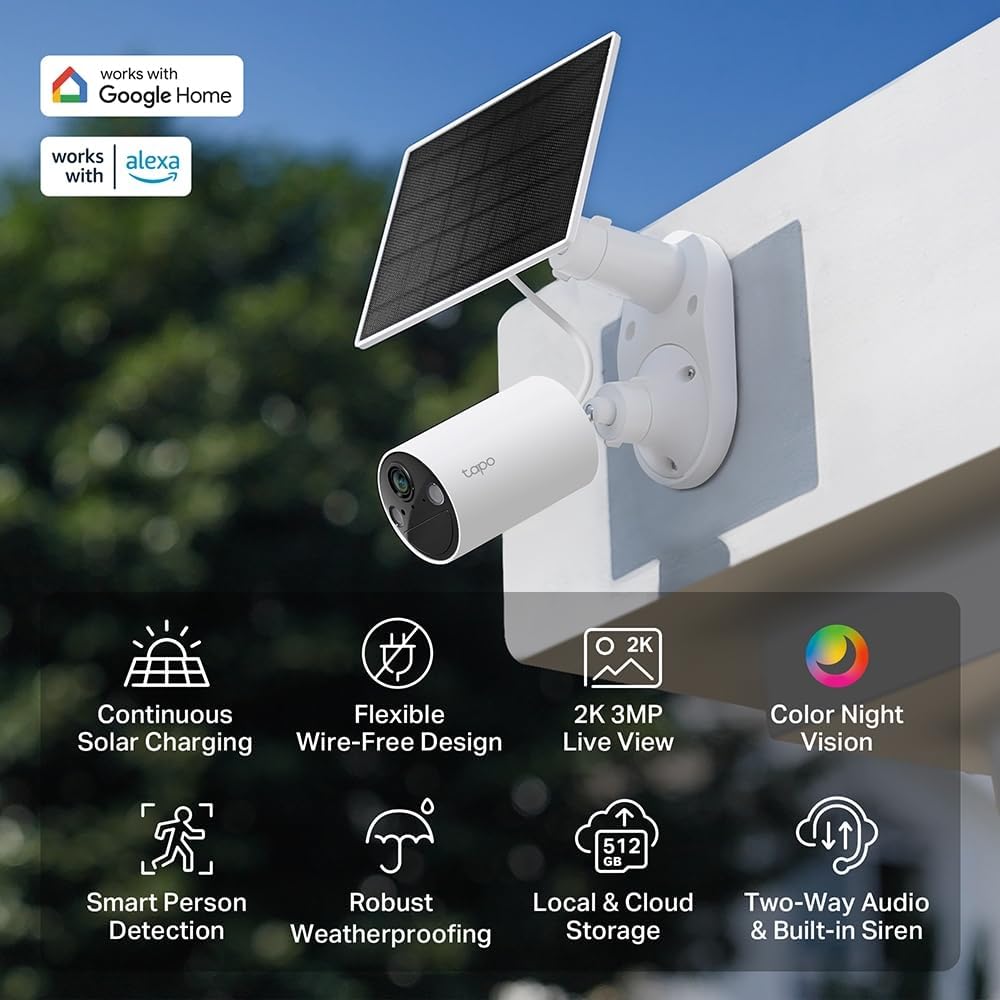
Выява: Оверview of the TP-Link TC82 KIT camera and solar panel, highlighting key features such as continuous solar charging, wire-free design, 2K 3MP live view, color night vision, smart person detection, robust weatherproofing, local and cloud storage, and two-way audio with a built-in siren.
4. Інструкцыя па эксплуатацыі
Operate your TC82 KIT camera using the Tapo app on your smartphone or tablet.
4.1 У прамым эфіры View і запіс
- Open the Tapo app and select your TC82 camera to view жывы канал.
- The camera provides 2K 3MP resolution for clear visuals, surpassing standard 1080p.
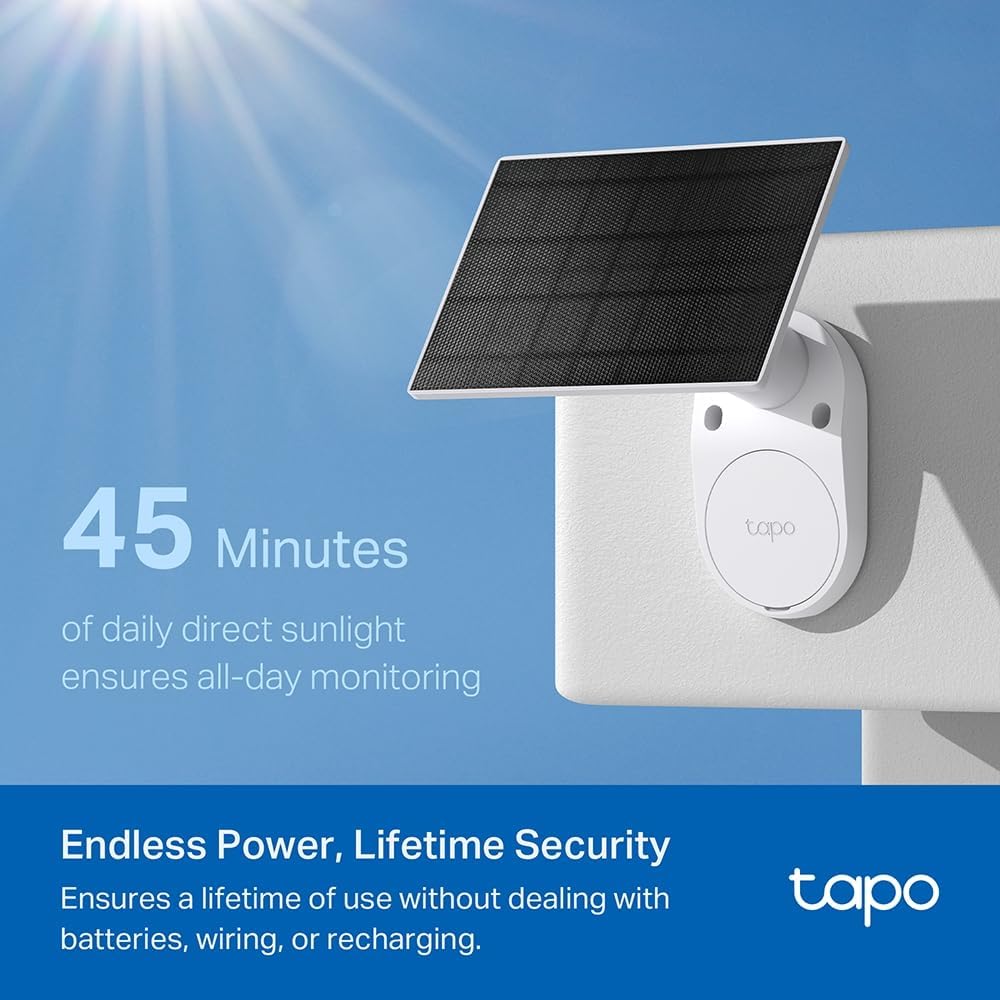
Image: A car's license plate is displayed with a magnified section, illustrating the superior 2K clarity of the TP-Link TC82 KIT camera, which offers sharper visuals compared to standard 1080p.
4.2 Начное бачанне
The camera features color night vision, capturing detailed and vivid nighttime colors up to 30 feet (9 meters).
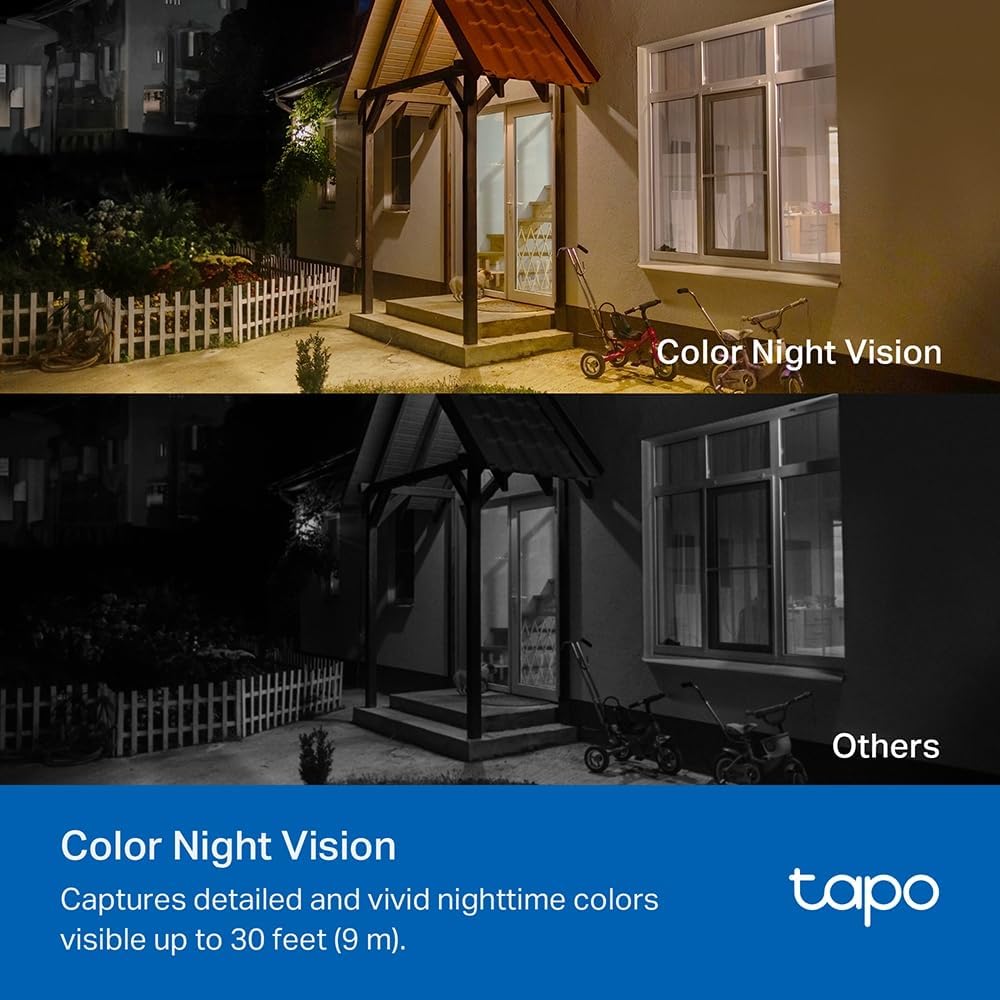
Image: A comparison image showing a house at night. The upper portion demonstrates the camera's color night vision, displaying the scene with natural colors, while the lower portion shows a typical monochrome night vision view, labeled 'Others'.
4.3 Smart Person Detection
The TC82 KIT utilizes smart person detection to identify human figures, reducing false alerts from pets or other moving objects. You will receive notifications on your phone when a person is detected.

Image: A child is depicted playing with a soccer ball in a yard, with a blue box highlighting the child, demonstrating the camera's smart person detection capability that alerts users when a person is identified.
4.4 Двухбаковае аўдыё
Use the two-way audio feature via the Tapo app to communicate with visitors or deter intruders.
4.5 Варыянты захоўвання
The camera supports both local storage (via microSD card, up to 512GB) and cloud storage options (subscription may be required).
5. Тэхнічнае абслугоўванне
Рэгулярнае тэхнічнае абслугоўванне забяспечвае аптымальную прадукцыйнасць і даўгавечнасць вашай камеры бяспекі.
- Уборка: Перыядычна чысціце аб'ектыў камеры і сонечную панэль мяккай губкайamp тканінай, каб выдаліць пыл і смецце. Пазбягайце абразіўных ачышчальнікаў.
- Эфектыўнасць панэлі сонечных батарэй: Ensure the solar panel remains free from obstructions (e.g., leaves, snow) that could block sunlight.
- Абнаўленні прашыўкі: Check the Tapo app regularly for firmware updates to ensure your camera has the latest features and security enhancements.
- Зарад батарэі: While solar-powered, monitor battery status via the app, especially during prolonged periods of low sunlight.
6. Выпраўленне непаладак
If you encounter issues with your TC82 KIT, refer to the following common solutions:
6.1 Камера не падключаецца да Wi-Fi
- Пераканайцеся, што ваша сетка Wi-Fi працуе на частаце 2.4 ГГц.
- Check that the camera is within range of your Wi-Fi router.
- Перазагрузіце маршрутызатар і камеру.
- Verify the Wi-Fi password entered in the Tapo app is correct.
6.2 Нізкая якасць відэа
- Праверце хуткасць падключэння да Інтэрнэту.
- Ачысціце аб'ектыў камеры.
- Пераканайцеся, што ў полі зроку камеры няма перашкод view.
6.3 Сонечная панэль не зараджаецца
- Пераканайцеся, што сонечная панэль атрымлівае прамыя сонечныя прамяні на працягу некалькіх гадзін штодня.
- Ачысціце паверхню сонечнай батарэі.
- Праверце кабель злучэння паміж сонечнай панэллю і камерай.
- Verify the ambient temperature is within the operating range.
6.4 False Motion Alerts
- Adjust the motion detection sensitivity settings in the Tapo app.
- Define activity zones to monitor specific areas and ignore others.
7. Тэхнічныя характарыстыкі
| Асаблівасць | Спецыфікацыя |
|---|---|
| Нумар мадэлі | TC82 КІТ |
| Дазвол запісу відэа | 2K (2304 x 1296 пікселяў) |
| Effective Fixed Resolution | 3 мегапікселяў |
| Тэхналогія бесправадной сувязі | Wi-Fi |
| Пратакол злучэння | Wi-Fi |
| Крыніца харчавання | Сонечная энергія |
| Дыяпазон начнога бачання | 30 футаў (9 метраў) |
| Асаблівасці | Двухбаковая аўдыёсувязь, датчык руху, начное бачанне |
| Узровень воданепранікальнасці | Воданепранікальны (IP65) |
| Матэрыял | Пластыкавыя |
| Тып мацавання | Насценнае мацаванне |
| Памеры (Д х Ш х У) | 20.3 х 26.1 х 9.7 сантыметраў |
| Склад батарэі | Літый-іённы (1 у камплекце) |
| Сумяшчальныя прылады | Смартфон, планшэт |
| Тып кантролера | Amazon Alexa |
| Рэкамендаванае выкарыстанне прадукту | Outdoor Security, Indoor Security |
8. Гарантыя і падтрымка
For detailed warranty information, technical support, and access to the latest software updates, please visit the official TP-Link website or contact their customer support. Information regarding spare parts availability and guaranteed software updates is not provided in this document.
You can typically find support resources, FAQs, and contact information at www.tp-link.com/support.


