1. Уводзіны
This manual provides essential information for setting up, operating, and maintaining your DOOGEE N55PLUS Unlocked Cell Phone. Please read it carefully to ensure proper use and to maximize the device's capabilities. The DOOGEE N55PLUS is an Android 14 smartphone featuring a 6.56-inch HD+ 90Hz display, an Octa-Core processor, 20GB RAM (8GB physical + 12GB virtual), 128GB internal storage expandable up to 1TB, a 5150mAh battery, and a 13MP AI main camera.
2. Што ў скрынцы
- 1 x DOOGEE N55PLUS Cell Phone
- 1 х зарадная прылада
- 1 x Type-C Port Cable
- 1 x TP Protective film (pre-applied)
- 1 x TPU Protective case
3. Настройка
3.1 Усталёўка SIM-карты і TF-карты
- Знайдзіце латок для SIM-карты на бакавой частцы тэлефона.
- Устаўце інструмент для выцягвання SIM-карты (калі ён ёсць) у невялікую адтуліну побач з латком і акуратна націсніце, пакуль латок не выскочыць.
- Place your Nano-SIM card(s) and/or TF card into the designated slots on the tray. Ensure the gold contacts are facing down. The phone supports dual 4G SIM cards (nano SIM1 + nano SIM2) or one nano SIM and one TF card for storage expansion.
- Асцярожна ўстаўце латок назад у тэлефон, пакуль ён не зашчоўкнецца.

3.2 Уключэнне/выключэнне
- Каб уключыць: Press and hold the Power button (located on the right side) until the DOOGEE logo appears.
- Каб выключыць: Press and hold the Power button until the power options menu appears. Tap 'Power off' and confirm.
- Каб перазапусціць: From the power options menu, tap 'Restart' and confirm.
3.3 Пачатковая налада
Upon first power-on, follow the on-screen prompts to complete the initial setup. This includes selecting your language, connecting to Wi-Fi, setting up your Google account, and configuring security features like Face Unlock.
4. Кіраванне тэлефонам
4.1 Дысплей і навігацыя
The DOOGEE N55PLUS features a 6.56-inch HD+ Waterdrop screen with a 90Hz refresh rate, providing a smooth visual experience. Navigate the interface using touch gestures: tap to select, swipe to scroll, pinch to zoom.

4.2 Функцыі камеры
The phone is equipped with a 13MP AI main camera and an 8MP front camera. Open the Camera app to capture photos and videos. Various modes such as Portrait, Pro Mode, Beauty, Night mode, and Panorama are available to enhance your photography.

4.3 Прадукцыйнасць і захоўванне
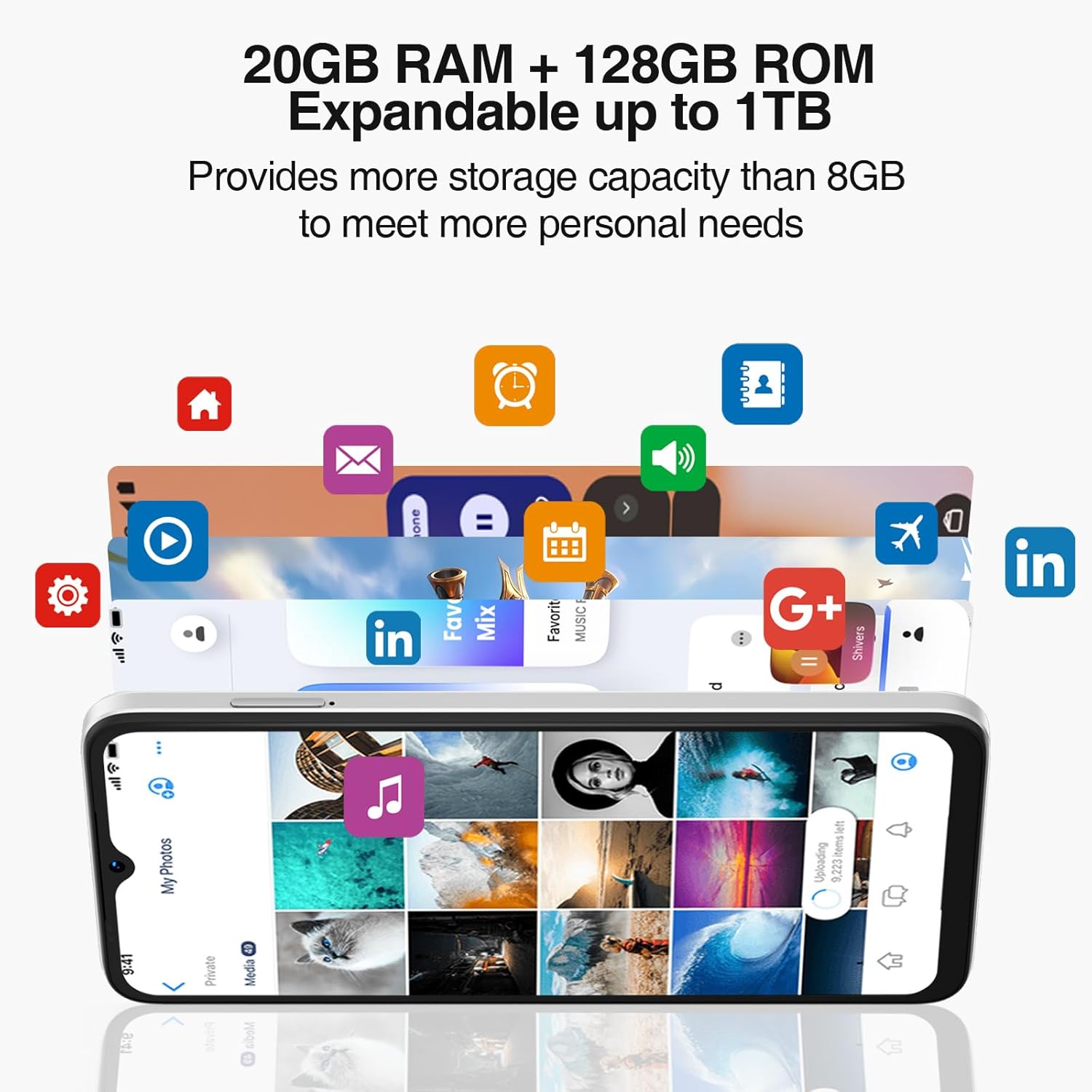
Powered by an Octa-Core processor and 20GB RAM (8GB physical + 12GB virtual), the N55PLUS ensures smooth multitasking and app performance. It comes with 128GB of internal storage, expandable up to 1TB using a TF card, providing ampле месца для вашага files, photos, and applications.
4.4 Кіраванне батарэяй
The 5150mAh large battery provides extended usage time. To optimize battery life, manage background app usage, adjust screen brightness, and enable power-saving modes when needed. The phone supports OTG reverse charging, allowing it to charge other devices.

5. Сувязь
- Сетка: Supports 4G global network bands (GSM, WCDMA, TDD, FDD). Ensure your SIM card is compatible with the phone's supported bands for optimal service.
- Wi-Fi: Падключыцеся да даступных сетак Wi-Fi для доступу ў Інтэрнэт.
- Bluetooth: Pair with Bluetooth devices such as headphones, speakers, or car systems.
- GPS: Integrated GPS, Glonass, Galileo, and Beidou for accurate navigation.
- USB Type-C: Для зарадкі і перадачы дадзеных.
6. Тэхнічнае абслугоўванне
6.1 Абнаўленне праграмнага забеспячэння
Рэгулярна правярайце наяўнасць абнаўленняў праграмнага забеспячэння і ўсталёўвайце іх, каб пераканацца, што ваш тэлефон мае найноўшыя функцыі, патчы бяспекі і паляпшэнні прадукцыйнасці. Перайдзіце па спасылцы Налады > Сістэма > Абнаўленне сістэмы.
6.2 Ачыстка прылады
Выкарыстоўвайце мяккую тканіну без ворса для чысткі экрана і корпуса тэлефона. Пазбягайце выкарыстання агрэсіўных хімічных рэчываў або абразіўных матэрыялаў, якія могуць пашкодзіць прыладу.
6.3 Кіраванне сховішчам
To maintain optimal performance, periodically clear unnecessary fileвыдаляць невыкарыстоўваныя праграмы і перадаваць вялікія медыяфайлы files to external storage or cloud services. Go to Налады > Сховішча кіраваць сховішчам вашай прылады.
7. Выпраўленне непаладак
- Тэлефон не ўключаецца: Пераканайцеся, што акумулятар зараджаны. Падключыце тэлефон да зараднай прылады і пачакайце некалькі хвілін, перш чым зноў спрабаваць уключыць яго.
- Збоі або завісанні праграм: Close and restart the app. If the issue persists, clear the app's cache (Settings > Apps > [App Name] > Storage > Clear cache) or uninstall and reinstall the app.
- Слабы сігнал сеткі: Check if your SIM card is properly inserted. Move to an area with better network coverage. Contact your service provider if the issue persists.
- Акумулятар хутка разраджаецца: Reduce screen brightness, disable unused features like Wi-Fi or Bluetooth, and close background apps. Check battery usage in Settings to identify power-hungry apps.
- Распазнаванне па твары не працуе: Ensure your face is well-lit and clearly visible to the front camera. Re-register your face data in Settings > Security > Face Unlock.
8. Тэхнічныя характарыстыкі
| Асаблівасць | Спецыфікацыя |
|---|---|
| Назва мадэлі | N55 плюс |
| Аперацыйная сістэма | Android 14 |
| Працэсар | Octa-Core (Mediatek Dimensity 1100, 3.2 GHz) |
| АЗП | 8 ГБ (з магчымасцю пашырэння да 20 ГБ з дапамогай віртуальнай аператыўнай памяці) |
| Унутраная памяць | 128 ГБ |
| Сховішча з магчымасцю пашырэння | Да 1 ТБ праз TF-карту |
| Памер экрана | 6.56 цалі |
| Тып дысплея | HD+ IPS Waterdrop Screen |
| дазвол | 1612 х 720 |
| Частата абнаўлення | 90 Гц |
| Асноўная камера | 13 MP AI Camera |
| Пярэдняя камера | 8 МП |
| Ёмістасць батарэі | 5150 мАг літый-іённы |
| Сувязь | 4G LTE, Wi-Fi, Bluetooth, USB Type-C |
| Навігацыя | GPS, Glonass, Galileo, Beidou |
| Асаблівасці | Dual SIM, Expandable Memory, Face Unlock, Widevine L1, OTG |
| Памеры | 6.45 x 2.98 x 0.34 inches (8.6mm thickness) |
| Вага | 6.6 унцыі (186 грама) |
9. Гарантыя і падтрымка
All DOOGEE unlocked phones purchased from our official channels are covered by a 12-month warranty. If you encounter any issues during use, please contact our customer support for assistance. For further support, visit the official DOOGEE webсайт або звярніцеся да кантактнай інфармацыі, указанай пры куплі.


