1. Уводзіны
Welcome to the Haylou Solar Neo Smartwatch user manual. This guide provides essential information for setting up, operating, maintaining, and troubleshooting your new smartwatch. Please read this manual thoroughly to ensure optimal performance and longevity of your device.
2. Прадукт скончыўсяview
The Haylou Solar Neo is a feature-rich smartwatch designed to enhance your daily life with health monitoring, fitness tracking, and communication capabilities. It features a vibrant 1.53-inch HD display and a durable design.
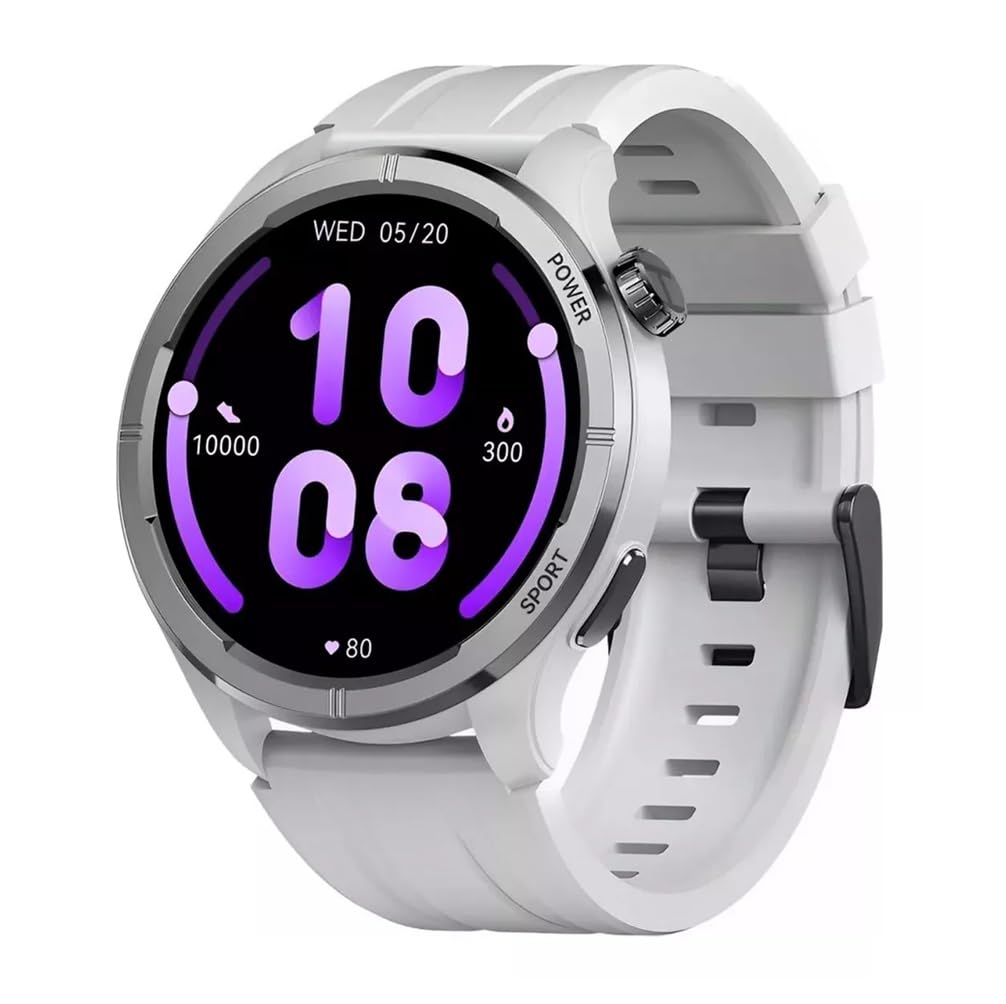
Малюнак 2.1: Фронт view of the Haylou Solar Neo Smartwatch. This image displays the watch's round face, white strap, and a digital-analog hybrid display with green accents, indicating various metrics.
Асноўныя характарыстыкі:
- 1.53-inch HD Display for clear visuals.
- Up to 30 days battery life in basic mode, 7 days in daily use.
- Bluetooth calling functionality.
- Comprehensive health tracking: heart rate, SpO2, sleep, stress, female health, respiratory training.
- Over 100 sports modes for diverse fitness activities.
- Smart message notifications.
- Customizable watch faces.
3. Настройка
3.1 Зарадка разумнага гадзінніка
Before first use, fully charge your Haylou Solar Neo Smartwatch. Connect the magnetic charging cable to the charging contacts on the back of the watch and plug the USB end into a power adapter (5V/1A recommended).
3.2 Усталёўка і спалучэнне праграм
- Download the official Haylou Fun app from your smartphone's app store (iOS or Android).
- Адкрыйце праграму і стварыце ўліковы запіс або ўвайдзіце ў сістэму.
- Пераканайцеся, што Bluetooth уключаны на вашым смартфоне.
- In the Haylou Fun app, navigate to 'Device' and select 'Add Device'.
- Select 'Haylou Solar Neo' from the list of available devices.
- Follow the on-screen prompts in the app and on your watch to complete the pairing process. Confirm the pairing request on both devices.
4. Інструкцыя па эксплуатацыі
4.1 Асноўная навігацыя
- Правядзіце пальцам уверх/уніз: Доступ да хуткіх налад або апавяшчэнняў.
- Правядзіце пальцам улева/управа: Navigate through widgets (e.g., heart rate, weather, activity data).
- Націсніце кнопку харчавання: Wake/sleep screen, return to watch face, or access the app list.
- Press Sport Button: Quickly launch workout modes.
Малюнак 4.1: Збоку view of the smartwatch highlighting the power button (rotating crown) and the sport shortcut button.
4.2 Налада цыферблатаў гадзінніка
The Haylou Solar Neo offers hundreds of watch face options. To change the watch face:
- On the watch face screen, long-press the display.
- Swipe left or right to browse through pre-installed watch faces.
- Tap to select your desired watch face.
- More watch faces can be downloaded and customized via the Haylou Fun app.

Малюнак 4.2: A selection of customizable watch faces available for the Haylou Solar Neo Smartwatch.
5. Функцыі маніторынгу здароўя
The smartwatch provides comprehensive health tracking to help you monitor your well-being.
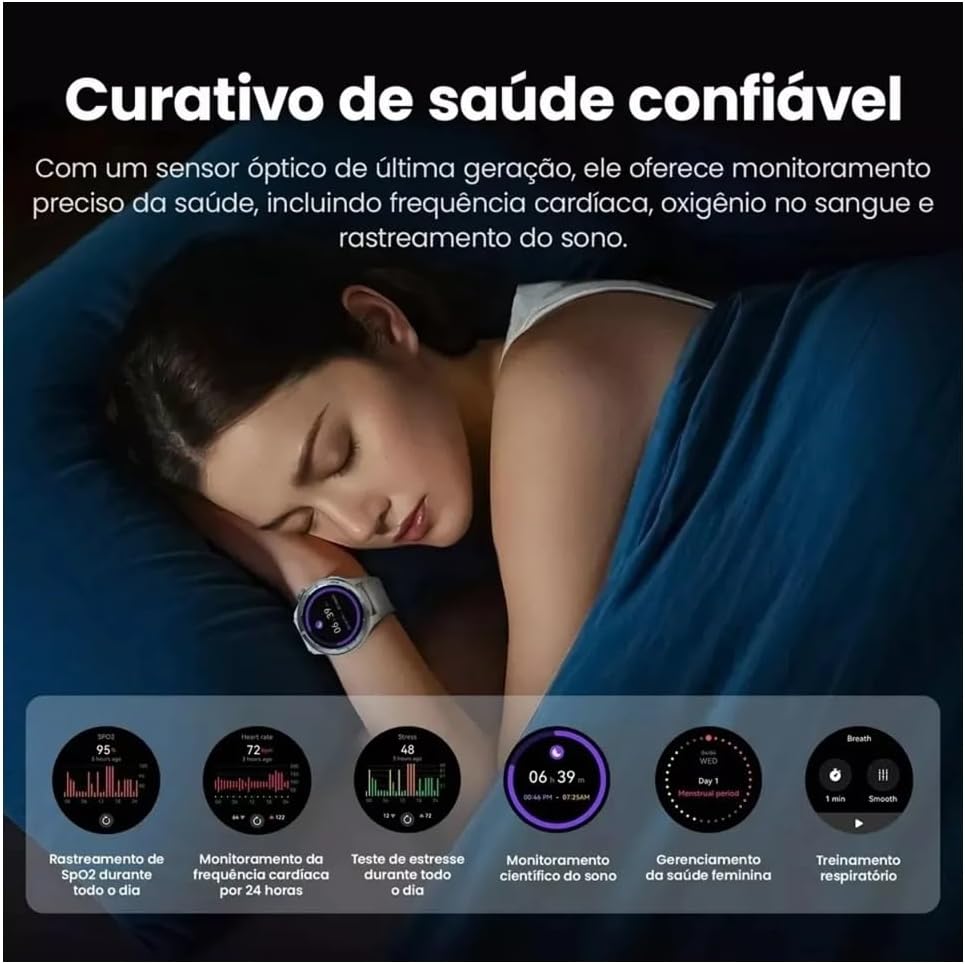
Малюнак 5.1: Health monitoring features in action, showing sleep tracking and various health data points.
5.1 Маніторынг сардэчнага рытму
Гадзіннік пастаянна адсочвае ваш пульс. View your real-time heart rate on the watch or detailed historical data in the Haylou Fun app.
5.2 Blood Oxygen (SpO2) Tracking
Measure your blood oxygen saturation levels directly from your wrist. For accurate readings, ensure the watch is snug on your wrist and remain still during measurement.
5.3 Маніторынг сну
Wear the watch to bed to track your sleep patterns, including deep sleep, light sleep, and awake times. Detailed analysis is available in the app.
5.4 Stress Monitoring and Respiratory Training
The watch can estimate your stress levels throughout the day. Utilize the guided respiratory training feature to help manage stress.
5.5 Адсочванне здароўя жанчын
For female users, the watch supports tracking of menstrual cycles and provides predictive reminders when configured in the Haylou Fun app.
6. Адсочванне фізічнай формы
The Haylou Solar Neo supports over 100 sports modes to accurately track your workouts.
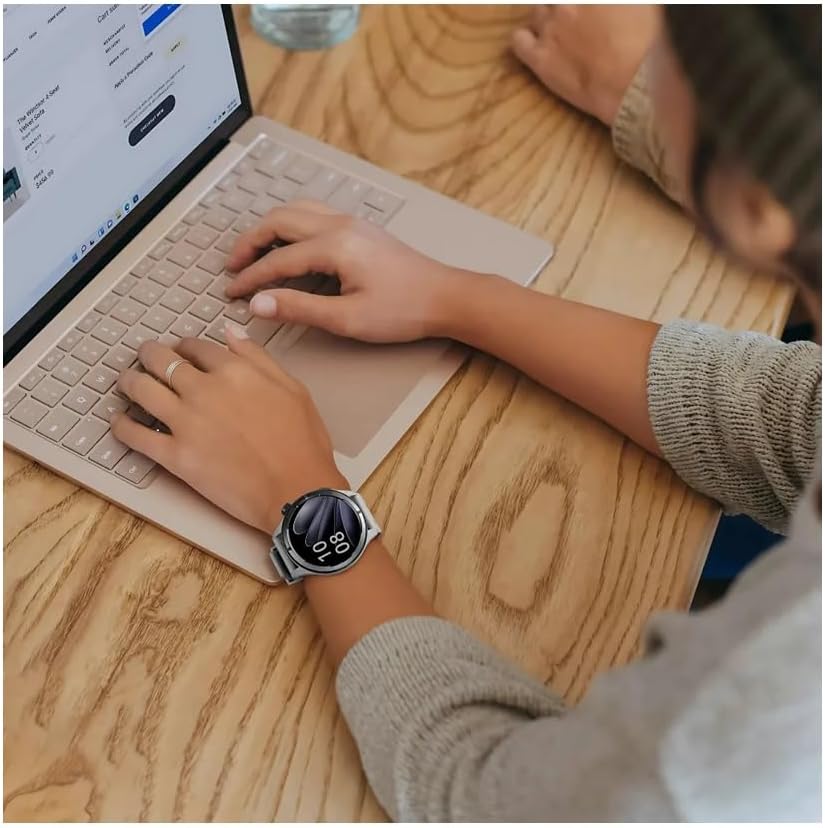
Малюнак 6.1: Smartwatch displaying workout data and various sports mode options during physical activity.
6.1 Пачатак трэніроўкі
- Press the 'Sport' button on the side of the watch to quickly access the sports mode list.
- Alternatively, navigate to the 'Workout' app from the main menu.
- Select your desired activity (e.g., Outdoor Running, Cycling, Walking).
- Tap to start the workout. The watch will begin recording data such as duration, calories burned, and heart rate.
6.2 Ending a Workout
During a workout, swipe right to pause or end the activity. Confirm your choice on the screen.
7. Званкі і апавяшчэнні праз Bluetooth
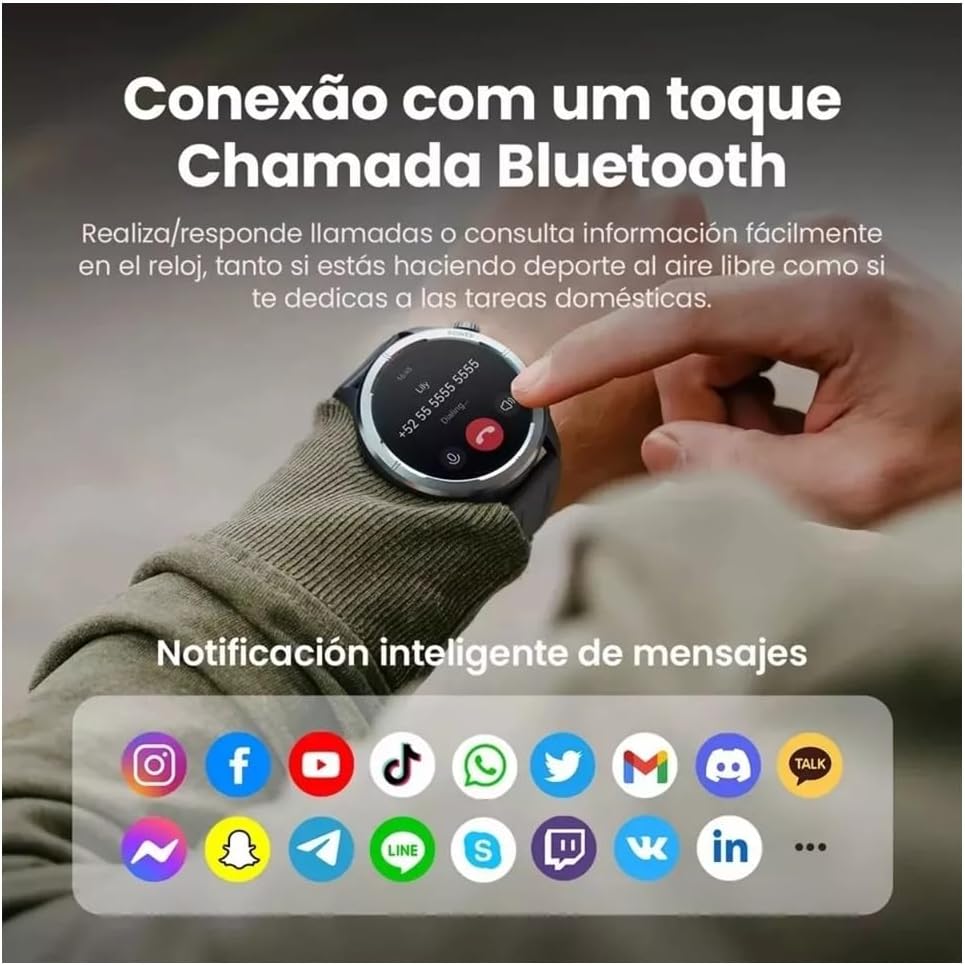
With its built-in microphone and speaker, the Haylou Solar Neo allows you to make and receive calls directly from your wrist when connected to your smartphone.

Малюнак 7.1: Smartwatch displaying a Bluetooth call and various app notification icons.
7.1 Здзяйсненне і прыём выклікаў
- Каб зрабіць званок: Access the 'Phone' app on your watch, dial a number, or select a contact from your synced phonebook.
- Каб прыняць званок: Пры паступленні званка гадзіннік адлюстроўвае ідэнтыфікатар абанента. Націсніце зялёны значок, каб адказаць, або чырвоны значок, каб адхіліць званок.
7.2 Разумныя апавяшчэнні
Once paired with your smartphone, the watch will display notifications from various apps (e.g., messages, social media, emails). Ensure notification permissions are enabled in both your phone's settings and the Haylou Fun app.
8. Тэхнічнае абслугоўванне
8.1 Чыстка разумнага гадзінніка
Regularly clean your watch and strap to prevent skin irritation and maintain device hygiene. Use a soft, lint-free cloth. For stubborn dirt, dampзлёгку прамакніце тканіну вадой. Пазбягайце выкарыстання агрэсіўных хімікатаў або абразіўных матэрыялаў.
8.2 Воданепранікальнасць
The Haylou Solar Neo is designed with a certain level of water resistance. Refer to the specifications for details (e.g., IP68). Avoid prolonged exposure to water, hot water, or steam, and do not press buttons underwater.
8.3 Сыход за акумулятарам
To prolong battery life, avoid extreme temperatures. Charge the watch fully before long periods of inactivity. Do not let the battery completely drain frequently.
9. Выпраўленне непаладак
9.1 Гадзіннік не ўключаецца
- Пераканайцеся, што гадзіннік цалкам зараджаны. Падключыце яго да зараднай прылады як мінімум на 30 хвілін.
- Націсніце і ўтрымлівайце кнопку харчавання на працягу 10-15 секунд, каб прымусова перазагрузіць прыладу.
9.2 Не атрымалася спалучыць прыладу з тэлефонам
- Пераканайцеся, што Bluetooth уключаны на вашым тэлефоне і гадзінніку.
- Пераканайцеся, што гадзіннік знаходзіцца ў зоне дзеяння вашага тэлефона.
- Перазагрузіце і тэлефон, і гадзіннік.
- Clear the Bluetooth cache on your phone (Android) or forget the device and try pairing again.
- Ensure the Haylou Fun app is updated to the latest version.
9.3 Недакладныя дадзеныя аб стане здароўя
- Пераканайцеся, што гадзіннік шчыльна прылягае да запясця, прыкладна на адзін палец вышэй за запясцевую костку.
- Keep the sensor clean and free from sweat or dirt.
- Пазбягайце празмерных рухаў падчас вымярэнняў.
9.4 Апавяшчэнні не з'яўляюцца
- Check if notification permissions are granted for the Haylou Fun app in your phone's settings.
- Ensure the Haylou Fun app is running in the background and not being closed by your phone's power-saving features.
- Verify that 'Do Not Disturb' mode is not active on either your watch or phone.
10. Тэхнічныя характарыстыкі
| Вытворца | Сенажаць |
| Нумар мадэлі | NEOS |
| Памер дысплея | 1.53 цаляў |
| Тэхналогія падлучэння | Bluetooth |
| Стандарт бесправадной сувязі | Bluetooth |
| Асаблівасці | Галасавы выклік |
| Склад батарэі | Літый-палімерны |
| GPS | Убудаваны GPS |
| Форма элемента | Круглая |
| Ёмістасць захоўвання | 32 ГБ |
| Памеры дастаўкі | 17.5 х 9.9 х 3.2 см |
| Вага прадмета | 30 грамаў |
11. Інфармацыя па бяспецы
- Не спрабуйце разабраць або мадыфікаваць прыладу.
- Трымайце прыладу далей ад экстрэмальных тэмператур, прамых сонечных прамянёў і адкрытага агню.
- Пазбягайце падвяргання прылады моцным ударам або падзенням.
- Перад пачаткам любога новага рэжыму фізічных практыкаванняў пракансультуйцеся з лекарам, асабліва калі ў вас ёсць ранейшыя захворванні.
- If you experience skin irritation or discomfort from wearing the watch, discontinue use and consult a doctor.
12. Гарантыя і падтрымка
Your Haylou Solar Neo Smartwatch comes with a standard manufacturer's warranty. For detailed warranty terms and conditions, please refer to the warranty card included in the product packaging or visit the official Haylou website. For technical support or service inquiries, please contact Haylou customer service through their official channels.