Уводзіны
Welcome to the user manual for your Skullcandy Ink'd Wired In-Ear Headphones. These headphones are designed to provide a high-quality audio experience with a comfortable, noise-isolating fit. Featuring a built-in microphone and in-line controls, they offer convenience for both music playback and hands-free communication. This manual will guide you through the setup, operation, and maintenance of your new headphones.
Змест пакета
- Skullcandy Ink'd Wired In-Ear Headphones (Earphones)
- Small and Medium Ear Gels (pre-installed or included separately)
Настройка
Follow these steps to set up your Skullcandy Ink'd Wired In-Ear Headphones for optimal use.
1. Choose the Right Ear Gels
The headphones come with different sizes of ear gels to ensure a comfortable and secure fit. A proper fit is crucial for noise isolation and sound quality.
- Gently remove the pre-installed ear gels.
- Try the different sizes (small, medium) to find the pair that creates a snug seal in your ear canal.
- The correct size will feel comfortable and significantly reduce ambient noise.
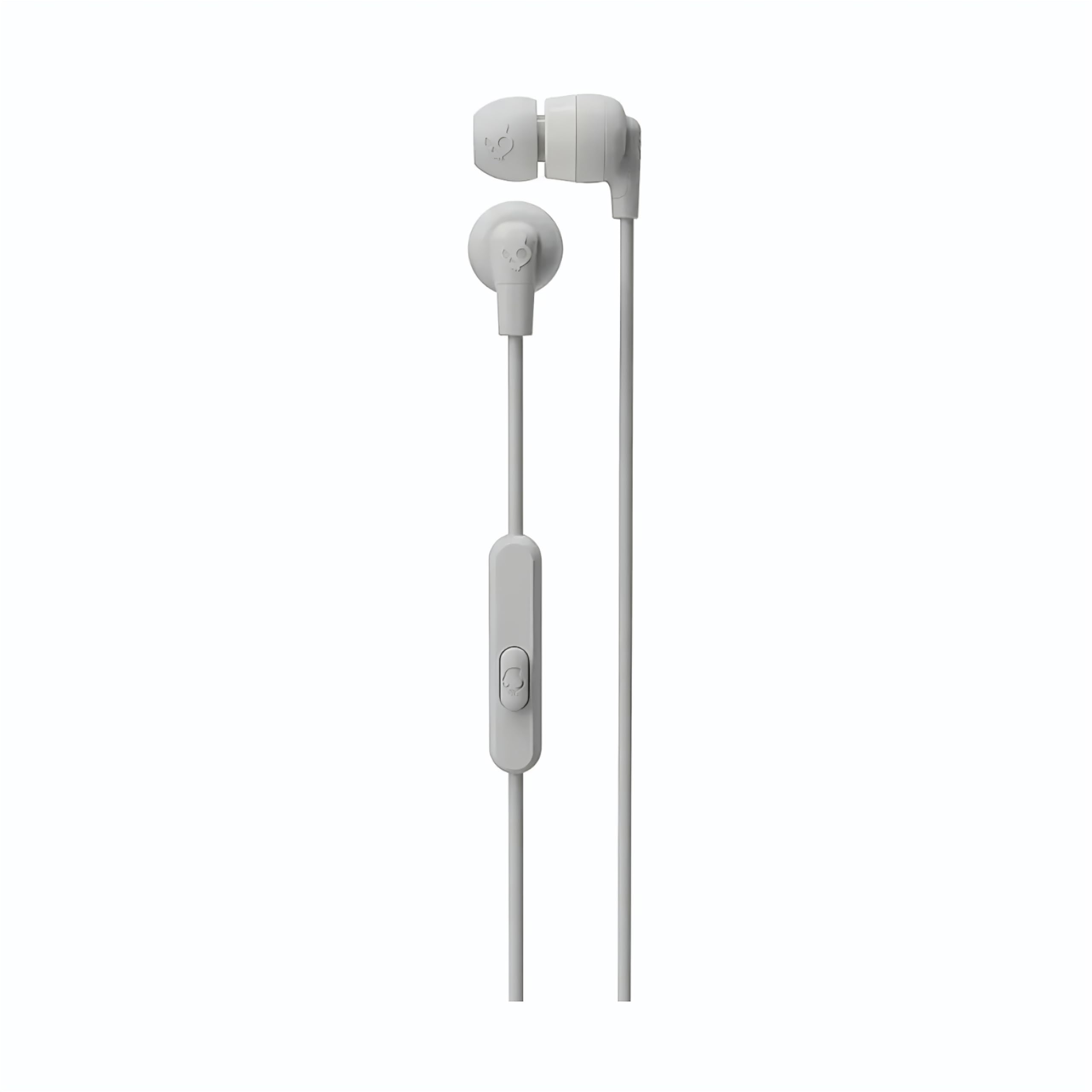
Image: The Skullcandy Ink'd Wired In-Ear Headphones, showcasing the white earbuds with the Skullcandy logo and the wired connection.
2. Падключыцеся да прылады
These headphones utilize a standard 3.5mm AUX connection.
- Locate the 3.5mm audio jack on your smartphone, tablet, laptop, or other compatible audio device.
- Insert the 3.5mm plug from your Skullcandy Ink'd headphones firmly into the device's audio jack.
- Ensure the connection is secure for uninterrupted audio.
Інструкцыя па эксплуатацыі
Your Skullcandy Ink'd headphones feature an in-line remote and microphone for convenient control of your audio and calls.
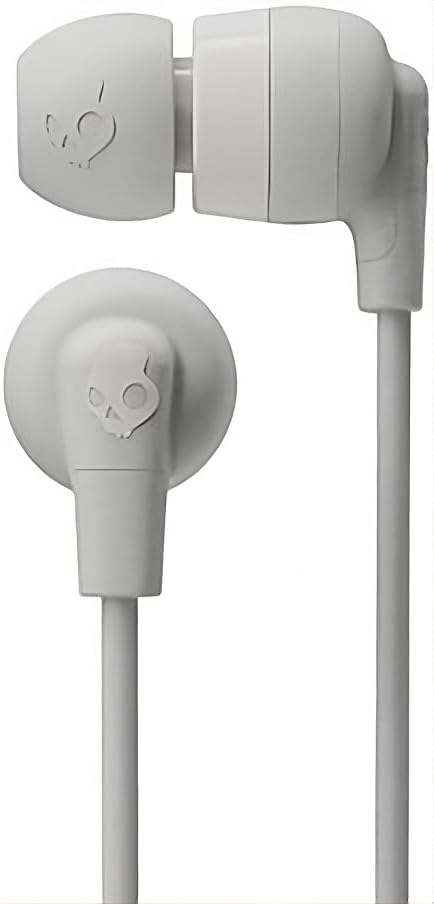
Image: The in-line remote and microphone on the Skullcandy Ink'd Wired In-Ear Headphones cable.
Кіраванне музыкай
- Прайграванне/Паўза: Націсніце цэнтральную кнопку адзін раз.
- Наступны трэк: Двойчы хутка націсніце цэнтральную кнопку.
- Папярэдні трэк: Тры разы хутка націсніце цэнтральную кнопку.
Кантроль выклікаў
- Адказ/завяршэнне выкліку: Націсніце цэнтральную кнопку адзін раз.
- Адхіліць выклік: Press and hold the center button for approximately two seconds.
Note: Functionality may vary slightly depending on your device's operating system and specific application.
Тэхнічнае абслугоўванне
Правільны догляд падоўжыць тэрмін службы і прадукцыйнасць вашых навушнікаў.
- Cleaning Ear Gels: Gently remove the ear gels and wash them with mild soap and water. Rinse thoroughly and allow them to dry completely before reattaching.
- Чыстка навушнікаў-ўкладышаў: Use a soft, dry cloth to wipe the earbuds. Avoid using harsh chemicals or abrasive materials. Do not submerge the earbuds in water.
- Сыход за кабелем: Avoid sharp bends or excessive pulling on the cable. Store the headphones neatly to prevent tangling.
- захоўванне: When not in use, store your headphones in a clean, dry place away from extreme temperatures.
Ліквідацыю непаладак
Калі ў вас узніклі праблемы з навушнікамі, паспрабуйце выканаць наступныя дзеянні:
- Няма гуку:
- Ensure the 3.5mm plug is fully inserted into your device's audio jack.
- Праверце налады гучнасці вашай прылады.
- Test the headphones with another audio device to rule out a device-specific issue.
- Poor Sound Quality / Noise:
- Ensure the ear gels are properly seated and creating a good seal in your ear.
- Clean the ear gels and earbud grilles to remove any debris.
- Праверце з іншай крыніцай гуку.
- Мікрафон не працуе:
- Ensure the 3.5mm plug is fully inserted. Some devices require a TRRS (Tip-Ring-Ring-Sleeve) connector for microphone functionality, which these headphones provide.
- Праверце налады ўваходу мікрафона вашай прылады.
- Праверце мікрафон з дапамогай іншай прылады або праграмы.
Тэхнічныя характарыстыкі
| Нумар мадэлі | N747 |
| Марка | Цукеркі з чэрапа |
| Тэхналогія падлучэння | Правадны (раз'ём 3.5 мм) |
| Размяшчэнне вушэй | У вуха |
| Кантроль шуму | Пасіўнае падаўленне шуму |
| Built-In Features | Microphone, In-line Remote |
| Дыяпазон частот | 20 Гц - 20,000 Гц |
| Вага прадмета | 0.04 кілаграма |
| Сумяшчальныя прылады | Ноўтбукі, настольныя кампутары, планшэты, тэлефоны, разумныя калонкі, тэлевізары, аўтамабільныя аўдыёсістэмы, мабільныя тэлефоны |
Інфармацыя аб гарантыі
Your Skullcandy Ink'd Wired In-Ear Headphones are covered by a Manufacturer Warranty. For detailed information regarding warranty terms, conditions, and duration, please refer to the official Skullcandy webсайт або гарантыйны талон, які ўваходзіць у камплект пастаўкі вашага прадукту.
Падтрымка кліентаў
If you require further assistance or have questions not covered in this manual, please contact Skullcandy customer support.
- Інтэрнэт-падтрымка: Visit the official Skullcandy support webсайт з часта задаванымі пытаннямі, інструкцыямі па ліквідацыі непаладак і варыянтамі кантакту.
- Кантактная інфармацыя: Refer to the Skullcandy website for the most up-to-date contact details, including phone numbers and email support.


