1. Уводзіны
Thank you for choosing the ZEBRONICS Groot Wireless Mouse. This manual provides detailed instructions for setting up, operating, and maintaining your new wireless mouse. The Zeb-Groot offers versatile connectivity with both 2.4GHz and Bluetooth modes, silent operation, and an ergonomic design for comfortable use.

Image: The ZEBRONICS Groot Wireless Mouse in blue, shown alongside its compact USB nano receiver.
2. Што ў скрынцы
Калі ласка, праверце змесціва пакета:
- Мыш - 1 адзінка
- Nano Receiver - 1 unit
- Кароткае кіраўніцтва карыстальніка - 1 адзінка
3. Прадукт скончыўсяview
Familiarize yourself with the components of your ZEBRONICS Groot Wireless Mouse.

Выява: Уверсе view of the mouse highlighting the Left Button, Right Button, and Scroll Wheel.

Image: Underside of the mouse, indicating the AA battery slot, On/Off switch, Bluetooth receiver indicator, Nano receiver indicator, and the storage slot for the USB nano receiver.
- Левая кнопка: Стандартная функцыя левага кліку.
- Правая кнопка: Стандартная функцыя правай кнопкі мышы.
- Кола пракруткі: For scrolling and middle-click function.
- Перамыкач уключэння/выключэння: Located on the bottom of the mouse to conserve battery.
- Кнопка пераключэння рэжымаў: This button, often integrated with the power switch or a separate button on the underside, allows switching between 2.4GHz and Bluetooth modes.
- Адсек для батарэек тыпу АА: For inserting the required AA battery.
- USB Nano Receiver Storage: Slot for storing the 2.4GHz USB receiver when not in use.
4. Інструкцыі па ўсталёўцы
4.1. Устаноўка акумулятара
- Адкрыйце вечка батарэйнага адсека на ніжняй частцы мышы.
- Устаўце адну батарэйку тыпу АА, сачыце за правільнай палярнасцю (+/-).
- Зачыніце крышку батарэйнага адсека.
4.2. Connecting via 2.4GHz Wireless (USB Nano Receiver)
- Remove the USB nano receiver from its storage slot on the bottom of the mouse.
- Падключыце нанапрыёмнік USB да даступнага порта USB на вашым кампутары.
- Уключыце мыш з дапамогай перамыкача ў ніжняй частцы.
- The mouse should automatically connect. If not, ensure the mouse is in 2.4GHz mode (check indicator light if available).

Image: A user inserting the USB nano receiver into a laptop's USB port for 2.4GHz wireless connection.
4.3. Падключэнне праз Bluetooth
- Уключыце мыш з дапамогай пераключальніка On/Off.
- Switch the mouse to Bluetooth mode. This is typically done by pressing and holding a button on the mouse (often the mode switch button on the bottom or a dedicated button) until the Bluetooth indicator light starts blinking.
- На вашым камп'ютары або прыладзе перайдзіце ў налады Bluetooth.
- Пошук new devices and select "ZEB-Groot" (or similar) from the list.
- Выконвайце падказкі на экране, каб завяршыць працэс спалучэння. Пасля падключэння індыкатар пачне гарэць пастаянна.
Tip: If you experience issues, ensure your device's Bluetooth is enabled and the mouse is in pairing mode (blinking indicator).
5. Інструкцыя па эксплуатацыі
5.1. Dual Mode Functionality
The ZEBRONICS Groot mouse supports both 2.4GHz wireless and Bluetooth connectivity, allowing you to switch between two devices seamlessly.
- Рэжым 2.4 ГГц: Use with the USB nano receiver for a stable, plug-and-play connection.
- Рэжым Bluetooth: Connect wirelessly to Bluetooth-enabled devices without needing a USB port.
To switch between modes, locate the mode switch button (often on the bottom of the mouse) and press it. An indicator light will typically show the active mode.

Image: The ZEBRONICS Groot mouse positioned next to a laptop, emphasizing its dual mode capability for uninterrupted work via 2.4GHz and Bluetooth connections.
5.2. DPI Adjustment (1600 DPI)
The mouse operates at 1600 DPI (Dots Per Inch), providing smooth and precise cursor movements. This fixed DPI setting is optimized for general use, offering a balance between speed and accuracy.
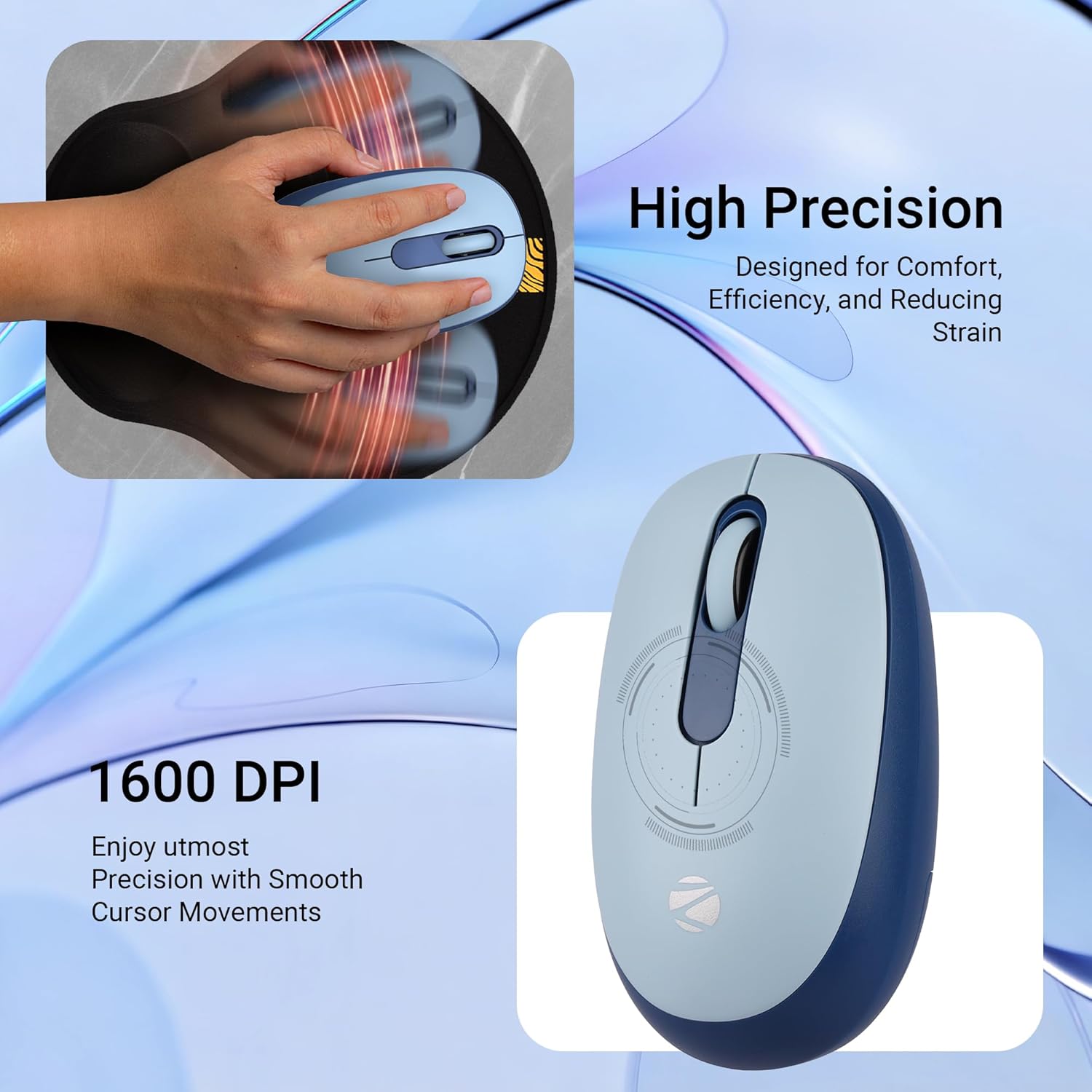
Выява: Падрабязны view of the mouse highlighting its 1600 DPI capability for high precision and smooth cursor movements.
5.3. Silent Operation
The ZEBRONICS Groot mouse features silent click buttons, reducing noise during use. This is ideal for quiet environments such as libraries, offices, or late-night work sessions.
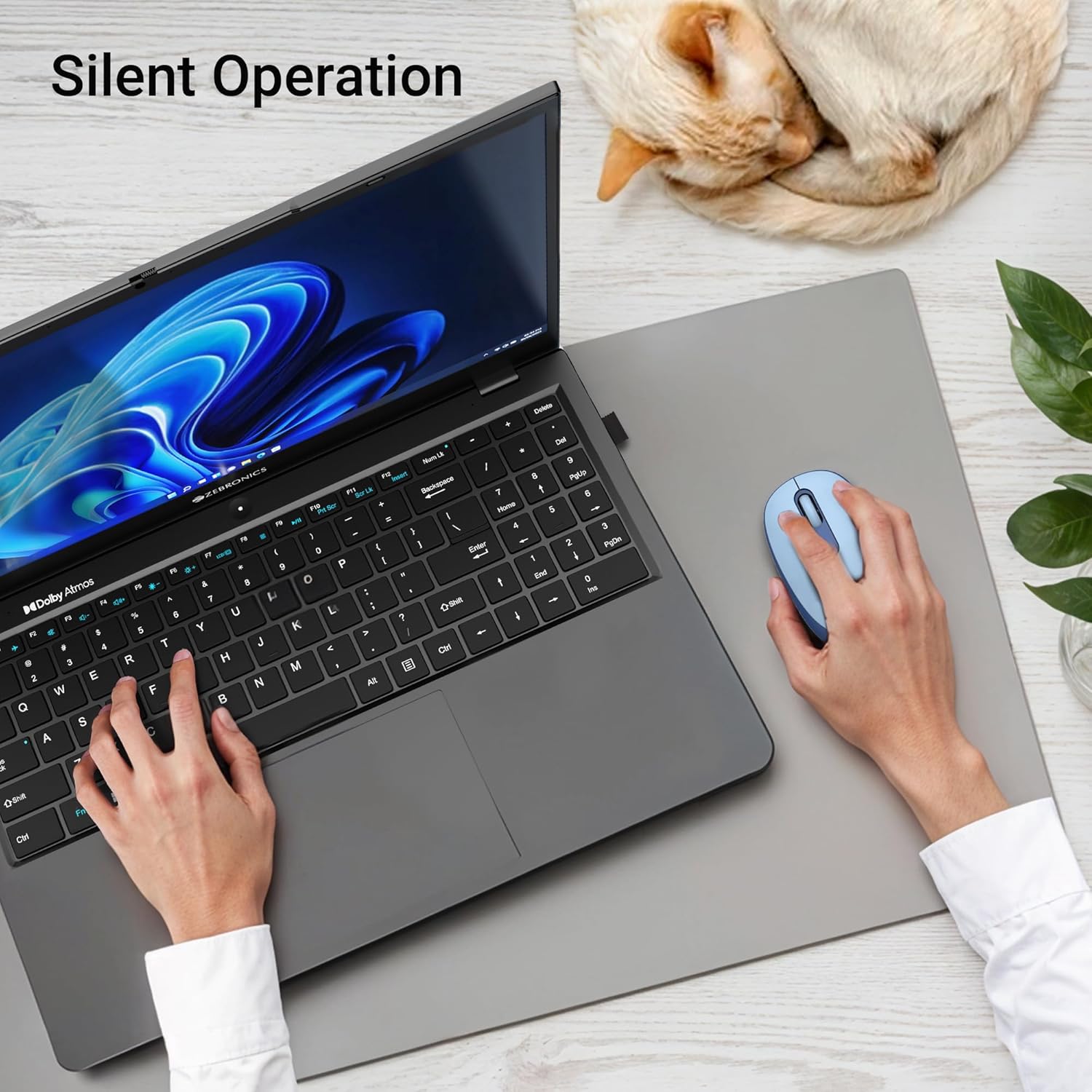
Image: A user operating the mouse silently next to a laptop, with a cat sleeping peacefully in the background, demonstrating the silent click feature.
5.4. Кіраванне харчаваннем
Use the On/Off switch on the bottom of the mouse to conserve battery life when not in use. The mouse also features an automatic sleep mode to save power during periods of inactivity.
6. Тэхнічнае абслугоўванне
- Уборка: Для чысткі мышы выкарыстоўвайце мяккую сухую тканіну. Пазбягайце выкарыстання агрэсіўных хімічных рэчываў або абразіўных матэрыялаў.
- Замена батарэі: Replace the AA battery when the mouse performance degrades or the indicator light (if present) signals low battery.
- захоўванне: When transporting or storing the mouse, ensure the USB nano receiver is securely placed in its storage slot to prevent loss. Turn off the mouse to save battery.
7. Выпраўленне непаладак
| праблема | Рашэнне |
|---|---|
| Mouse not responding (2.4GHz) |
|
| Mouse not connecting (Bluetooth) |
|
| Рух курсора няўстойлівы або павольны |
|
| Mouse goes to sleep too quickly |
|
8. Тэхнічныя характарыстыкі
| Асаблівасць | Дэталь |
|---|---|
| Марка | ЗЕБРОНІКА |
| мадэль | Zeb-Groot |
| Тэхналогія падлучэння | Bluetooth, USB 2.4 ГГц |
| Выяўленне руху | Аптычны |
| DPI | 1600 DPI |
| Гузікі | 3 (Налева, направа, кола пракруткі) |
| Асаблівасці | Silent Operation, Ergonomic Design |
| Крыніца харчавання | Харчаванне ад батарэек (1x AA) |
| Сумяшчальнасць аперацыйнай сістэмы | Mac OS (and generally Windows, Linux) |
| Памеры прадукту | 6.1 х 10.1 х 0.1 см (прыблізна) |
| Вага прадмета | 56.6 грамаў (прыблізна) |
| Краіна паходжання | Кітай |
9. Гарантыя і падтрымка
9.1. Інфармацыя аб гарантыі
The ZEBRONICS Groot Wireless Mouse comes with a Гарантыя 2 год from the date of purchase. This warranty covers manufacturing defects and ensures efficient working of the product. Please retain your purchase receipt for warranty claims.
9.2. Падтрымка кліентаў
For any technical assistance, troubleshooting, or warranty-related queries, please contact ZEBRONICS customer support:
- вытворца: Zebronics India Private Limited
- Адрас: No.13/7, Smith Road, Royapettah, Chennai - 600 002
- Webсайт: www.zebronics.com (Калі ласка, наведайце афіцыйны website for the latest contact information and support resources.)
When contacting support, please have your product model (Zeb-Groot) and proof of purchase ready.


