Уводзіны
Welcome to the user manual for your boAt Storm Infinity Max Smartwatch. This guide provides detailed instructions on how to set up, operate, and maintain your device to ensure optimal performance and a seamless user experience. The boAt Storm Infinity Max features a large 2.01-inch HD display, Bluetooth calling, AI-based health nudges, and an impressive battery life.
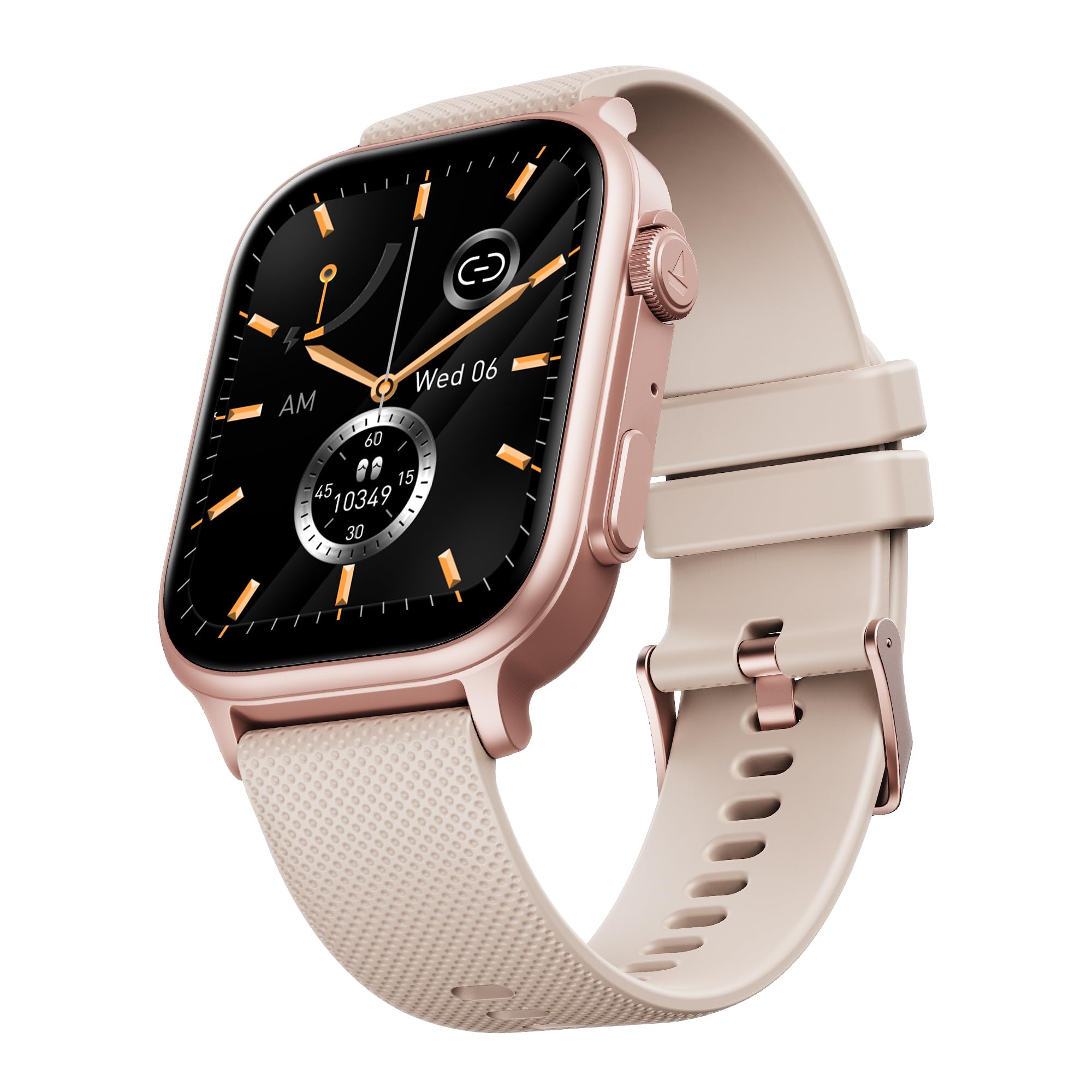
Image: The boAt Storm Infinity Max Smartwatch, showcasinяго элегантны дызайн і вялікі дысплей.
Што ў скрынцы
Калі ласка, праверце змесціва пакета, каб пераканацца ў наяўнасці ўсіх прадметаў:
- Разумны гадзіннік
- Зарадны кабель
- Кіраўніцтва карыстальніка
Настройка
1. Зарадка вашага разумнага гадзінніка
Before first use, fully charge your boAt Storm Infinity Max. Connect the provided charging cable to the charging port on the back of the watch and to a USB power adapter. A full charge provides up to 20 days of battery life with its 680 mAh battery capacity.
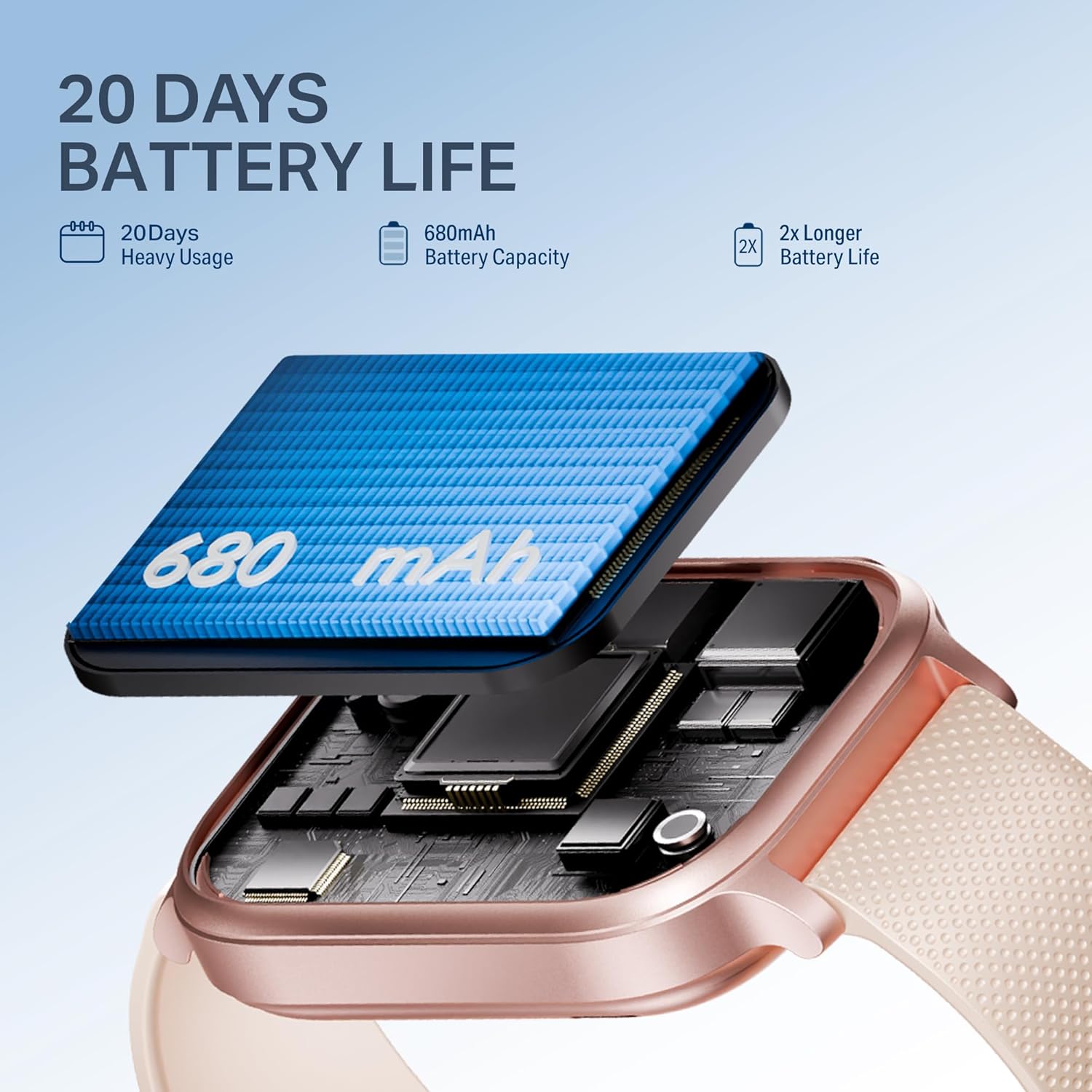
Image: Close-up of the smartwatch highlighting its 680mAh battery and charging mechanism, indicating a 20-day battery life.
2. Спалучэнне з дадаткам
To unlock the full potential of your smartwatch, download the companion app. Пошук "Dafit" in your smartphone's app store (Google Play Store for Android or Apple App Store for iOS). Install the app and follow the on-screen instructions to pair your watch via Bluetooth.
Ensure Bluetooth is enabled on your smartphone and the watch is sufficiently charged. Open the app, create an account or log in, and select "Add Device" to find and connect to your boAt Storm Infinity Max.
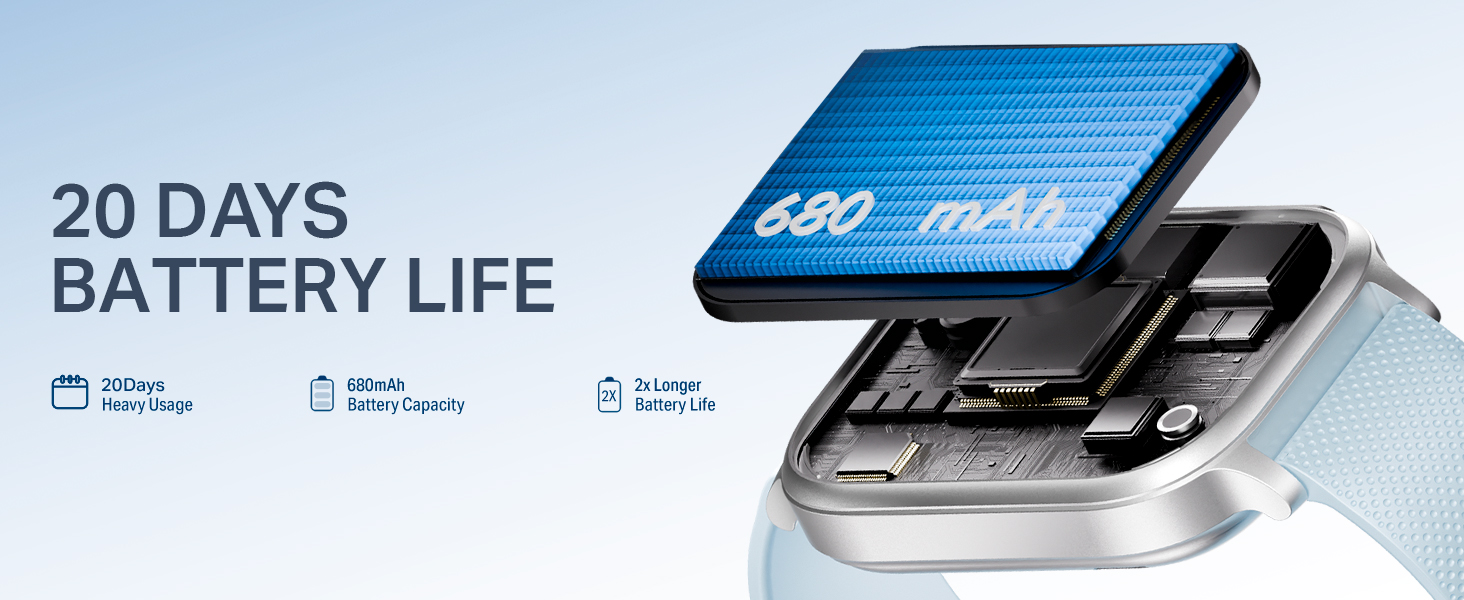
Image: A visual representation of the boAt Storm Infinity Max smartwatch connecting to a smartphone application.
3. Нашэнне гадзінніка
Wear the smartwatch snugly on your wrist, about one finger's width above your wrist bone. This ensures accurate heart rate and SpO2 measurements.
Інструкцыя па эксплуатацыі
Уключэнне/выключэнне харчавання
- Уключэнне: Націсніце і ўтрымлівайце бакавую кнопку, пакуль не падсвеціцца экран.
- Выключэнне: Націсніце і ўтрымлівайце бакавую кнопку, затым выберыце на экране «Выключыць харчаванне».
Навігацыя
The boAt Storm Infinity Max features a 2.01-inch HD display and a functional crown for easy navigation.
- Сэнсарны экран: Swipe up, down, left, or right to access different menus and notifications. Tap to select.
- Функцыянальная карона: Rotate the crown to scroll through features, menus, or switch watch faces. Press the crown to return to the home screen or confirm selections.
- Падняцце для абуджэння: Lift your wrist to automatically activate the display.

Image: The smartwatch display showing time and activity metrics, highlighting its 2.01-inch HD screen.

Image: Close-up of the functional crown on the smartwatch, used for navigation and feature selection.
Выклікі праз Bluetooth
With advanced Bluetooth calling, you can make and receive calls directly from your wrist. The watch features a crystal-clear microphone and an in-built dialer. You can also sync up to 20 contacts from your phone to the watch.

Image: A person using the smartwatch for Bluetooth calling, illustrating the convenience of hands-free communication.
Health & Fitness Tracking
Monitor your well-being with comprehensive health tracking features:
- Частата сардэчных скарачэнняў (HR): Пастаянны маніторынг пульса.
- SpO2: Blood oxygen saturation measurement.
- Адсочванне сну: Analyze your sleep patterns (deep sleep, light sleep, awake time).
- Маніторынг стрэсу: Сачыце за ўзроўнем стрэсу на працягу дня.
- Female Wellness: Dedicated tracking for menstrual cycles.
- Guided Breathing: Practice mindful breathing exercises.

Image: The smartwatch displaying heart rate data, illustrating its health and fitness tracking capabilities.
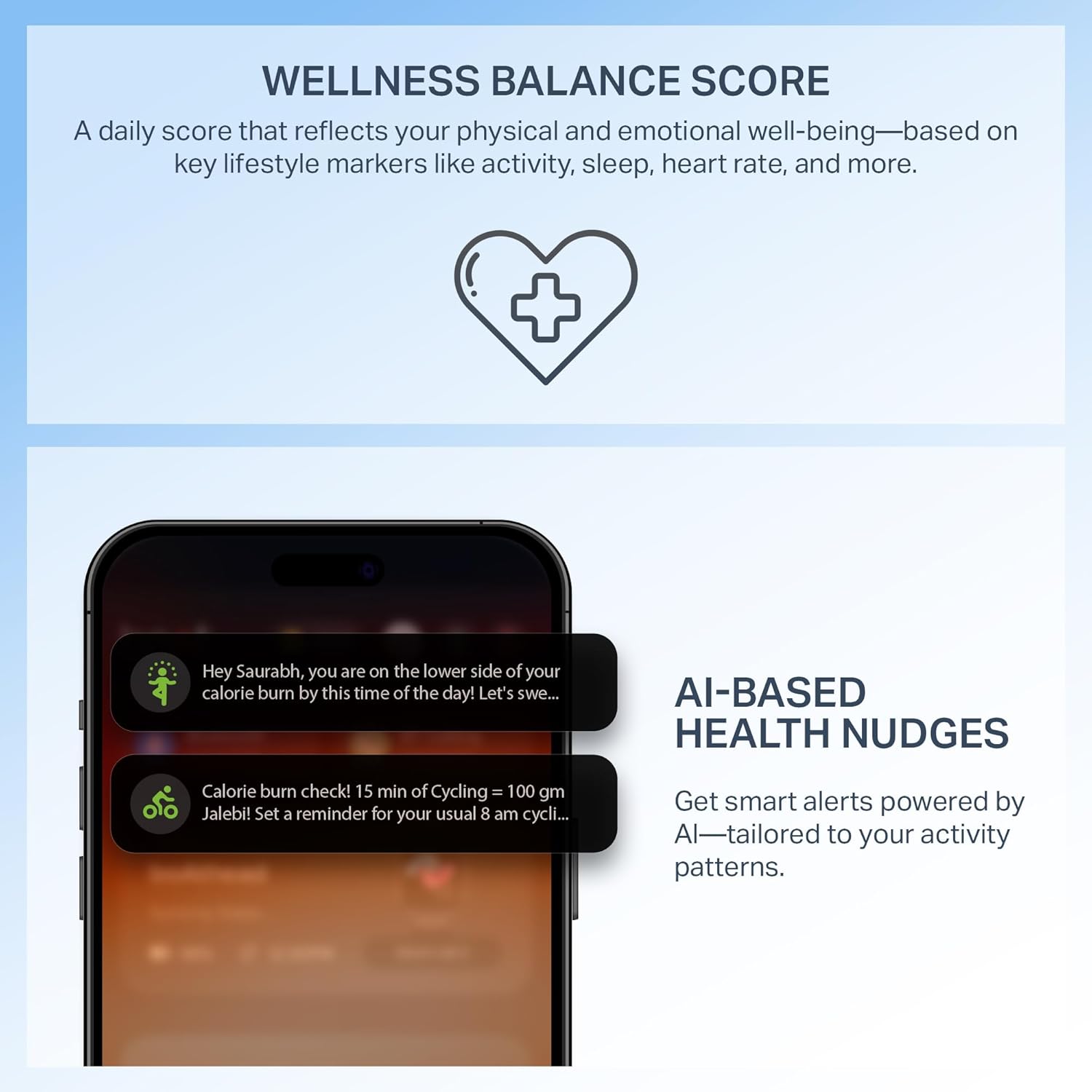
AI-Based Health Nudges & Wellness Balance Score
The Storm Infinity Max provides intelligent, personalized nudges based on your activity, sleep, and daily habits. After two weeks of consistent activity, the watch will also provide a daily Wellness Balance Score, reflecting your physical and emotional well-being.

Image: A smartphone screen showing AI-based health nudges from the smartwatch app, offering personalized recommendations.
QR латок
Access frequently used QR codes directly from your watch. This feature allows for quick access to UPI payments, metro passes, or digital business cards.

Image: The smartwatch display showing a QR code for UPI payment, demonstrating the QR Tray functionality.
Некалькі спартыўных рэжымаў
The watch supports over 100 sports modes. Access your activities quickly with a dedicated side button.

Image: A person wearing the smartwatch during exercise, with the watch display showing various sports modes.
Watch Face Studio
Personalize your smartwatch with various watch faces available through the Watch Face Studio in the companion app.
Малюнак: Examples of different watch faces available for customization through the Watch Face Studio.
Экстраны SOS
In case of an emergency, the watch features an SOS function. Refer to the app settings for configuring emergency contacts and activation methods.

Image: A graphic illustrating the Emergency SOS feature with an SOS icon.
Тэхнічнае абслугоўванне
Чыстка вашага смарт-гадзінніка
Regularly clean your watch and strap with a soft, dry cloth. Avoid using harsh chemicals or abrasive materials. If necessary, use a slightly damp тканінай і старанна высушыце.
Воданепранікальнасць (IP68)
The boAt Storm Infinity Max is IP68 dust, sweat, and splash resistant. This means it can withstand immersion in water up to 1.5 meters for 30 minutes. It is suitable for daily use and light water activities but not recommended for swimming or diving.
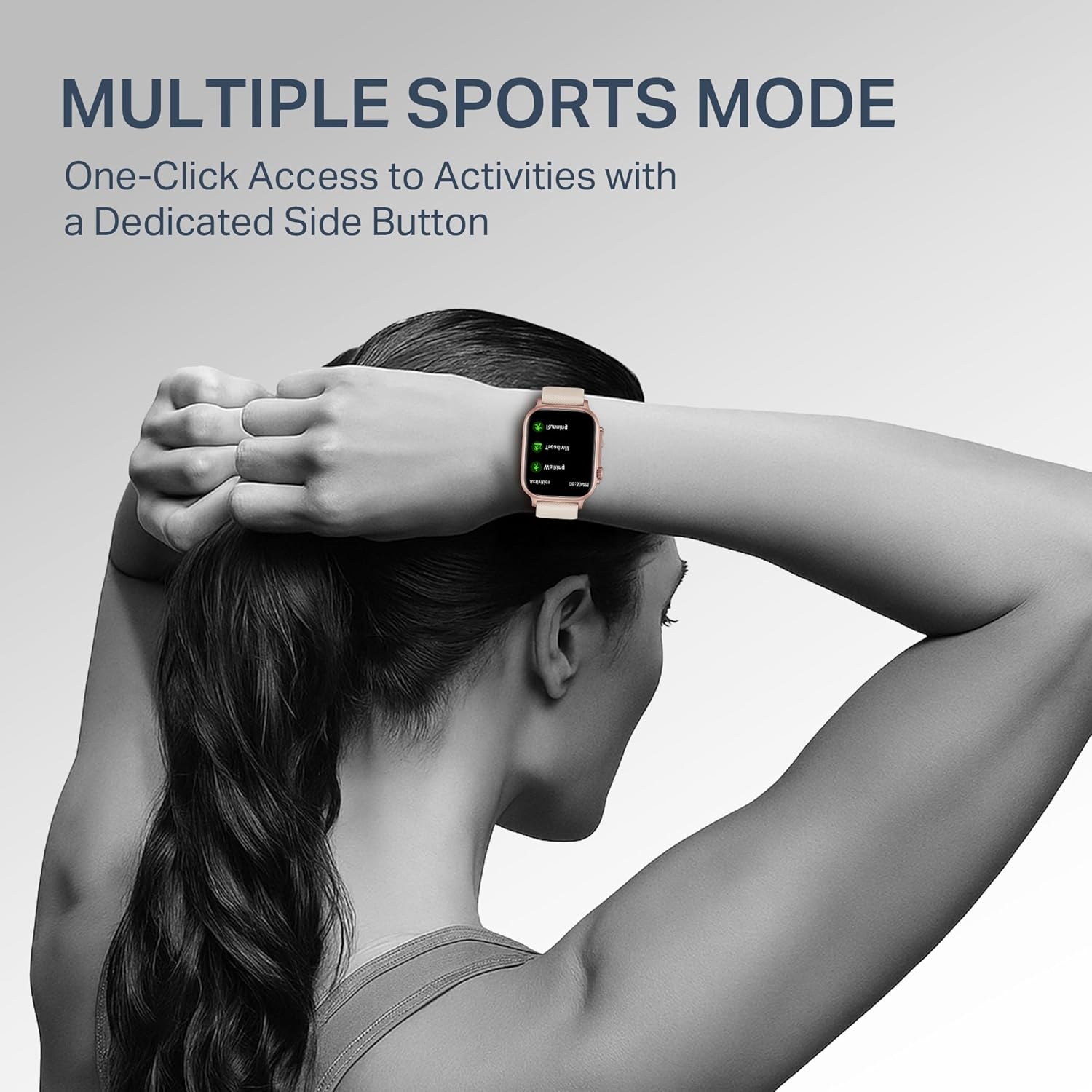
Image: A visual representation indicating the smartwatch's IP68 dust, sweat, and splash resistance.
Сыход за батарэяй
To prolong battery life, avoid exposing the watch to extreme temperatures. Charge the watch regularly, but avoid leaving it fully charged or fully discharged for extended periods.
Ліквідацыю непаладак
- Гадзіннік не ўключаецца: Пераканайцеся, што гадзіннік цалкам зараджаны. Падключыце яго да зараднага кабеля і крыніцы харчавання як мінімум на 30 хвілін.
- Немагчыма спалучыць з тэлефонам:
- Пераканайцеся, што Bluetooth уключаны на вашым тэлефоне.
- Пераканайцеся, што гадзіннік знаходзіцца ў зоне дзеяння вашага тэлефона.
- Перазагрузіце тэлефон і разумны гадзіннік.
- Паспрабуйце адлучыць прыладу і зноў падключыць яе праз праграму.
- Недакладныя дадзеныя пра здароўе:
- Пераканайцеся, што гадзіннік шчыльна прылягае да запясця, не занадта свабодна і не занадта туга.
- Ачысціце датчыкі на задняй панэлі гадзінніка.
- Пазбягайце празмерных рухаў падчас вымярэнняў.
- Апавяшчэнні не з'яўляюцца:
- Праверце налады апавяшчэнняў праграм на тэлефоне і ў праграме для разумных гадзіннікаў.
- Пераканайцеся, што гадзіннік падключаны да тэлефона праз Bluetooth.
Тэхнічныя характарыстыкі
| Марка | лодка |
| Нумар мадэлі | WB0015 |
| Памер дысплея | 2.01 цалі |
| Ёмістасць батарэі | 680 мАг |
| Тэрмін службы батарэі | Up to 20 Days (Heavy Usage) |
| Бесправадны тып | Bluetooth |
| Аперацыйная сістэма | Android (сумяшчальны) |
| Воданепранікальнасць | IP68 Dust, Sweat & Splash Resistant |
| Вага прадмета | 35 г |
| Уключаныя кампаненты | Смарт-гадзіннік, зарадны кабель, кіраўніцтва карыстальніка |
Гарантыя і падтрымка
For warranty information and customer support, please refer to the official boAt webсайт або звярніцеся ў службу падтрымкі кліентаў. Захоўвайце чэк аб куплі як пацвярджэнне пакупкі для прэтэнзій па гарантыі.
Дадатковую падтрымку і часта задаваныя пытанні можна знайсці на boAt Support Page.


