Уводзіны
The JBL Grip is a compact, portable Bluetooth speaker designed to deliver bold JBL Pro Sound with ambient lighting. It features a durable, waterproof, dustproof, and drop-proof design, making it suitable for various environments. This manual provides essential information for setting up, operating, and maintaining your JBL Grip speaker.
Што ў скрынцы
Upon unboxing your JBL Grip, ensure all the following items are present:
- 1 x JBL Grip Portable Bluetooth Speaker
- 1 х Кароткае кіраўніцтва карыстальніка (QSG)
- 1 х ліст бяспекі
- 1 х гарантыйны талон
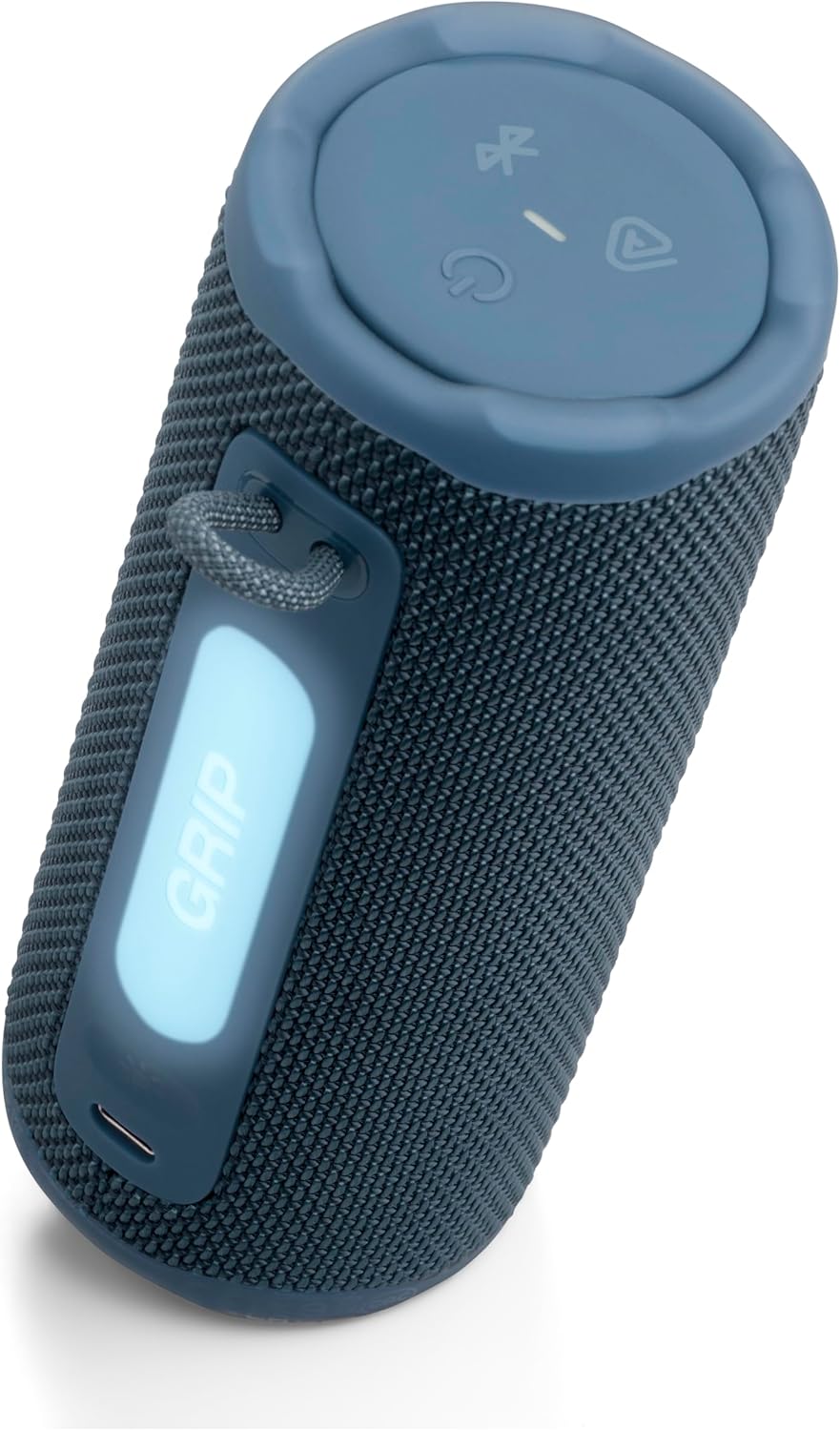
Image: JBL Grip speaker and its Quick Start Guide, as found in the product packaging.
Настройка
Уключэнне/выключэнне харчавання
To power on the JBL Grip, press and hold the power button located on the top panel until the indicator light illuminates. To power off, press and hold the power button again until the light turns off.
Злучэнне Bluetooth
When powering on the JBL Grip for the first time, it will automatically enter Bluetooth pairing mode. The Bluetooth indicator light will flash. On your device (smartphone, tablet, etc.), enable Bluetooth and select 'JBL Grip' from the list of available devices to connect. For subsequent connections or to pair with a new device, press the Bluetooth button on the top panel to enter pairing mode.
JBL Portable App
Enhance your experience by downloading the JBL Portable app. The app allows for advanced control over ambient light settings, equalizer adjustments, and multi-speaker connections. Scan the QR code in the Quick Start Guide or search for 'JBL Portable' in your device's app store.
Video: This official JBL 'How To' video demonstrates the unboxing, initial Bluetooth setup, and app connection process for the JBL Grip speaker.
Аперацыйная
Элементы кіравання
- Рэгулятар гучнасці: Use the '+' and '-' buttons on the speaker's top panel to adjust the volume.
- Прайграванне/Паўза: Press the play button (triangle icon) once to play or pause audio.
- Прапусціць трэк: Press the play button twice to skip to the next track.
- Папярэдні трэк: Press the play button three times to go back to the previous track.

Image: The top panel of the JBL Grip, illustrating the control buttons for power, Bluetooth, Auracast, volume, and media playback.
Навакольнае асвятленне
The JBL Grip features a built-in ambient light on its back panel. Press the light show button (sun icon) to cycle through various light themes and color options. Further customization, including brightness and additional light shows, is available through the JBL Portable app.

Image: The JBL Grip speaker showcasing its ambient light feature, glowing blue in an evening urban environment.
Multi-Speaker Connection with Auracast™
The JBL Grip supports Auracast™ for multi-speaker connections. To stereo pair two JBL Grip speakers, use the JBL Portable app. To connect multiple JBL Auracast™-enabled speakers for a larger sound experience, press the Auracast™ button (triangle with waves icon) on all desired speakers. Ensure the primary speaker is connected to your device first.

Image: Multiple JBL Grip speakers demonstrating multi-speaker connection with Auracast, shown partially submerged in water.
Асаблівасці
- Магутны прафесійны гук JBL з тэхналогіяй штучнага інтэлекту Sound Boost: Delivers powerful audio with punchy bass and clear highs. AI Sound Boost analyzes music in real-time to optimize output and minimize distortion.
- Да 14 гадзін прайгравання: Enjoy up to 12 hours of continuous playback, with an additional 2 hours available via Playtime Boost.
- Налада навакольнага асвятлення: Features an integrated ambient light on the back panel with various themes and color options, customizable through the JBL Portable app.
- Воданепранікальнасць, пыланепранікальнасць і абарона ад падзенняў (IP68): Built to withstand harsh conditions with an IP68 rating, protecting against water and dust. Its robust design allows it to survive drops of up to 1 meter onto concrete.
- Auracast™ Multi-Speaker Connectivity: Easily stereo pair two Grip speakers or connect multiple JBL Auracast™-enabled speakers for an expanded soundstage.

Image: The JBL Grip speaker positioned on a picnic table, emphasizing its 'Bold JBL Pro Sound' feature in an outdoor setting.
Зарадка
The JBL Grip is charged via a USB-C port located on the back panel. Connect a USB-C cable (not included) to the speaker and a compatible power source. The light indicator on the top panel will turn red during charging. The speaker is equipped with USB-C charging protection, which will activate a warning sound if you attempt to charge it while water, salt, or other foreign substances are present in the connector.
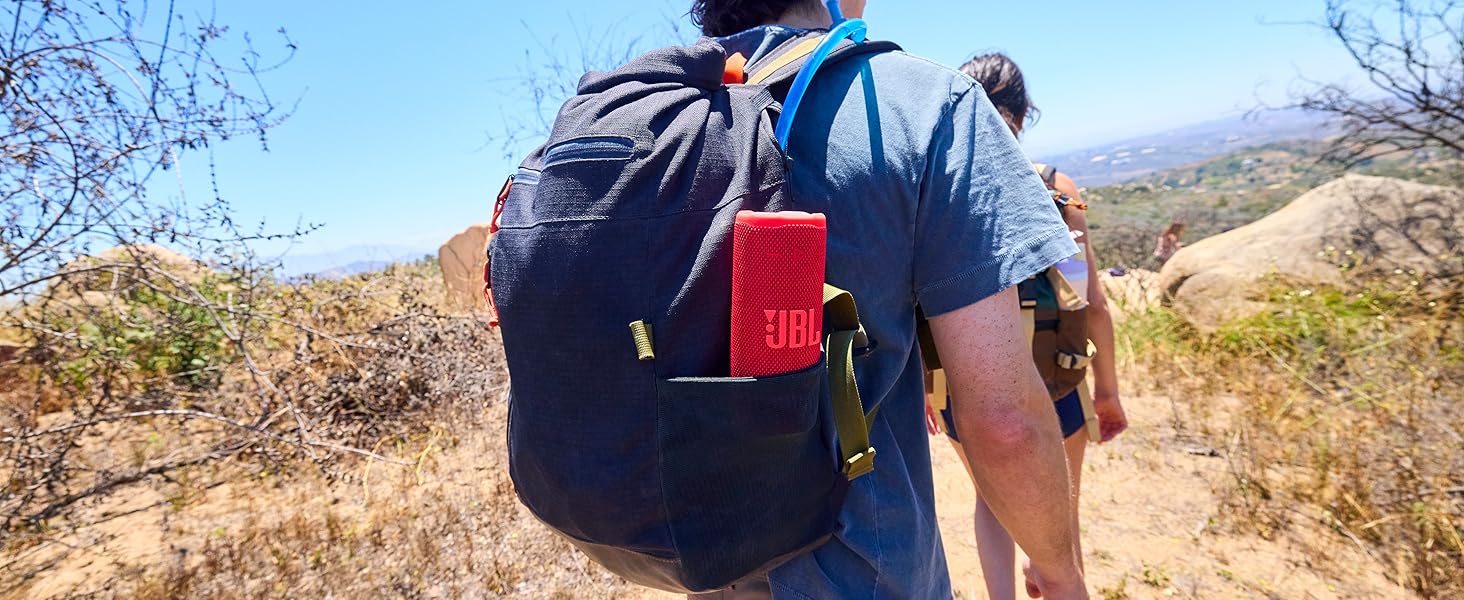
Image: The JBL Grip speaker connected to a USB-C charging cable, showing the charging indicator light.
Тэхнічнае абслугоўванне
To ensure the longevity and optimal performance of your JBL Grip speaker, follow these maintenance guidelines:
- Уборка: Выкарыстоўвайце мяккі, damp cloth to clean the speaker's exterior. Avoid using harsh chemicals or abrasive materials.
- Ўздзеянне вады: After exposure to water, ensure the USB-C port is completely dry before charging to prevent damage.
- захоўванне: Захоўвайце дынамік у прахалодным, сухім месцы, удалечыні ад прамых сонечных прамянёў і экстрэмальных тэмператур, калі ён не выкарыстоўваецца працяглы час.
- Сыход за батарэяй: For optimal battery life, avoid fully discharging the battery frequently. Charge the speaker regularly.
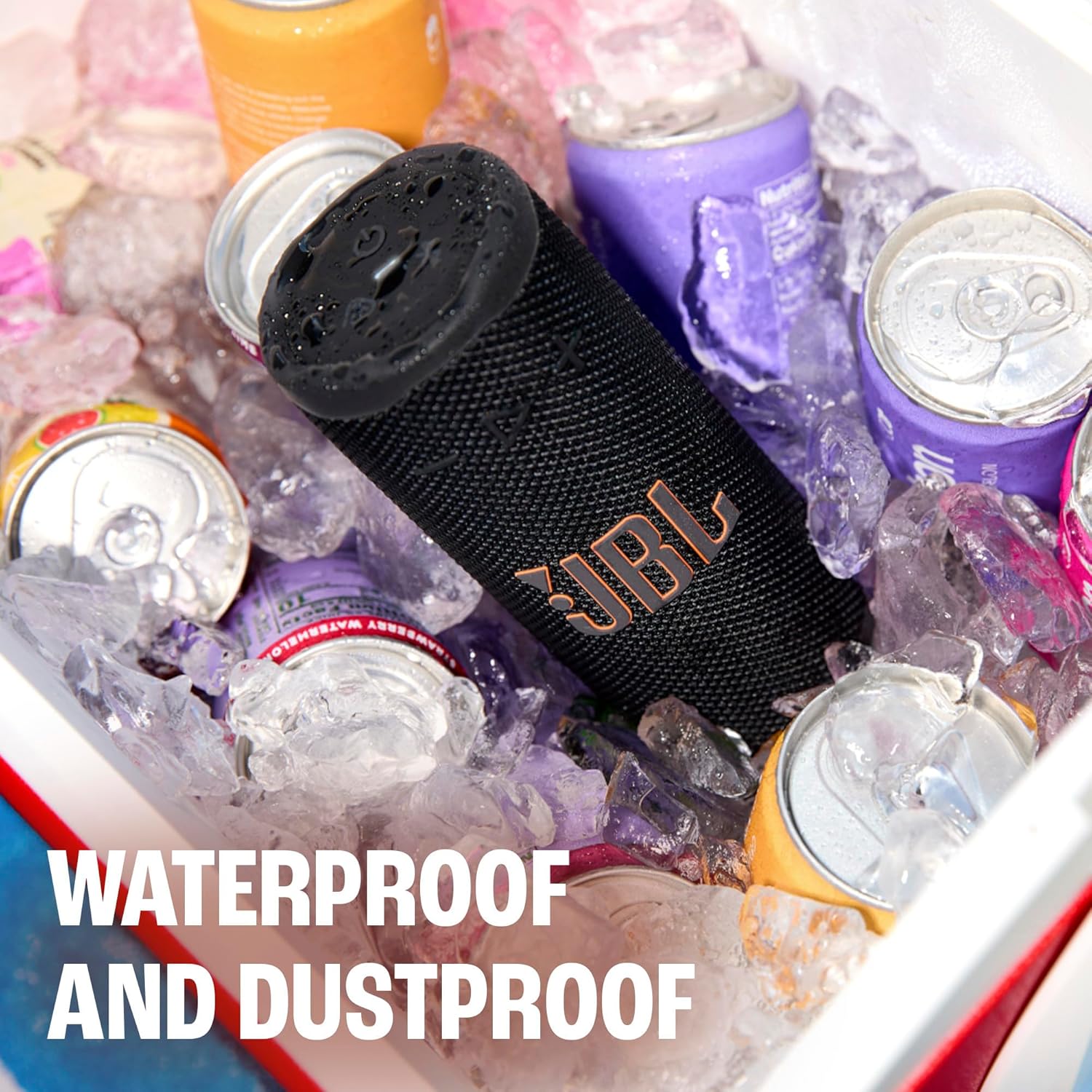
Image: The JBL Grip speaker in a cooler filled with ice and water, illustrating its waterproof and dustproof capabilities.
Ліквідацыю непаладак
If you encounter issues with your JBL Grip, refer to the following common troubleshooting steps:
- Няма харчавання: Ensure the battery is charged. Connect the speaker to a power source using a USB-C cable.
- Праблемы спалучэння Bluetooth: Make sure the speaker is in pairing mode (flashing Bluetooth indicator). Turn off and on Bluetooth on your device, then try reconnecting. If issues persist, try forgetting the device on your phone and re-pairing.
- Няма гуку: Праверце ўзровень гучнасці як на дынаміку, так і на падлучанай прыладзе. Пераканайцеся, што дынамік правільна спалучаны праз Bluetooth.
- Папярэджанне аб зарадцы: If a warning sound occurs during charging, disconnect the cable and ensure the USB-C port is completely dry and free of debris before attempting to charge again.
- Падключэнне праграмы: Ensure your speaker's firmware is up to date via the JBL Portable app.
Тэхнічныя характарыстыкі
| Асаблівасць | Спецыфікацыя |
|---|---|
| Назва мадэлі | JBL Грып |
| Нумар мадэлі тавару | JBLGRIPBLUAM |
| Марка | JBL |
| Тып дынаміка | Партатыўны дынамік |
| Тэхналогія падлучэння | Bluetooth 5.4 |
| Максімальная выхадная магутнасць дынаміка | 16 ват |
| Час гульні | Up to 14 hours (12 hours + 2 hours with Playtime Boost) |
| Узровень воданепранікальнасці | IP68 (воданепранікальнасць і пыланепранікальнасць) |
| Drop-Proof | Up to 1 meter onto concrete |
| Метад кантролю | Праграма, кнопкі |
| Памеры прадукту | 2.56" Г x 2.52" Ш x 6" У |
| Вага прадмета | 13.6 унцыі |
| Матэрыял | Пластык, сілікон |
| Крыніца харчавання | Харчаванне ад батарэі (патрабуецца 1 літый-палімерная батарэя) |

Image: A visual representation of the JBL Grip speaker's dimensions, including height, width, and depth.
Гарантыя і падтрымка
The JBL Grip comes with a limited warranty. Please refer to the included Warranty Card for detailed information regarding coverage, terms, and conditions. For technical support, product registration, or additional assistance, visit the official JBL website or contact customer service as indicated in your product documentation.